Databricks Unity Catalog is a technical catalog that provides schema information for all the databases in your connected Databricks instances.
The Databricks Unity Catalog integration enables seamless integration between Collibra and Databricks Unity Catalog. It supports both inbound and outbound metadata synchronization to keep your catalog in sync with Databricks Unity Catalog. You can integrate Databricks Unity Catalog only via Edge.
Integrating Databricks Unity Catalog is the recommended way to work with Databricks Unity Catalog because it shows the hierarchy of the assets and allows you to set up sampling, profiling, and classification.
- Inbound synchronization: Integrates metadata of all or multiple databases from Databricks Unity Catalog into Collibra. The integrated assets are Databricks databases, schemas, tables, database views, metric views, columns, volumes, directories, files, and notebooks.
- Outbound synchronization: Propagates attribute values from Collibra to tags in Databricks Unity Catalog, as mapped in the outbound configuration. Additionally, it supports mapping asset status, articulation score, average rating, Collibra tags, responsibilities, and data classifications (in preview). The outbound flow is supported for Database, Schema, Table, Database View, and Column assets. For tag mappings, if you leave the tag name or value blank, the next synchronization removes the tag from the asset in Databricks Unity Catalog. The integration supports mapping the following two types of tags to Databricks Unity Catalog:
- Custom tags: Custom tags accept any user-defined key-value pair. These are suitable for asset attributes such as description or any other custom attributes where the possible values are not predefined.
- Governed tags: Governed tags are a subset of custom tags. These are linked to tag policies in Databricks Unity Catalog that define allowed values. In contrast to custom tags, governed tags are ideal for attributes such as status, where all possible values are known in advance. Note that governed tags only accept predefined allowed values and reject any others. If you assign a tag value that is not allowed, it will not be propagated to the governed tag in Databricks Unity Catalog. In this case, the new value will appear in the asset attribute but the associated governed tag will remain unchanged. For attributes with multiple values, the combined, semicolon-separated value must itself match an allowed value, so use a custom tag or policy that allows the combined values. For more information on governed tags, go to the Databricks Unity Catalog documentation.
- Databricks Listings (in preview): Ingests Databricks listings published by your Databricks workspace as a Marketplace provider. The integration creates Databricks Listing and Data Product Port assets, and links the port to already ingested Table, Database View, or Databricks AI Model Version assets where a match exists.
- Tip
-
- If you're looking for information on how to create technical lineage for Databricks Unity Catalog via Edge, go to the technical lineage for Databricks Unity Catalog documentation.
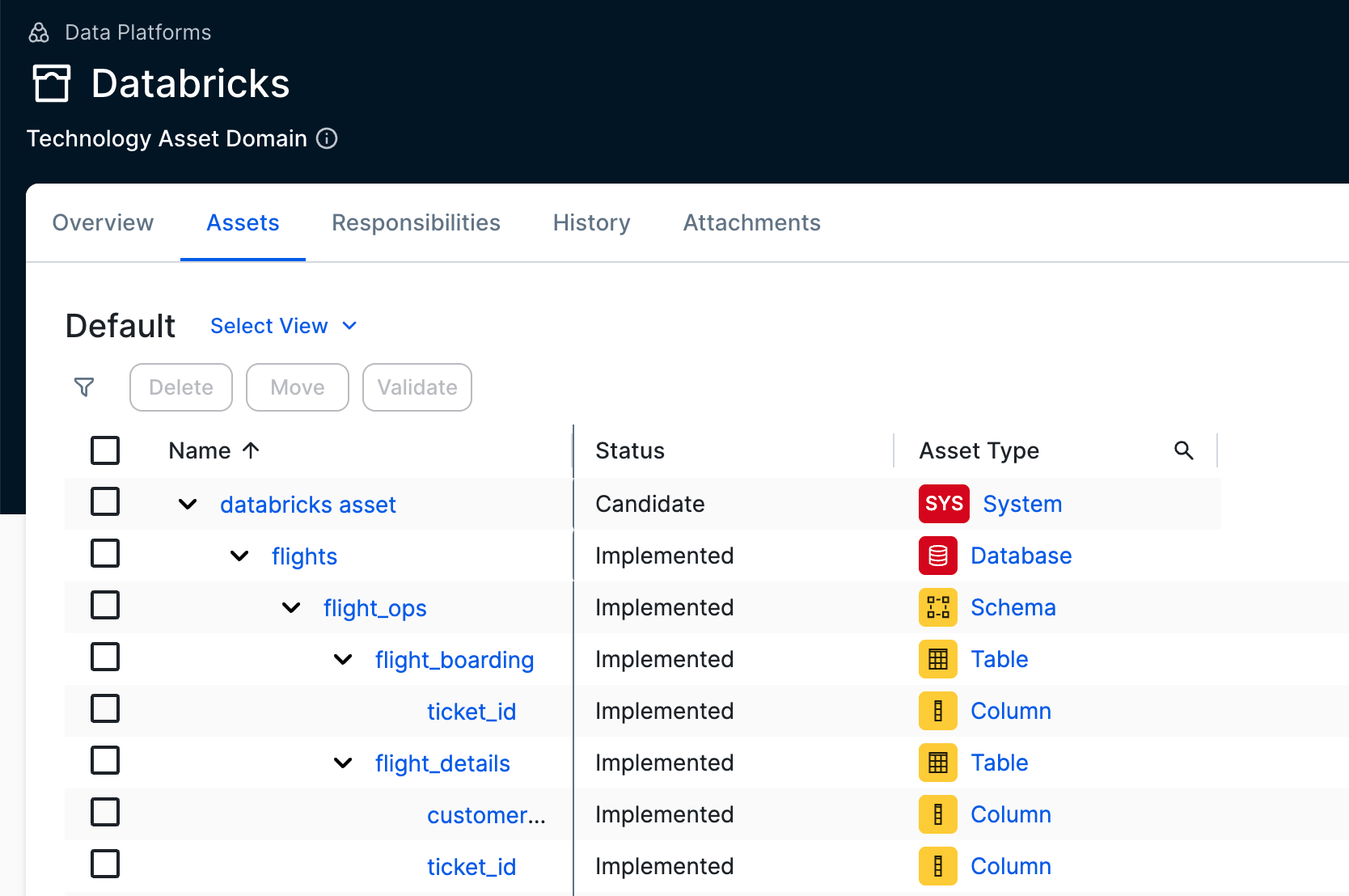
Suppose that you want to add 10 databases and profile the data.
If using only the Databricks JDBC connector
- Create 10 JDBC connections.
- Add the required capabilities to each connection.
- Register and synchronize each database individually.
If using the Databricks Unity Catalog integration with profiling
- Create 2 connections: one for the integration and one for JDBC.
- Add the required capabilities to the JDBC connection.
- Integrate Databricks Unity Catalog.
The resynchronization for the databases is managed through the Databricks Unity Catalog capability, and profiling is performed via the Database asset.
If you previously used a combination of integrating Databricks Unity Catalog and registering an individual Databricks database via the Databricks JDBC driver, and you want to switch to using only the integration, go to Switching to working only with Databricks Unity Catalog integration.
Supported table types
The Databricks Unity Catalog integration supports the following table types:
- EXTERNAL
- MANAGED
- STREAMING_TABLE
- VIEW
Helpful resources
To learn more about the Databricks Unity Catalog integration, follow our University course.
For more information about Databricks, go to the Databricks documentation.