You can open AI Command Center from the main toolbar.
Prerequisites
- AI Command Center is enabled for your Collibra environment.
-
You have a global role with the Product Rights > AI Governance global permission.
Steps
On the main toolbar, click
 →
AI Command Center.
→
AI Command Center.
Note If AI Command Center is not shown in the list of apps, then it is not enabled. For more information, go to Set up AI Command Center.
The AI Command Center landing page opens.
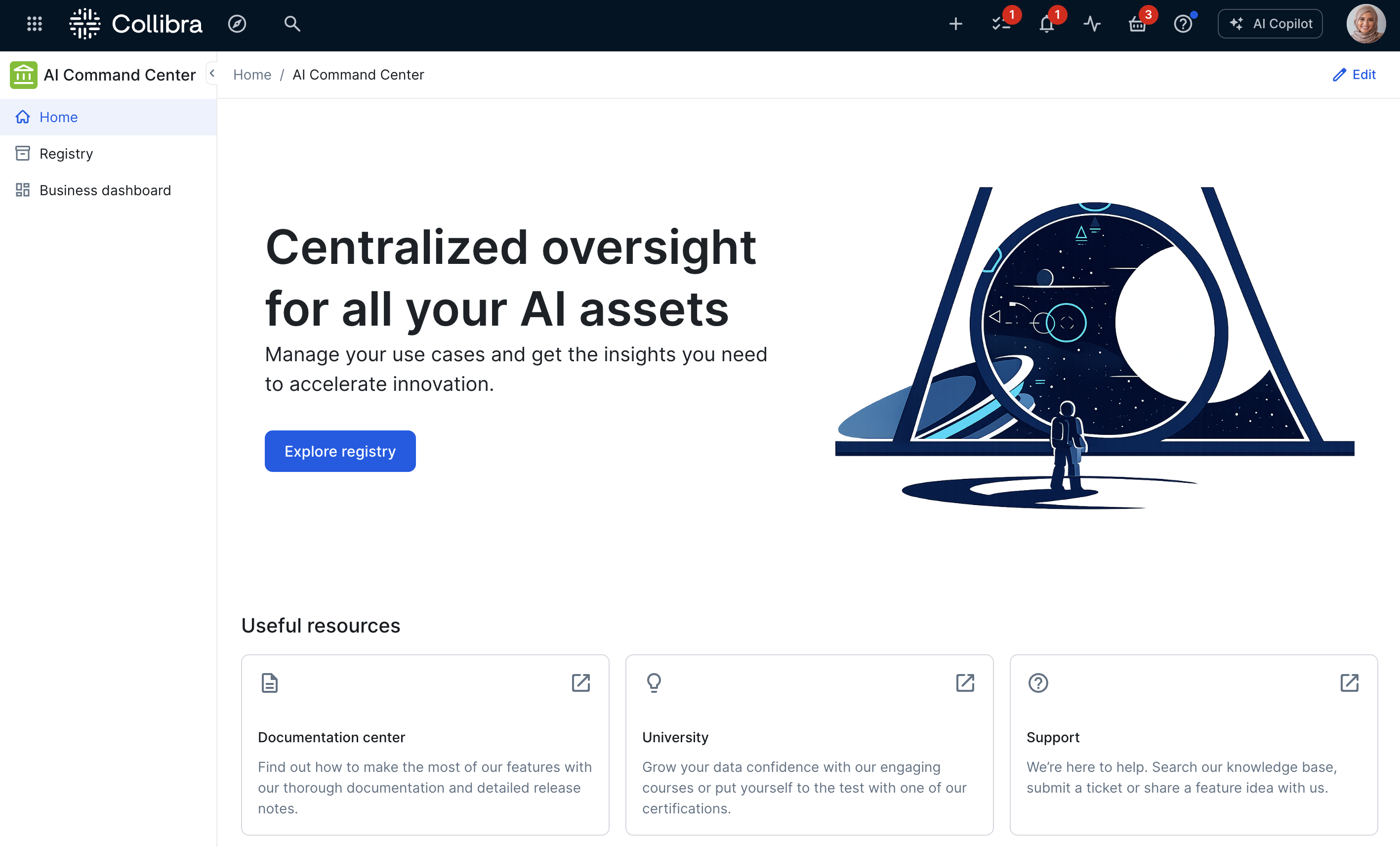
As an AI Consumer:
- Click Registry to open the registry, a unified view of all your AI assets.
- Click Register AI use case to open the registry. If you have the required permissions, the Register AI use case form is shown.Note
- The button is not shown if you don't have a global role with the AI Command Center > Register AI use case global permission.
- If your Data Governance Manager has configured the button to start a workflow, the button label reflects the start label of the selected workflow. For complete information, go to Configure the behavior of the Register AI use case button.
- Under Dashboards:
As an Administrator, you can configure the AI Command Center landing page to suit your needs.