Setup overview
Before using Data Access, you need to set it up for your data source. The setup involves the following phases.
| Phase | Description |
|---|---|
|
1. Configure data source permissions |
Before connecting a data source to Data Access, configure the target data source with the necessary permissions to allow Data Access to synchronize the required information. Data Access requires broader permissions than standard Data Catalog ingestion, because it actively reads, creates, and updates access controls. |
|
2. Create data source connection |
To bridge Data Access and your target data source, create a connection from an Edge or Collibra Cloud site to the data source. Data Access requires specific connection types for certain data sources. It does not support standard JDBC connection types, which are typically used for Catalog ingestion. For example, for Databricks and Snowflake, you must use the dedicated Data Access connection types, Databricks Account and Snowflake, respectively. However, for BigQuery and Microsoft Entra ID, you can reuse the existing connection types, GCP connection and Azure connection, respectively. |
| 3. Add data source to Data Access |
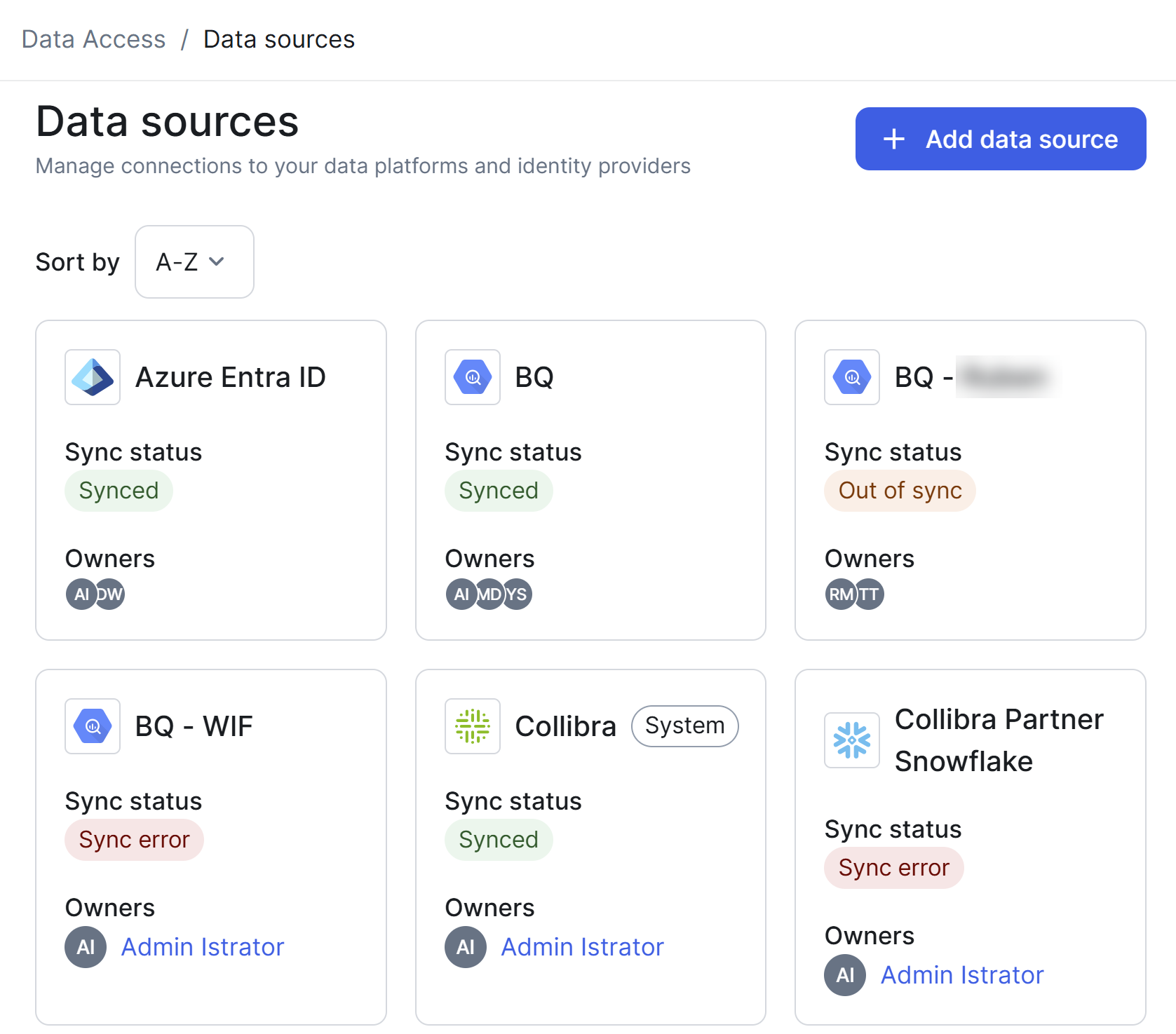
Once your Edge connection is ready, add the data source to Data Access and link it to the data source connection. This is when you set the synchronization schedule to pull the existing entities from your target data source.
Data Access does not require you to create an Edge capability; it automatically creates one when a synchronization is triggered. This Edge capability acts as the connector, running the synchronization instructions sent from Data Access to your target data source. If the capability is manually deleted from Edge, Data Access simply recreates it during the next synchronization. |
|
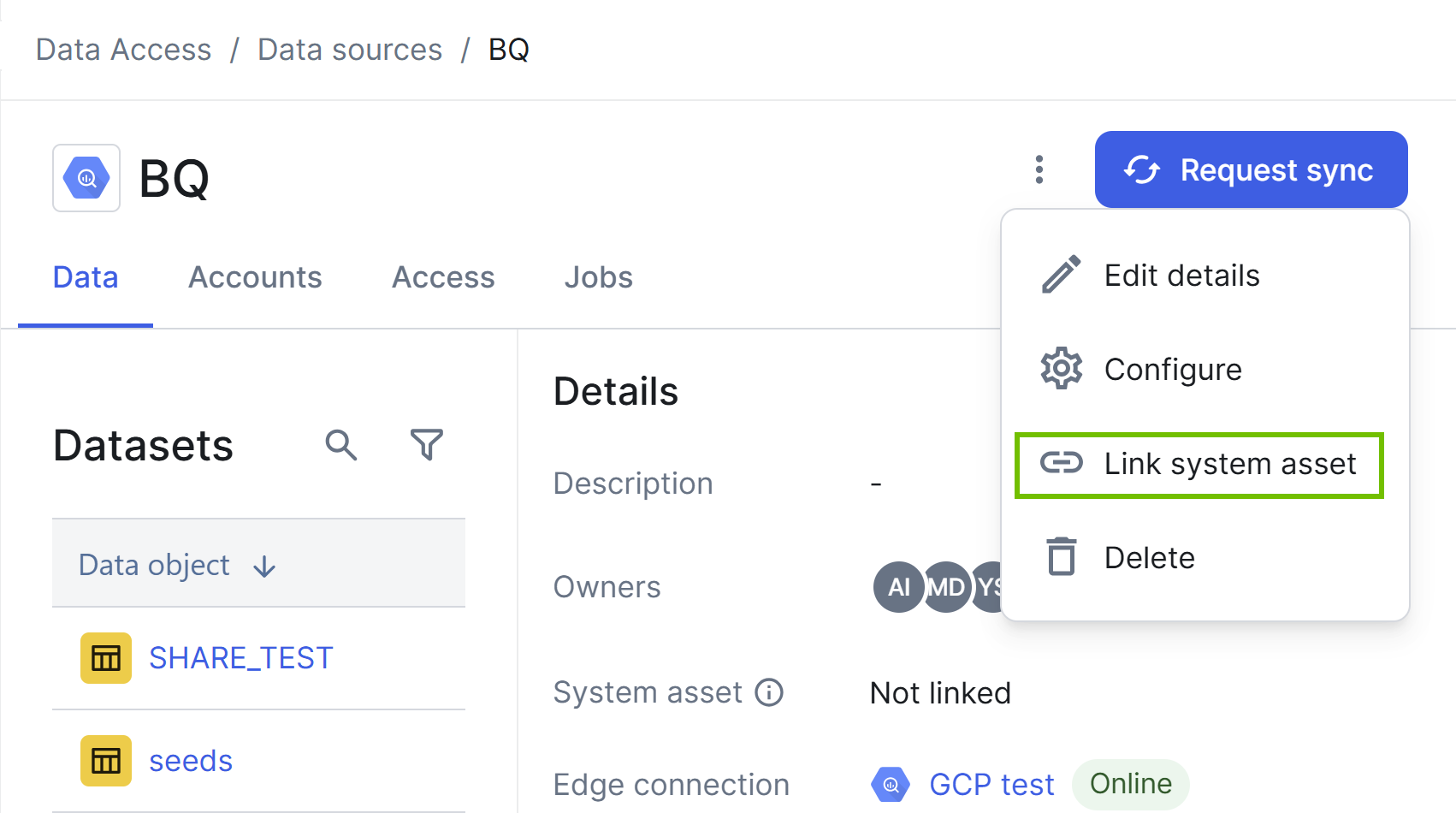
4. (Optional) Link data source to System asset |
To fully integrate your data governance landscape, optionally, link the data source to an existing System asset in Catalog. This phase is not applicable to Microsoft Entra ID and Okta.
While for most data source types, you link the data source to a System asset, for Databricks, you link a data object under the data source to a System asset. |
Related topics
- BigQuery
- Databricks
- Microsoft Entra ID
- Okta
- Snowflake