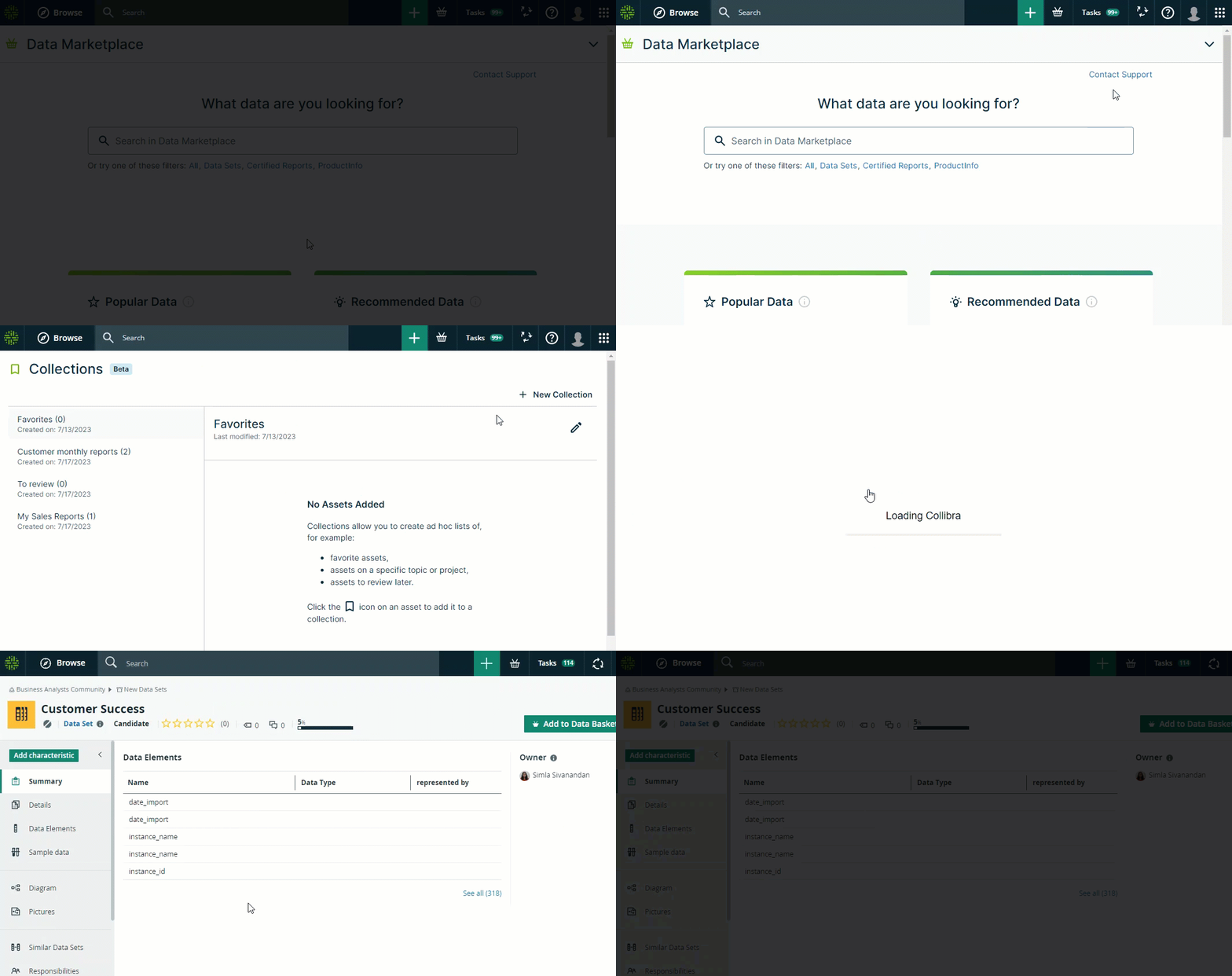
You open a collected asset from the Collections page. For general information on collections, go to Collections.
Before you begin
Data Marketplace and Collections are enabled.
Steps
- Click your avatar → Collections.
The Collections page opens.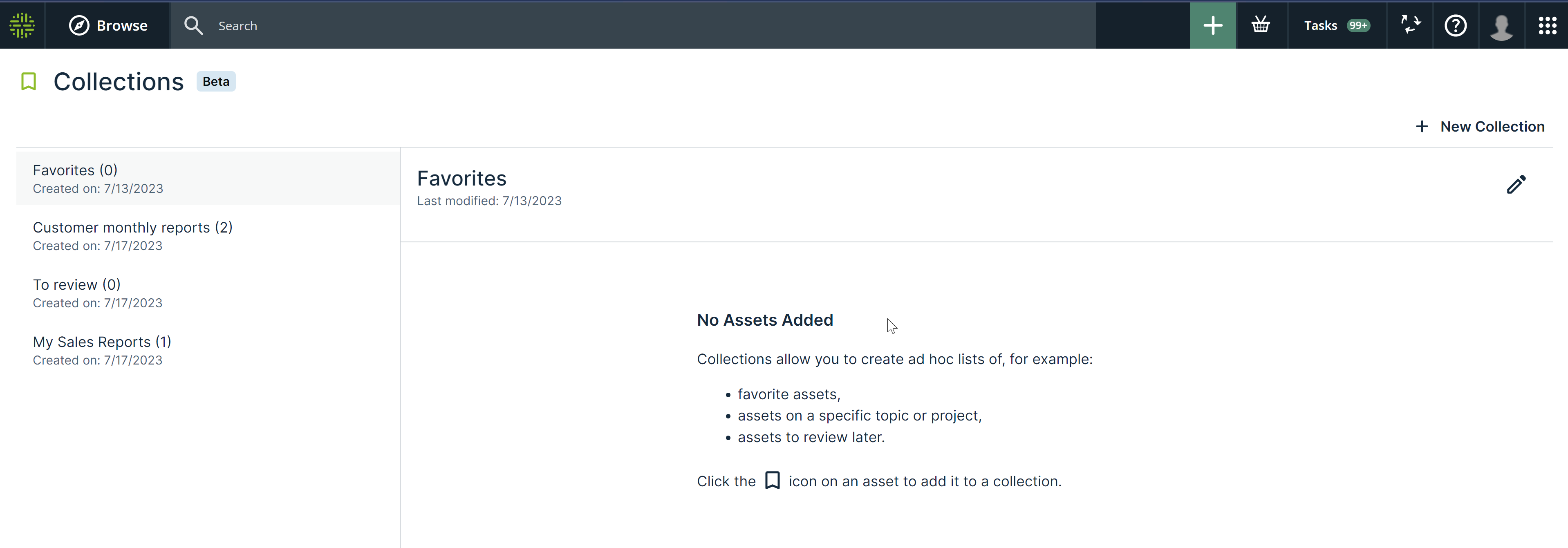
- Click the name of a collection.
- Right-click the asset and select Open in New Tab.
Note If you click the asset, the asset page opens in the same Browser tab.
Example