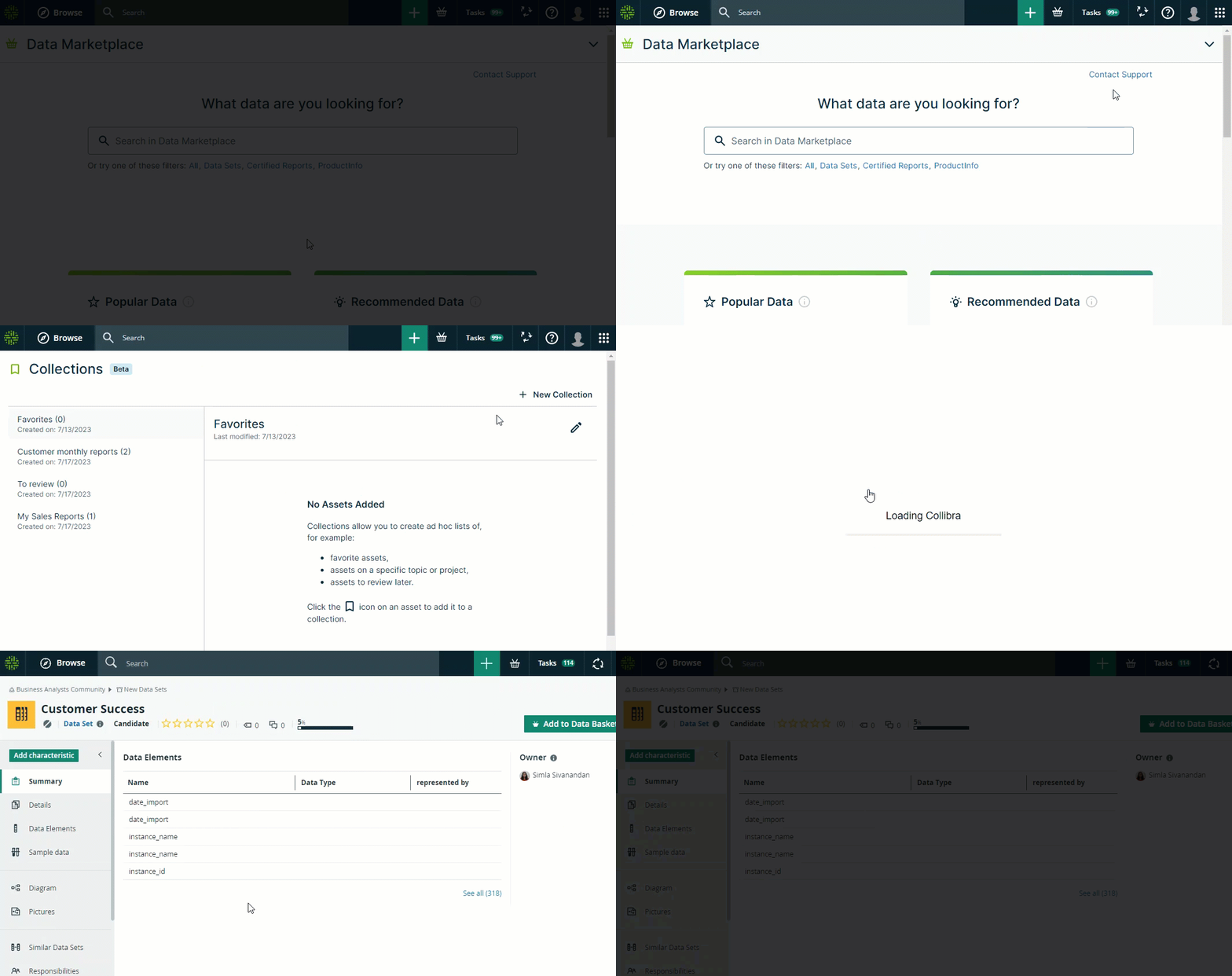
Collections allow you to group assets in organized lists.
They help you be more efficient in what you do because they give easy access to assets you need. You can, for example, create collections with your favorite assets, assets you need in the context of projects, assets you want to follow up on, and so on.
To work with collections, both the Data Marketplace and Collections features must be enabled. For more details, go to Enable Data Marketplace.
Note
- The collections feature is in Beta testing and is available only in a Data Marketplace context. We consider extending its availability in the future if the Beta goes well.
- All users can create collections when the feature is enabled. You don't need other specific permissions.
Once the feature is enabled, users can create collections, add assets to their collections, and manage their collections.
- Collections are personal lists. They can't be shared with someone else.
- Each user can create up to 100 collections and add up to 200 assets in one collection.
- The Favorites collection is available by default. It is an out-of-the-box collection and can't be removed or renamed.
- Assets can be added to a collection from the Data Marketplace asset preview. For more information, go to Create a collection and add an asset (Beta).
- All collections can be accessed via the avatar → Collections. For more information, go to Manage collections (Beta).
- Collected assets open in Collibra in the same Browser tab. For more information, go to Open an asset you collected (Beta).
Example