Text editor types
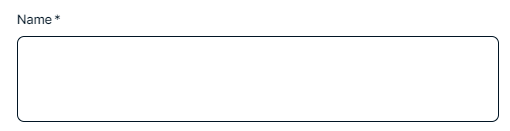
Text editors in Collibra allow you to enter, edit, and format text. The following table lists the types of text editors and where they are available.
| Text editor | Location of use |
|---|---|
| Standard text editor |
|
| Mini text editor |
|
|
Additionally, admins can enable the Rich Text Editor (in preview) feature in the Settings > In Preview page.
This new experience migrates the Rich Text Editor back to TinyMCE to enhance functionality and improve your editing experience. You can now copy and paste content from Microsoft Word and Excel into the Rich Text Editor while preserving the correct formatting.
Tip For a list of all known issues, go to the Support Portal.
Standard text editor
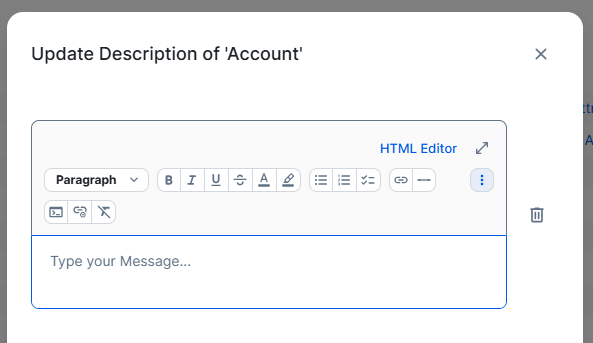
The standard text editor is a rich text formatting editor.
Commenting on asset pages in the default experience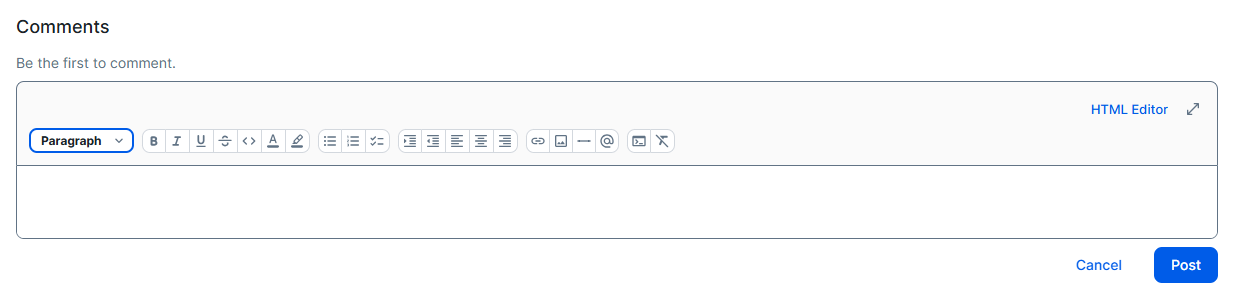
For formatting, you can use:
- The formatting toolbar options, such as paragraph styles, bold, lists, and code block. Via the toolbar, you can also add hyperlinks and images. For information about hyperlinking, go to Manual hyperlinking.
-
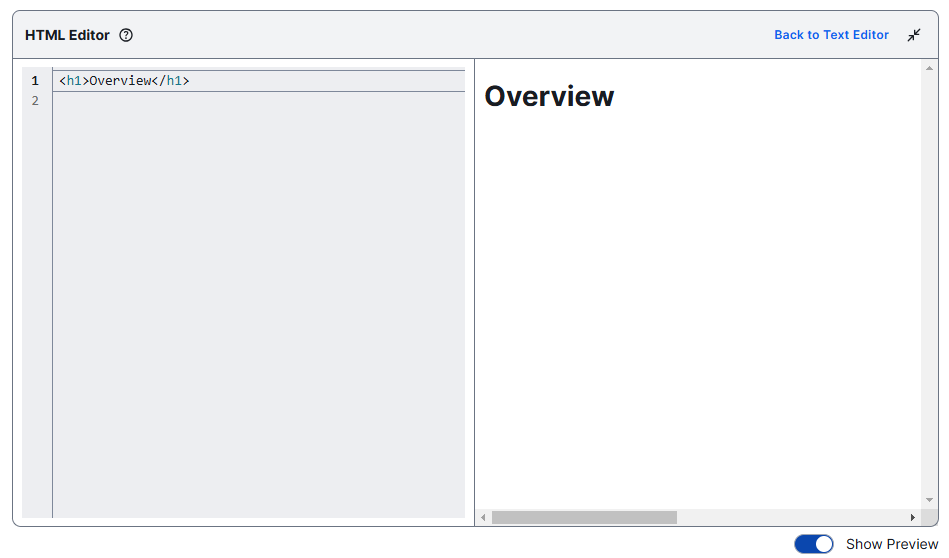
The HTML Editor, if available. Click HTML Editor and enter HTML code. The HTML Editor allows for even more advanced HTML editing, and gives you the option to preview the output. Tip
- For a list of HTML tags supported by Collibra, go to HTML tags in text editors and text widgets.
- The <style> tag affects only elements in the related text editor area, such as the text widget or attribute.
- You can maximize the HTML Editor. In the full screen view, you can see a preview of your code.
- Copying and pasting from Microsoft Office or other sources may not retain all formatting.
- You can't upload an image via a URL path. You can drag an image to the text editor or upload the image from your computer.
- You can resize your image by selecting the image and dragging the corners of the image to the desired size.
Mini text editor
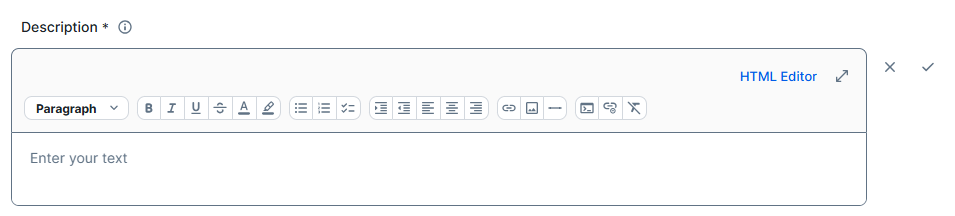
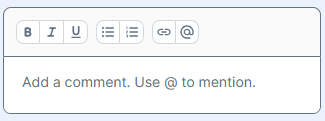
The mini text editor is a variant of the rich text formatting editor. The toolbar in the mini text editor offers a more basic set of formatting options than the standard text editor.
For formatting, you can use:
- The formatting toolbar options, such as paragraph styles, bold, lists, and code block. Via the toolbar, you can also add hyperlinks and images. For information about hyperlinking, go to Manual hyperlinking.
-
The HTML Editor, if available. Click HTML Editor and enter HTML code. The HTML Editor allows for even more advanced HTML editing, and gives you the option to preview the output. Tip
- For a list of HTML tags supported by Collibra, go to HTML tags in text editors and text widgets.
- The <style> tag affects only elements in the related text editor area, such as the text widget or attribute.
- You can maximize the HTML Editor. In the full screen view, you can see a preview of your code.
- Copying and pasting from Microsoft Office or other sources may not retain all formatting.
- You can't upload an image via a URL path. You can drag an image to the text editor or upload the image from your computer.
- You can resize your image by selecting the image and dragging the corners of the image to the desired size.
Plain text editor
The plain text editor allows you to enter text without any formatting.