About Data Notebook
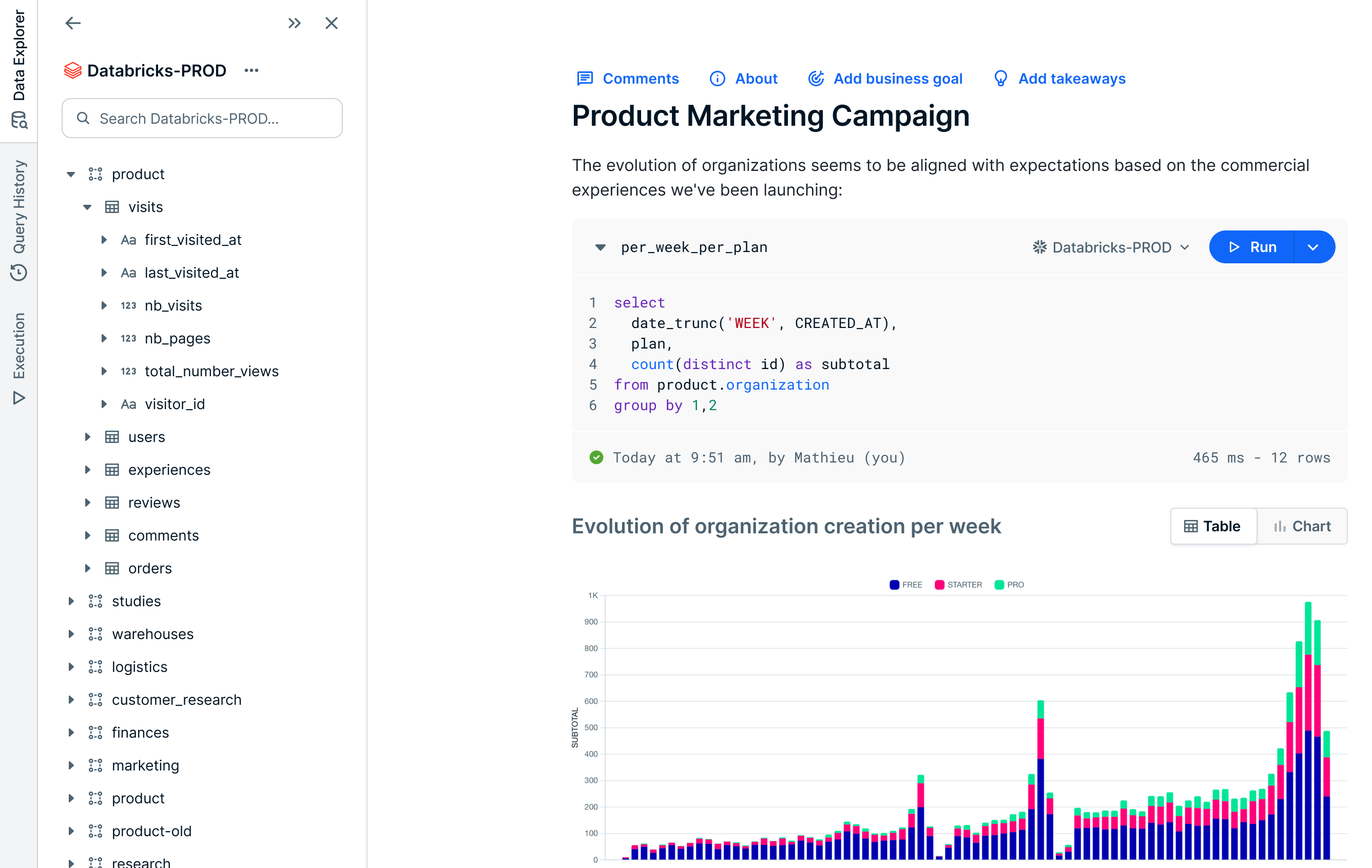
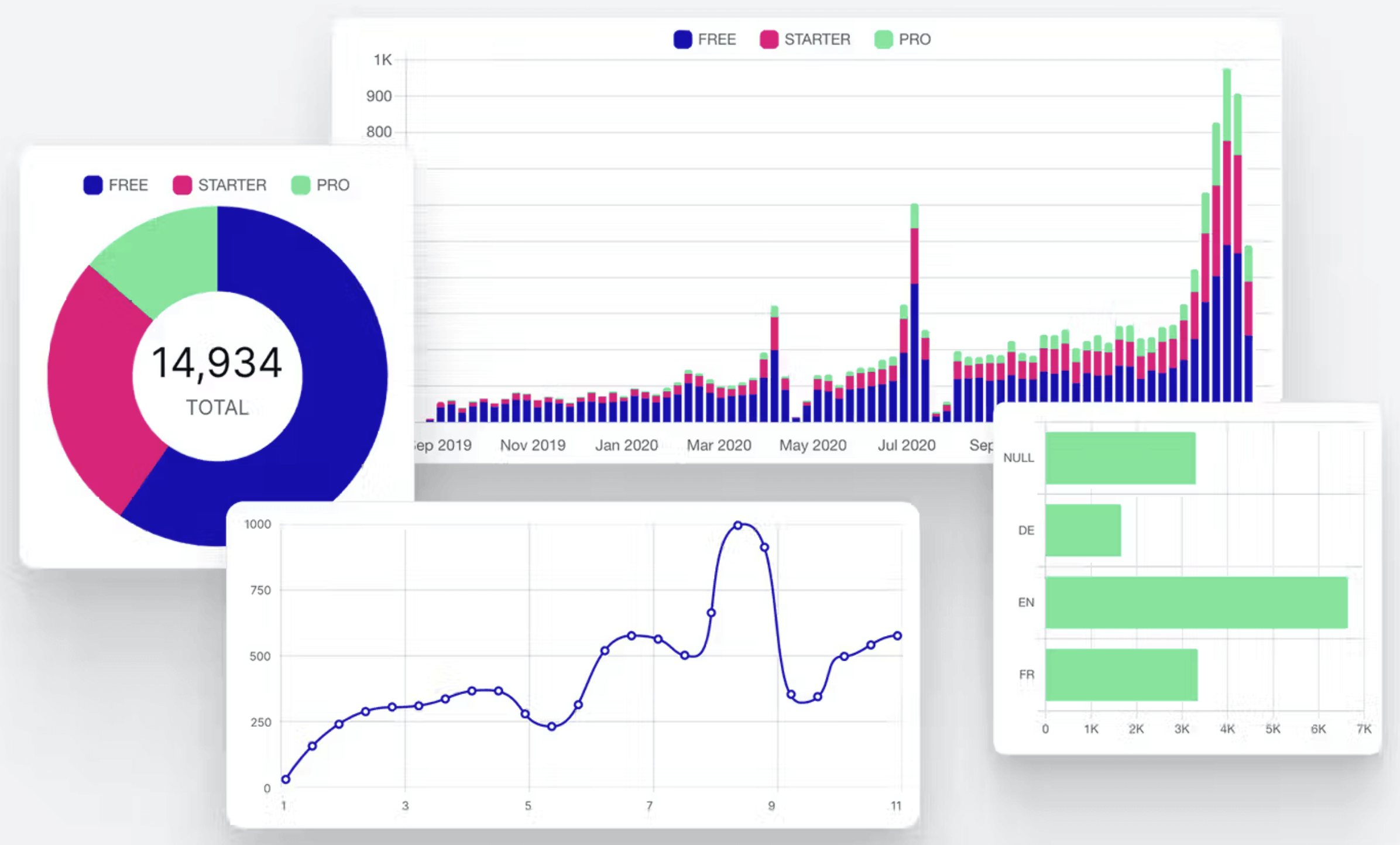
Collibra Data Notebook is a querying tool integrated directly into Collibra Platform to enable you to find and query data in real time using an SQL editor. It offers a space where you can register your data sources and run queries against them. You can also visually represent the query results as charts to make them informative and engaging.
By leveraging Data Catalog, Data Notebook allows you to efficiently write and run queries against your data sources, reducing the time to access and explore ingested data. Data Notebook also promotes collaborative efforts by allowing you to create assets from notebooks, giving your teams a centralized knowledge repository within Collibra.
Use cases
Different roles in your organization can use Data Notebook in different ways. The following table describes how Business or Data Analysts, Data Engineers, and Data Stewards can use Data Notebook to streamline their workflows.
| Persona | Use case |
|---|---|
| Business or data analyst |
You may often need to link business lineage and information about the data you have to the intricate details of the raw technical data itself. This could be vital for conducting complex analyses that require a profound understanding of both the data and the business context. Data Notebook can bridge the gap between business insights and technical data by allowing you to link your analysis directly to the real-world data. This facilitates validation, sharing, and reuse of data. |
| Data engineer |
You can investigate and fix any production pipeline issues by querying the underlying data in a notebook. You can also document your findings in the notebook for auditing and collaboration purposes. |
| Data steward |
When curating a new data set, you may often run queries in external data sources to validate the underlying data. Instead of relying on disparate tools and processes, you can use Data Notebook to query your data sources. Data Notebook eliminates the need to switch between various tools by offering a consolidated environment for the entire process. |
Open the Data Notebook product
To use Data Notebook, the Data Notebook enabled setting in Collibra Console must be activated.
You can open the Data Notebook product if you have the Product Rights > Data Notebook global permission. To open the product, on the main toolbar, click
 >
Data Notebook.
>
Data Notebook.
Data Notebook as an asset
You can convert your notebook into an asset by simply publishing the notebook. The asset type of the asset thus created is Data Notebook.

Types of notebooks
A notebook can be either private or published.
| Type of notebook | Description |
|---|---|
| Private |
A notebook that you created but haven't published. A private notebook isn't visible to others until you publish it. Private notebooks are shown on the Data Notebook homepage and the Your Private Notebooks section in the left pane on the Data Notebook homepage. |
| Published |
A notebook that is published. It could have been created by you or anyone. A published notebook is visible to anyone who can access Data Notebook. Published notebooks are shown on the Data Notebook homepage and the Published Notebooks section in the left pane on the Data Notebook landing page. |
Technical background
Secure architecture
Data Notebook prioritizes security with its reliance on Edge, ensuring that all interactions with your data sources occur via Edge. This eliminates the need to change how your databases are exposed to Collibra or globally.
Storage of query results
Data Notebook provides the following options for storing the results of your SQL queries:
- Collibra Platform: Have the results securely stored in the Collibra Platform alongside the rest of your notebook content.
- Your own database: Connect the database you manage either to your Edge component or to your own database.
- No storage: Choose not to store the results on any database.
These options are set when registering data sources for Data Notebook.
Authentication method
Administrators can enforce how you connect to databases to run queries. This may include using personal credentials, service accounts, or authentication protocols such as Open Authorization (OAuth) and Single Sign-On (SSO) connections.
- Personal credentials: Users need to enter their own credentials to connect to the data source when running queries. Users will therefore inherit permissions from the underlying system, meaning they can query only that data to which they have access.
- Service accounts: Users don't need to enter any credentials to connect to the data source when running queries. Data Notebook uses the service account from the Edge data source connection. This option is suitable for testing Data Notebook or for giving organization-wide access to a data source.
- OAuth or SSO: Users are redirected to a sign-in page when running queries. If the sign-in is successful, they can run queries against the data source using their own identity, similar to personal credentials.
- Not all authentication methods are available for all data source providers.
- Queries are run with user-based system permissions. Data Notebook doesn't restrict the SQL statements that users can run. Therefore, consider setting proper permissions.
Supported data sources
Data Notebook supports the following data sources:
- Amazon Athena (in preview)
- BigQuery
- Databricks
- Microsoft SQL Server
- Oracle
- PostgreSQL
- Redshift
- Snowflake
- Teradata