About Data Access
Collibra Data Access gives you a single place to manage data access across all your external systems. You can define access controls, such as who can access data objects, how sensitive columns appear to them, and which rows they can see. These access controls are automatically enforced in your target systems, so you do not need to manage isolated access controls separately in each system.
Without Data Access, you grant, review, and revoke access separately in each system by using each system’s own permission model. With Data Access, you define access once in Collibra, and Data Access applies the access controls to your external systems. For example, if an analyst needs to query a customer table in Snowflake, the data owner can grant them access directly through Data Access. The analyst then receives the permissions in Snowflake, without requiring a platform administrator to manually update permissions in Snowflake.
Benefits
Data Access simplifies how you manage data access controls across your organization. Its key benefits include the following.
| Benefit | Description |
|---|---|
| Unified access management | Manages access for individual users regardless of the accounts or platforms that they use to query data. Data Access unifies a user's accounts from different data sources into a single identity, so you can govern the user, instead of managing fragmented access controls across multiple data sources. |
| Governance separated from infrastructure |
Separates permission management from the technical complexities of the systems where your data resides. The access controls that you define in Data Access are automatically translated into the native access controls that your data sources understand. This accelerates data delivery for data consumers, while maintaining consistent data protection, regardless of the target database technology. |
| Faster and safer access provisioning |
Lets you grant time-bound access and automate access through dynamic rules (Attribute-Based Access Controls). |
| Synchronization with your data landscape |
Pulls existing entities from your data sources. This gives you immediate visibility into who can access what, helping you spot where access is unused and remove it. Data Access also pushes access control changes to your data sources to keep both environments synchronized. |
How Data Access works
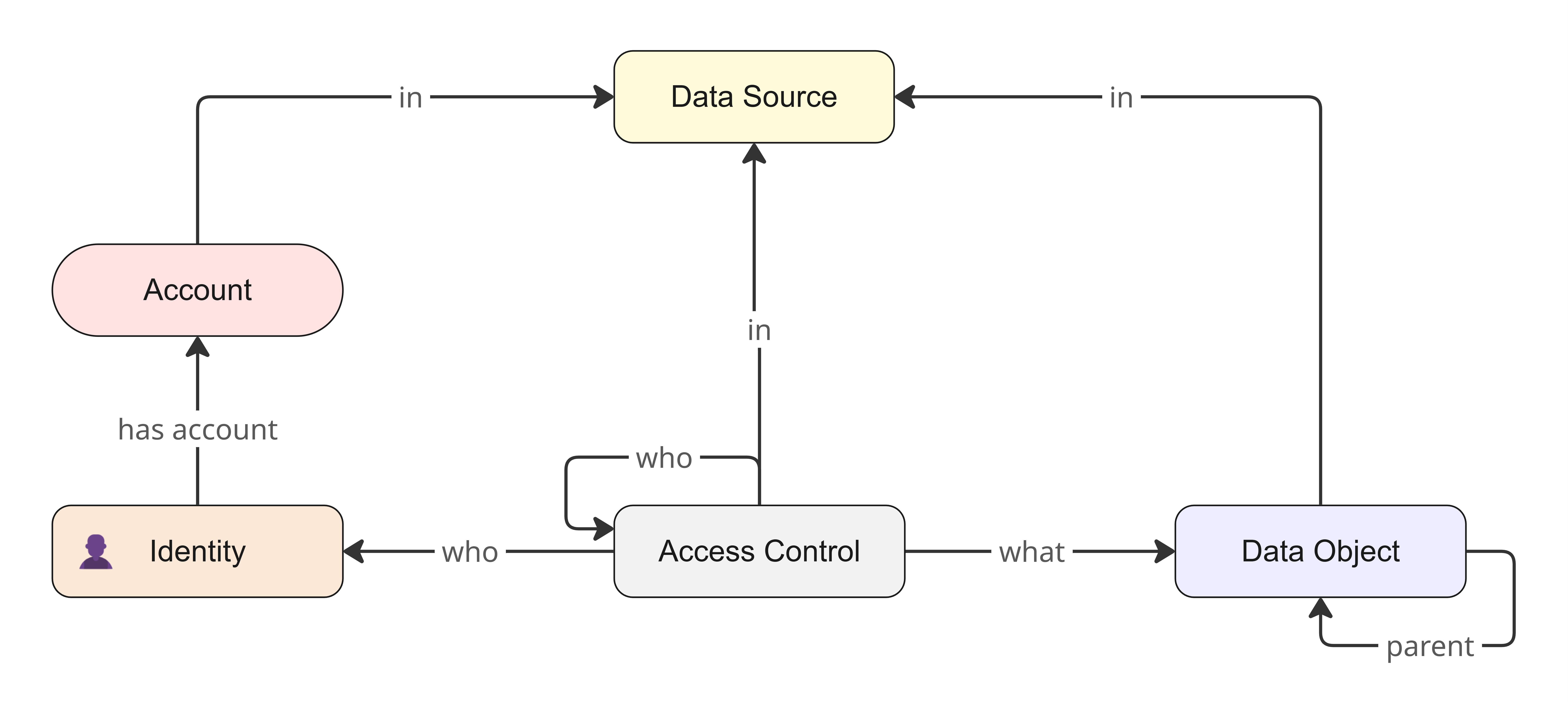
The core conceptual model of Data Access is built around an abstract representation of access management. It contains many interconnected entities that map your external systems into a unified framework.
Data sources
Data sources act as the top-level entities, representing an instance of a data warehouse, such as BigQuery or Databricks, or an identity store, such as Microsoft Entra ID or Okta. After a data source is added to Data Access, its metadata is ingested to form data objects in Data Access. These objects represent the underlying data elements, such as databases, schemas, tables, columns, or folders, all of which are organized in a hierarchy. In the model, the self-referential "parent" link represents the hierarchical nesting of data objects. For example, a data object can have another data object as its parent.
Accounts and identities
To manage people and services, the model distinguishes between accounts and identities. An account represents a user within a specific data source, such as a Snowflake user or a GCP service account. Because users often have multiple accounts in different data sources, these accounts are mapped to a single identity in Data Access based on email address. An identity serves as a centralized, cross-platform view of a single person or service.
Access controls
Access controls in Data Access are what unify the model and define who gets access to what. They function regardless of how your target data source implements access, whether that is through an Access Control List (ACL) in BigQuery or Role-Based Access Control (RBAC) in Snowflake.
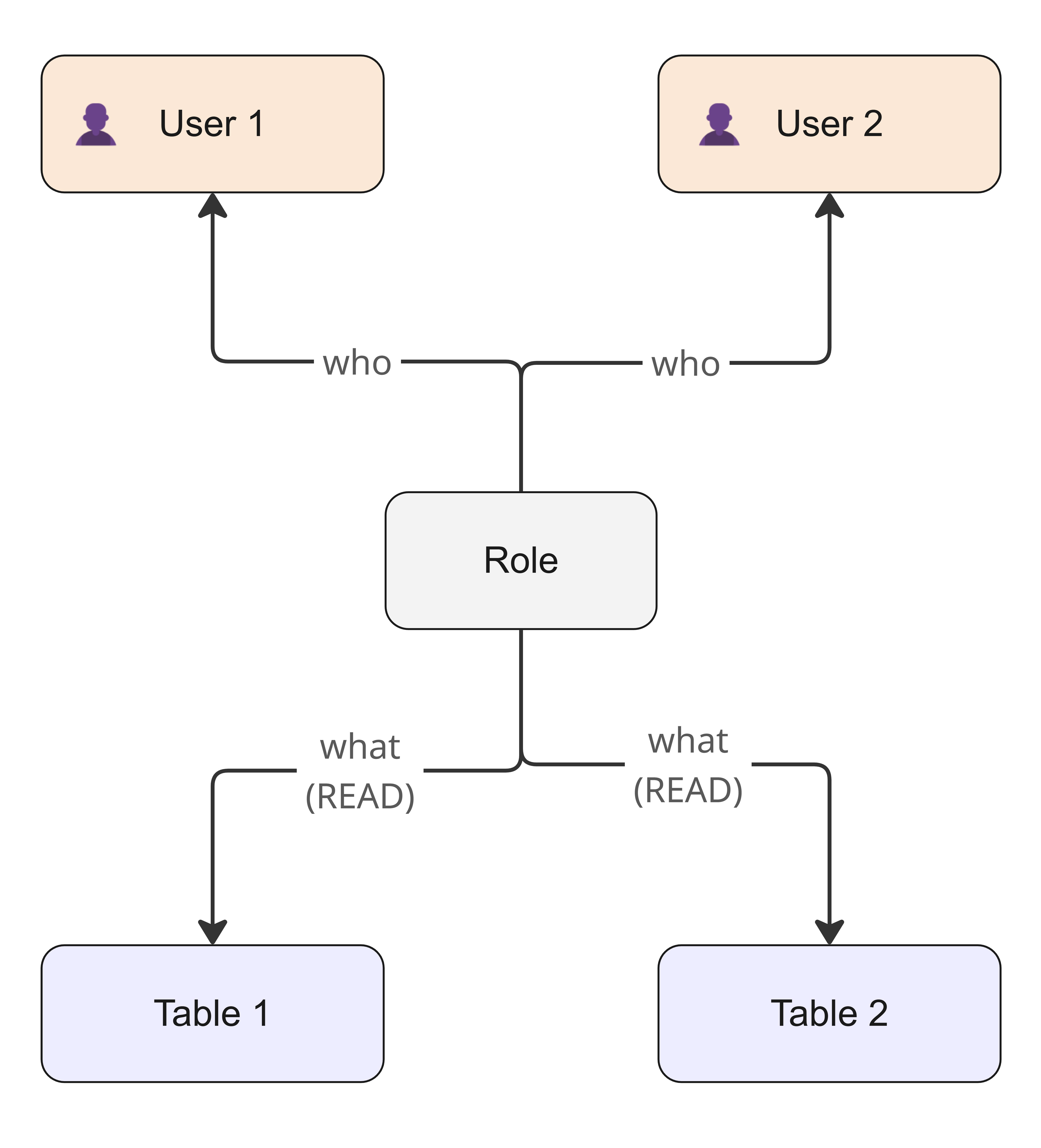
An access control has a What component, which contains specific data objects, and a Who component, which contains identities that get access. These identities are called beneficiaries.
Access controls take different functional forms, including roles, column masks, or row filters. They can also be linked to other access controls to create powerful inheritance structures, so you can build higher-level data products from lower-level technical roles. In the model, the self-referential "who" link represents access control inheritance, wherein one access control references another to form a chain.
Tags
The Data Access model also incorporates tags, which are metadata key-value pairs that are imported directly from your data sources and attached to data objects, accounts, and groups. These tags enable Attribute-Based Access Control (ABAC), so you can dynamically define the What and Who components of an access control by using Boolean expressions, instead of manual static assignments.
Supported data sources
Data Access supports the following data sources:
- Data warehouses: BigQuery, Databricks, Snowflake
- Identity stores: Microsoft Entra ID, Okta
Data Access also includes the Collibra system as a data source. The Collibra data source is used to synchronize Collibra users and groups.
Set up Data Access
To set up Data Access for a data source:
- Configure the permissions in the data source.
- Create a connection from an Edge or Collibra Cloud site to the data source.
- Add the data source to Data Access.
- Optionally, link the data source to an existing System asset in Data Catalog.
Open Data Access
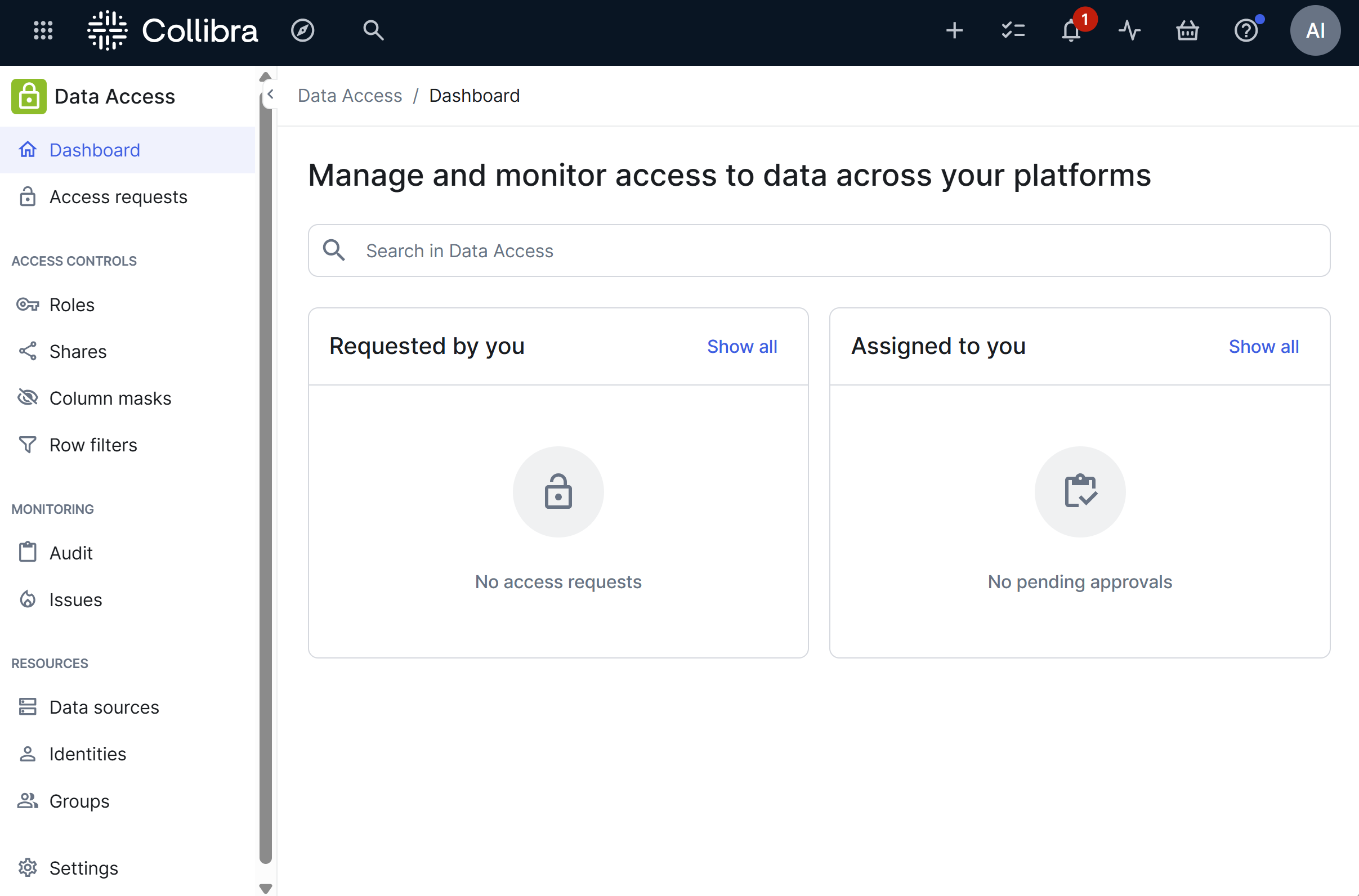
You can open the Data Access product if you have the Product Rights > Data Access global permission. To open the product, on the main toolbar, click
 >
Data Access. This shows the Data Access landing page.
>
Data Access. This shows the Data Access landing page.
Related topics
- Core concepts
- About data sources
- About identities
- About groups
- About access controls
- About access requests
- Ownership model
- Setup overview
- Access as code with Terraform
- Data Access versus Protect