Data Helpdesk operating model
Data Helpdesk has specific out-of-the-box (OOTB) asset types, domain types, and workflows.
Asset types
The following table contains OOTB asset types that are relevant for Data Helpdesk.
| Asset type | Description |
|---|---|
|
Governance Asset Issue Category |
Allows you to categorize Issue type assets to help with organization and reporting. Example: You want to differentiate between types of issues, such as a Duplication issue or a Completeness issue. |
|
Issue
|
The parent asset type of all issues. |
|
Issue Data Issue |
A problem related to issue management, also referred to as "issue". |
Domain types
The following table contains OOTB domain types that are relevant for Data Helpdesk.
Use these options to filter the rows and columns of the table to your needs:
Workflows
The following table contains OOTB workflows that are relevant for Data Helpdesk.
|
Name |
Description |
Visual representation |
|---|---|---|
|
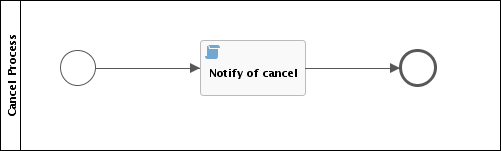
Cancel Process |
This process notifies the concerned users of a workflow cancellation. |
|
|
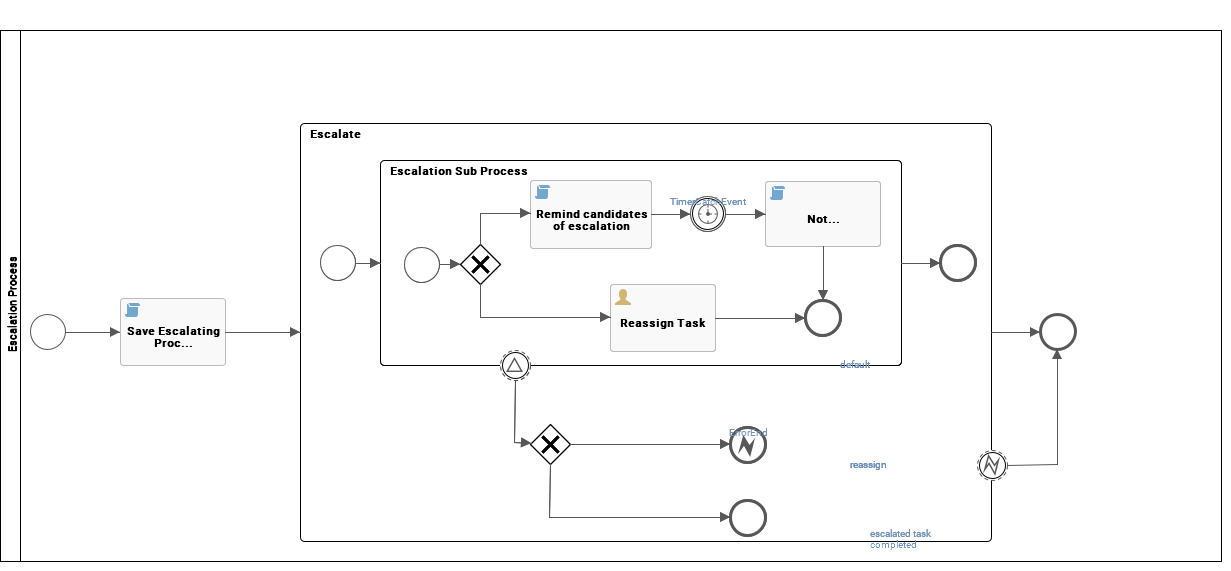
Escalation Process |
This process is the default mechanism for the escalation of user tasks in workflows. |
|
|
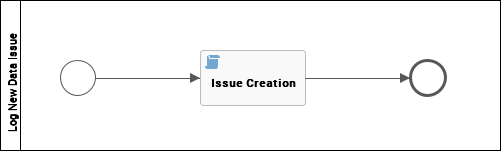
Issue Creation |
This process facilitates issue creation. |
|
|
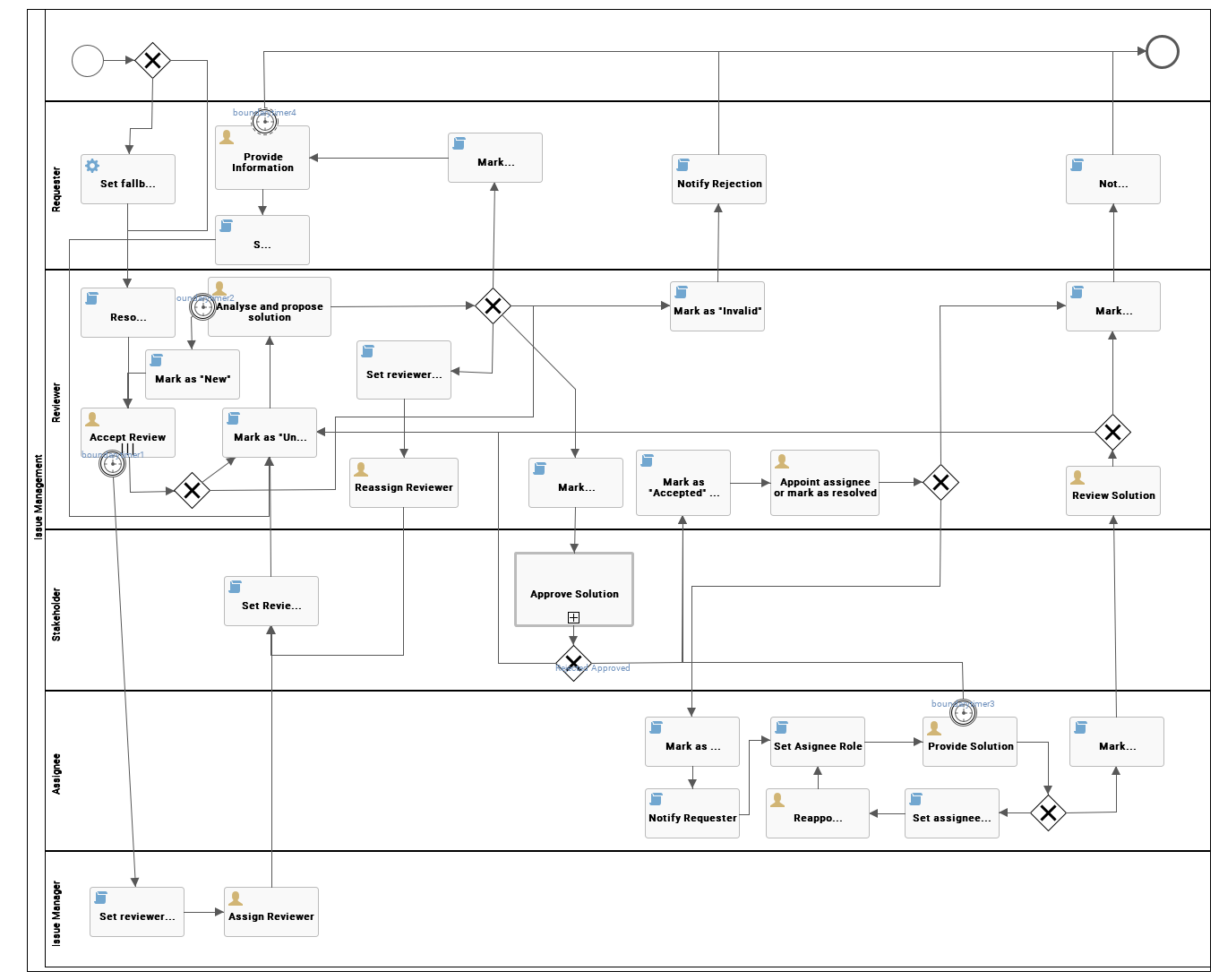
Issue Management |
This process is used to route and resolve issues. |
|
|
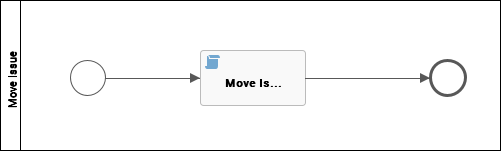
Issue Move |
The Issue Move workflow is a process that changes the responsible community of an issue. |
|
|
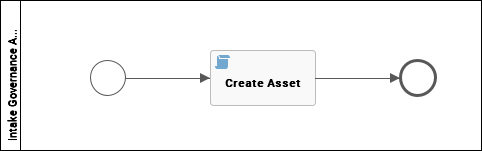
Propose New Governance Asset |
This process facilitates the creation of new Governance Assets in the Data Governance Council community. |
|
|
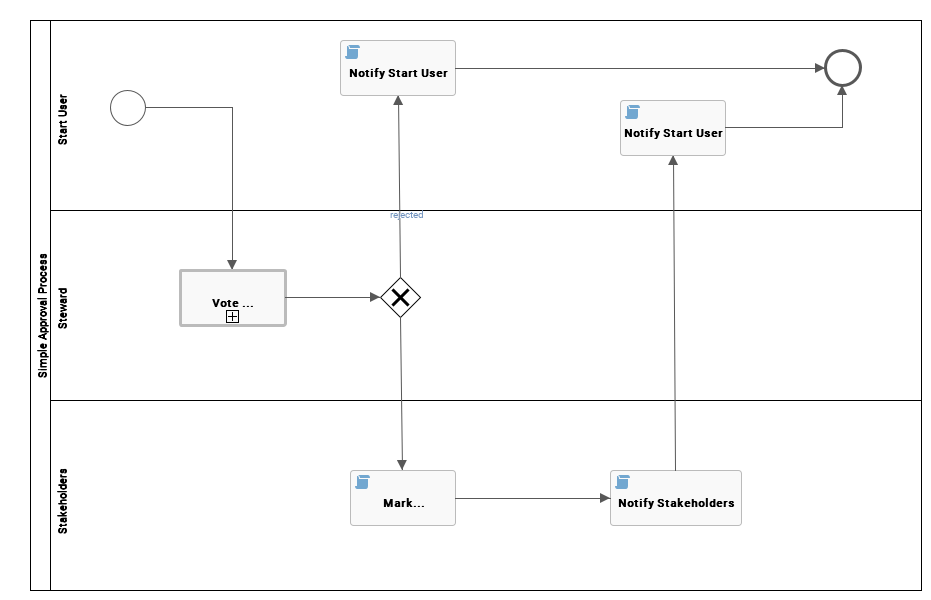
Simple Approval |
The Simple Approval workflow is a single-step process that allows you to approve an asset in Collibra. |
|
|
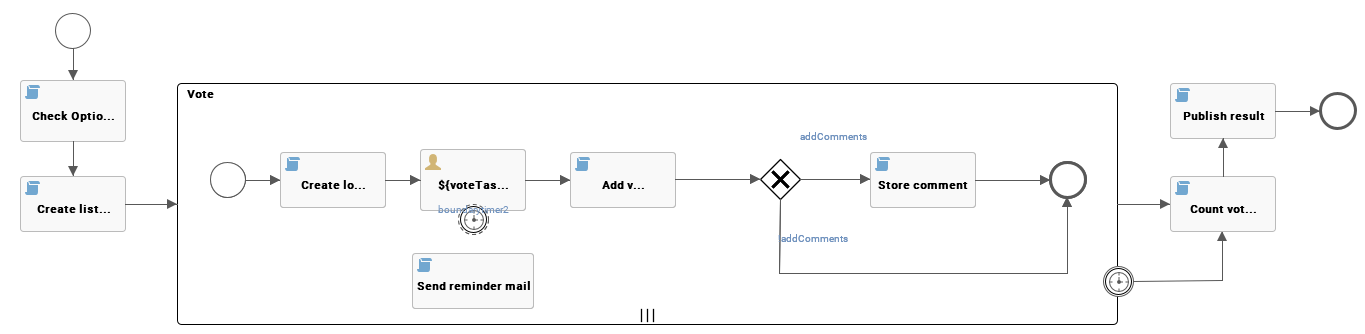
Voting Sub-Process |
The Voting Sub-Process is a workflow that can be called by other workflows when users need to vote. It is used within other out-of-the-box workflows such as the Approval Process, the Simple Approval or the Issue Management workflow. You can use this sub-process in new custom workflows. The result is a true or false boolean that is provided to the parent workflow. |
|