To retrieve metadata from ThoughtSpot, create a connection on an Edge or Collibra Cloud site. This connection allows Collibra to authenticate with your ThoughtSpot tenant via the REST API.
Do you use a vault?
|
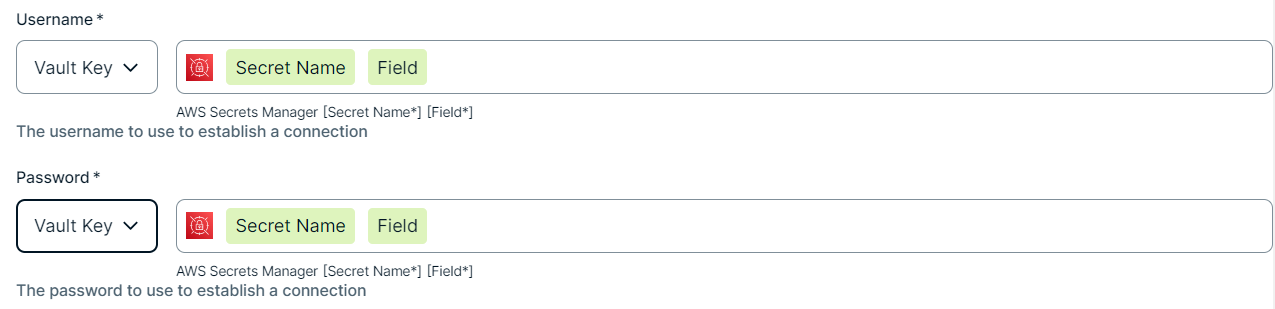
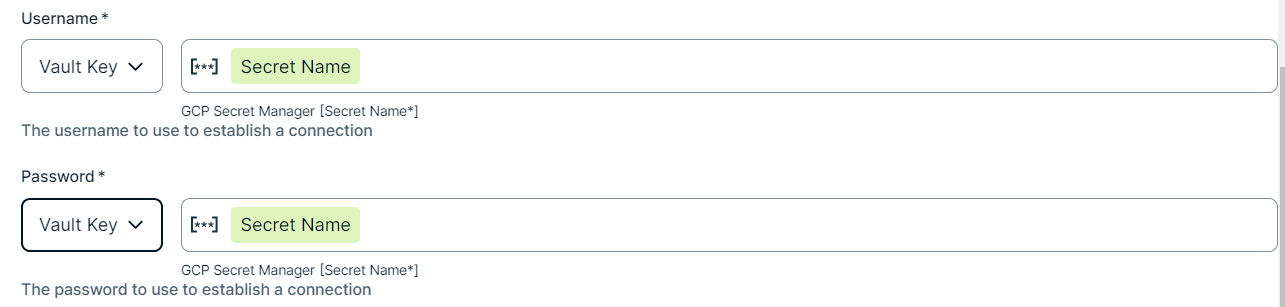
You can use a vault to add your data source information to your Edge site connection. Check the connection property table below to see which information is available for your vault. Vaults are not available for Collibra Cloud sites. |

No vault

AWS Secrets Manager

Azure Key Vault
CyberArk Vault

Google Secret Manager

HashiCorp Vault
|
|
|
|
||
|
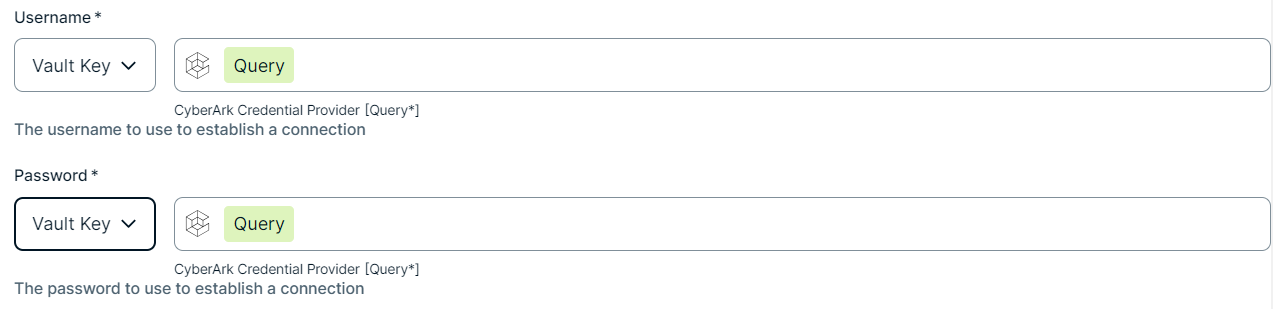
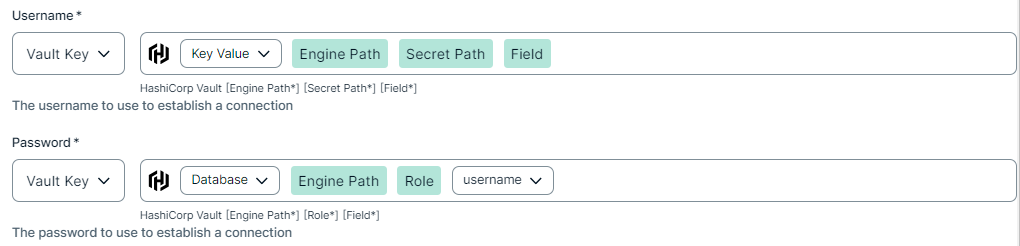
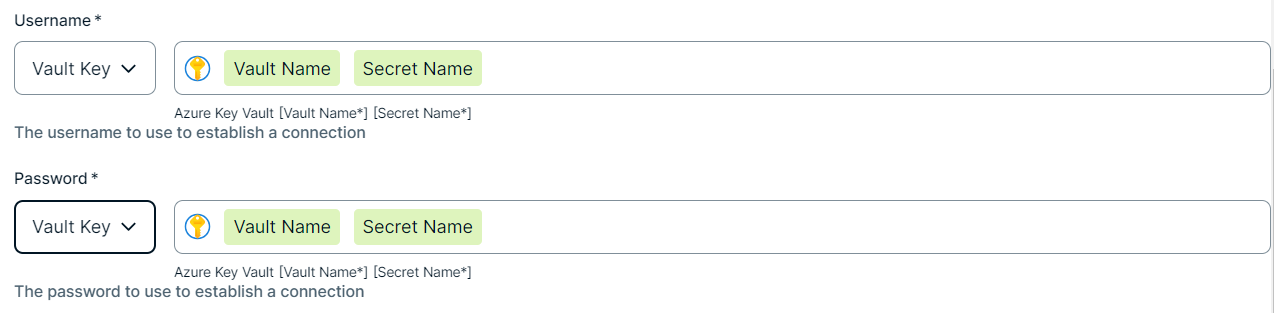
How to use your vault...
To use your vault, do the following:
To use your vault, do the following:
To use your vault, do the following:
To use your vault, do the following:
To use your vault, do the following:
|
||
Prerequisites
- You have completed the ThoughtSpot integration preflight checks.
- You have a global role that has the Manage connections and capabilities global permission, for example, Edge integration engineer.
- You have a resource role with the Configure external system resource permission, for example, Owner.
- You have added a vault to your Edge site.Note Vaults are not supported on Collibra Cloud sites.
- If your data source connection requires a file from your vault, the file must be encoded into Base64 and stored as a regular secret in your vault.
Steps
- Open a site.
-
On the main toolbar, click
 →
→
 Settings.
The Settings page opens. -
In the tab pane, click Edge.
The Sites tab opens and shows a table with an overview of your sites. - In the table, click the name of the site whose status is Healthy.
The site page opens.
-
On the main toolbar, click
- In the Connections section, click Create connection.
- Select ThoughtSpot to connect to Databricks.
The Create connection page appears. - Enter the required information.
Field Description Required Available for Vaults? Name The name of the Edge or Collibra Cloud site connection for Databricks.
 Yes
Yes No
No
Description The description of the connection.
No
No
Vault The vault where you store your data source values. No
No
ThoughtSpot URL The base URL of your tenant, for example, https://collibra.thoughtspot.cloud. Yes
Yes
UsernameThe username with API access permissions. Yes
Yes
Password The password associated with the username. Yes Yes
- Click Create.
The connection is added to the Edge or Collibra Cloud site.
Collibra validates the credentials when synchronizing ThoughtSpot.