Requirements and permissions
- You have a global role that has the Protect > Edit or Protect > Administration global permission.
- You have the Catalog global role. This role is required to view data classifications for selection in a
Before you begin
Ensure that Protect groups have been created.
Steps
- Open Protect.
- Click the
- Click
The -
Details
Field Description Enter a name for the Optional: Description Enter a description for the Group Select the group for the Tip You can add more groups by using the plus icon.Protect (Data Category/Data Classification) Click Data Category or Data Classification, and then select the data category or data classification that you want to protect. With (masking option) Select the type of masking that you want to apply to the selected data category or data classification for protection. Tip This field contains the following options:- Default masking
- Hashing
- Show last
Tip- The Summary section shows a summary of the
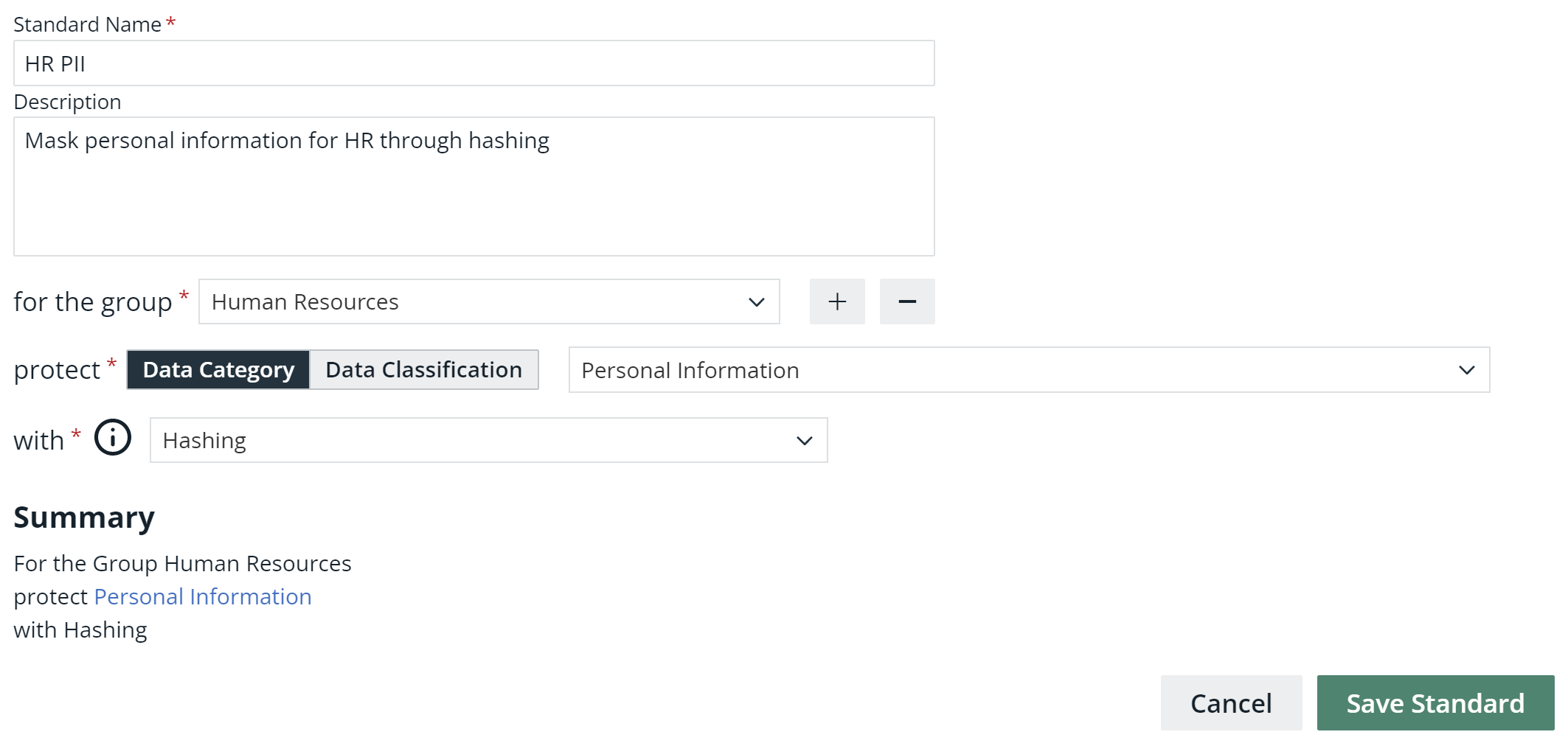
- Click A message appears stating that the standard is sent to source, and the standard is shown in the table on the Data Protection Standards tab.