Requirements and permissions
You have a global role that has the Protect global permission.
Steps
On the main menu, click  , and then click
Protect.
, and then click
Protect.
The Protect landing page is shown.
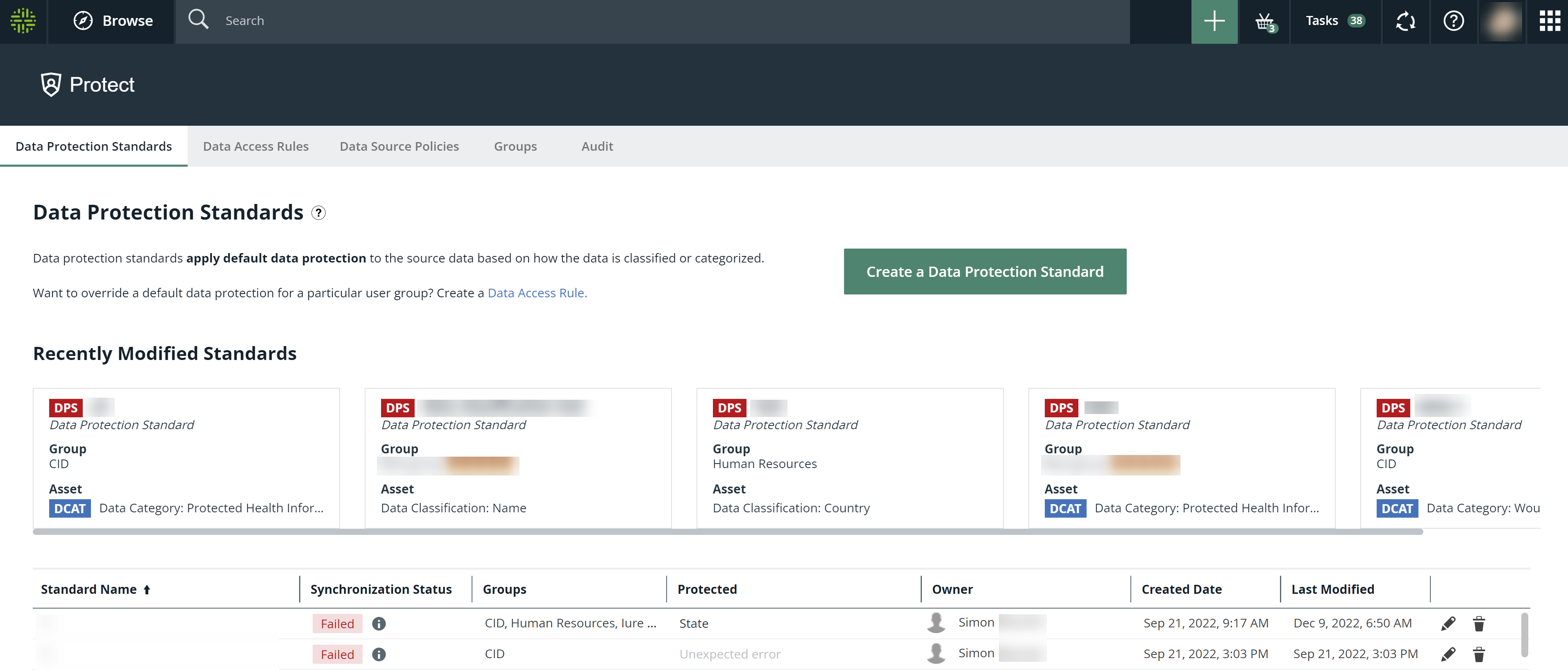
Protect landing page
The following table describes the tabs that are shown on the Protect landing page depending on your role.
|
Tab |
Description |
|---|---|
| Data Protection Standards |
Data protection standards to define data source access to data types based on data categories, data attributes, or data classifications. |
| Data Access Rules |
Data access rules to grant specific groups different accesses to the same data in business processes, data categories, or data sets. Note Data access rules take priority over data protection standards. |
| Data Source Policies |
Policies that are active in the data source tables. |
| Groups |
Groups that are mapped to the roles in data sources for use in data protection standards and data access rules. |
| Audit | Option to generate an audit log of the ingested data from the data sources. |