Add a grid to a group
To organize your grids, you can create groups and then add grids to these groups.
- Go to the Asset Grid homepage.
- At the end of a grid row, click
 and then Manage groups.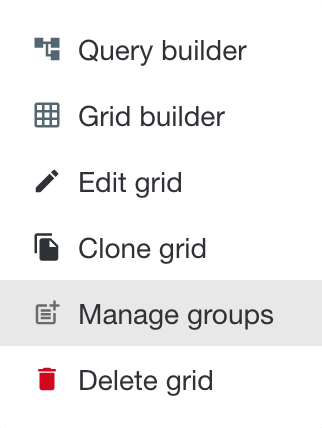
- In the Manage grid groups window, select the groups to which you want to add the grid.
You can select more than one group. - Click Save.
If you want to add multiple grids to a group at once, edit the group.