Create an Asset Grid group
If you have many grids, it might be difficult to find your grid in the grid list. To help you organizing your grids, you can create groups.
- Go to the Asset Grid homepage.
- In the tab pane, click
 Create Group.
 - In the Title field, enter a name. The name can contain any character and even emojis.
Choose a meaningful name. For example, to organize all grids that handle privacy information, you could choose "Privacy".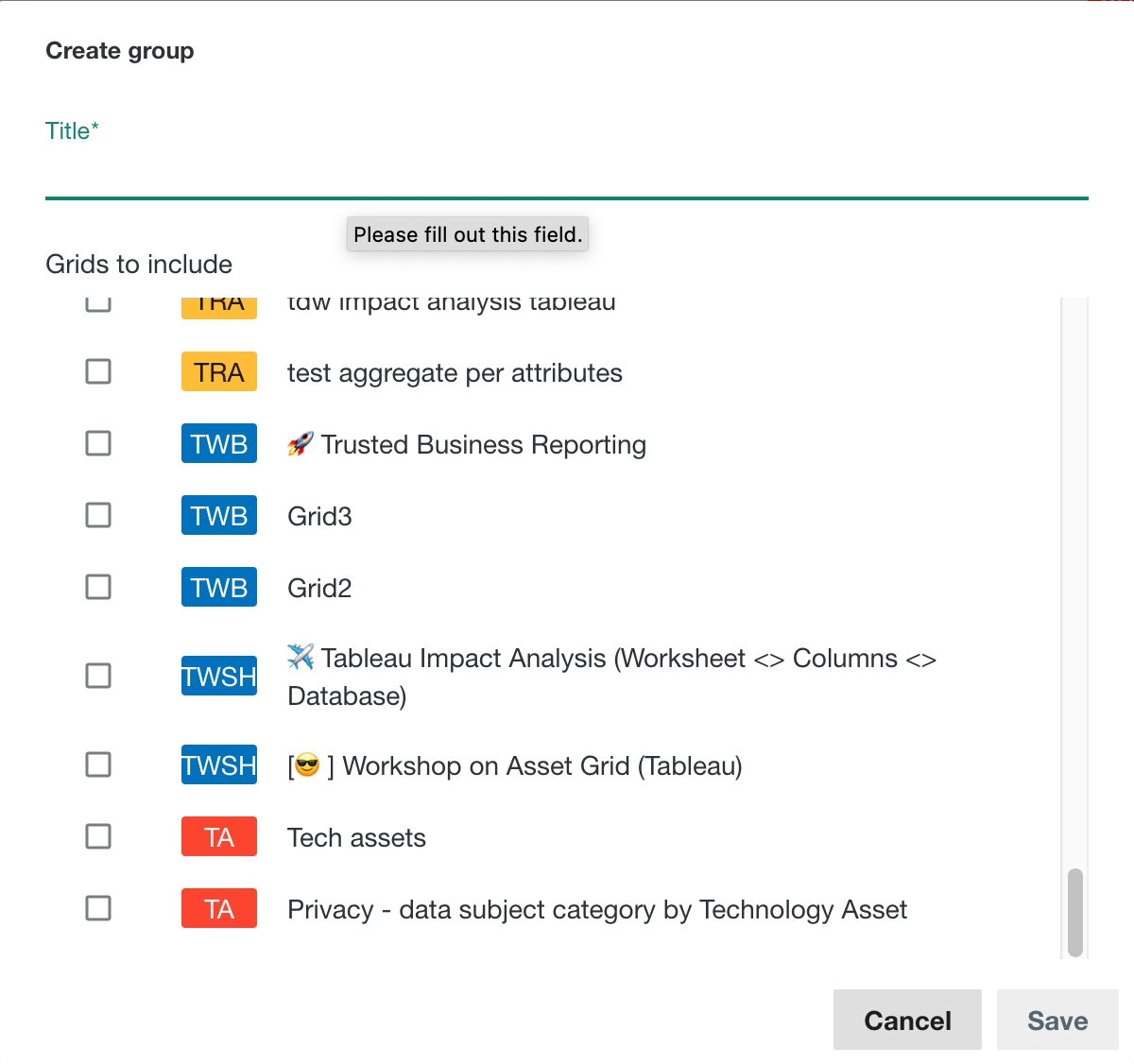
Tip You can always edit the group name later on.
- Optionally, select the grids that you want to include in this group.
Tip You can also add grids to a group from the grid list.
- Click Save.
What's next?
Add grids to the group.