Edit an Asset Grid group
If you want to rename a group or if you want to add multiple grids at once to a group, you can edit the group.
- Go to the Asset Grid homepage.
- Hover over a group name, click
 to the right of the name and then Edit group.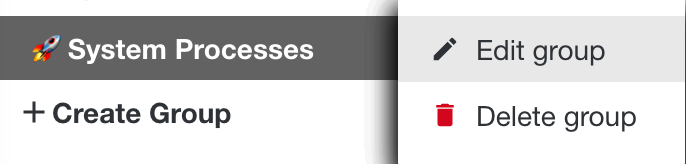
- In the Edit group window, edit the group:
- Rename the group.
- Select the grids that you want to add to this group.
- Click Save.