Control Tower comes with a library of predefined controls tailored for specific regulatory frameworks and industry use cases. These ready-to-use templates allow you to quickly implement monitoring for complex standards, by importing established logic directly into your environment.
Predefined controls are available for the following frameworks and standards:
- BCBS 239
- AI Governance
- Data Product
- Metadata Check
These pre-built controls help you to accelerate your data governance journey and ensure your data governance aligns with global best practices from day one.
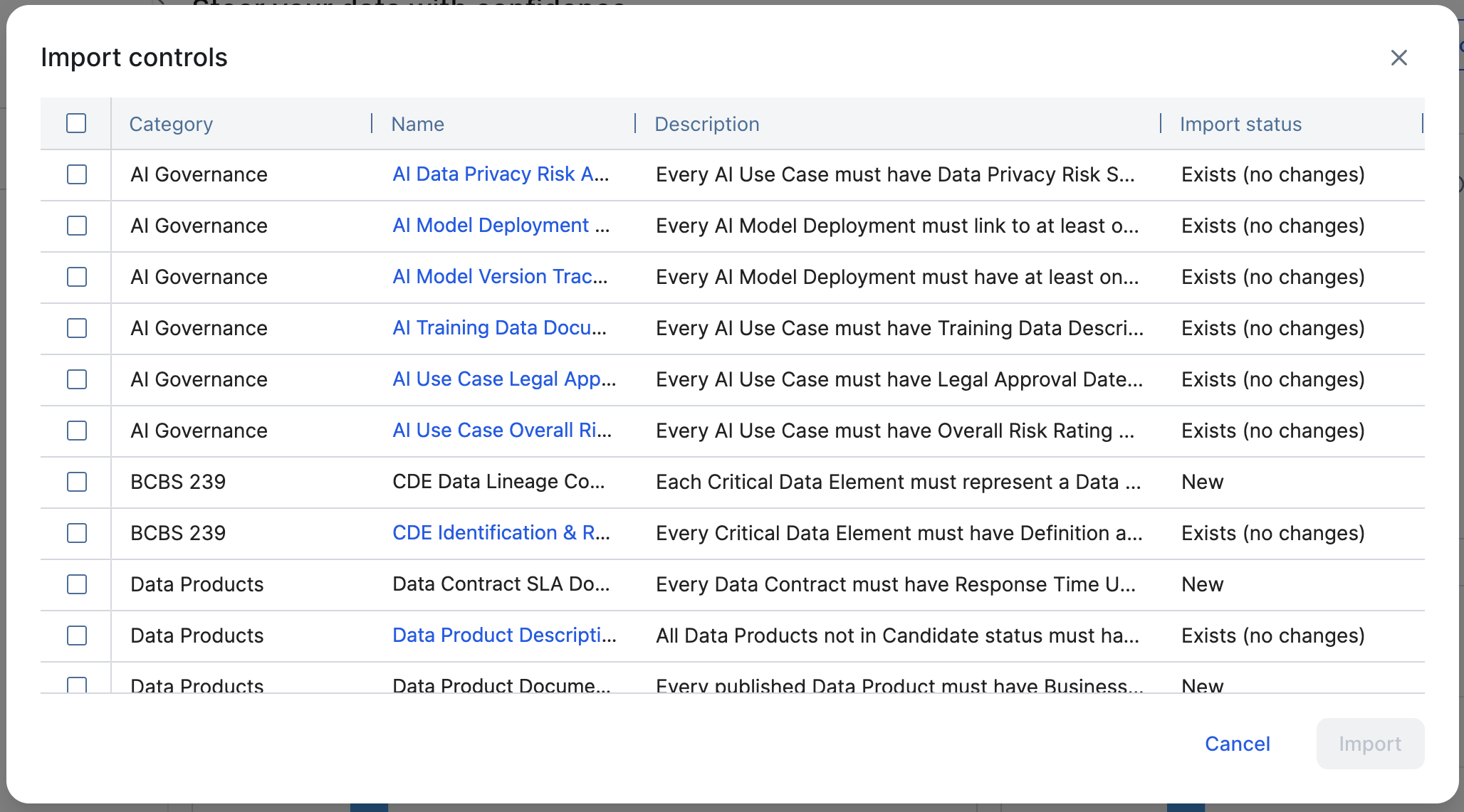
The Import status column provides tracking to help you manage the synchronization of your governance library. For each control, the value can be one of the following:
- New: The control does not yet exist in your Collibra environment.
- Exists (changed): You previously imported this control, but improvements have been made since your last import.
- Exists (no changes): The control is already present in your environment and is identical to the latest available version.
Prerequisites
- You have a global role with the Product Rights > Control Tower global permission.
- You have a resource role with the Asset > add resource permission on the Managed Controls domain.
Steps
- On the Control Tower Overview page, click Import controls.
The Import controls dialog box appears. - Select the checkboxes of the controls you want to import.
- Click Import.
The selected controls are imported as new Managed Control assets in the Managed Controls domain. At this point, they are not enabled. - Open the respective Managed Control asset pages and enable the controls.
Tip You can edit the query, the run schedule, and the notification settings to align with your organization's needs.