Do you use a vault?
|
You can use a vault to add your data source information to your Edge site connection. Check the connection property table below to see which information is available for your vault. Vaults are not available for Collibra Cloud sites. |

No vault

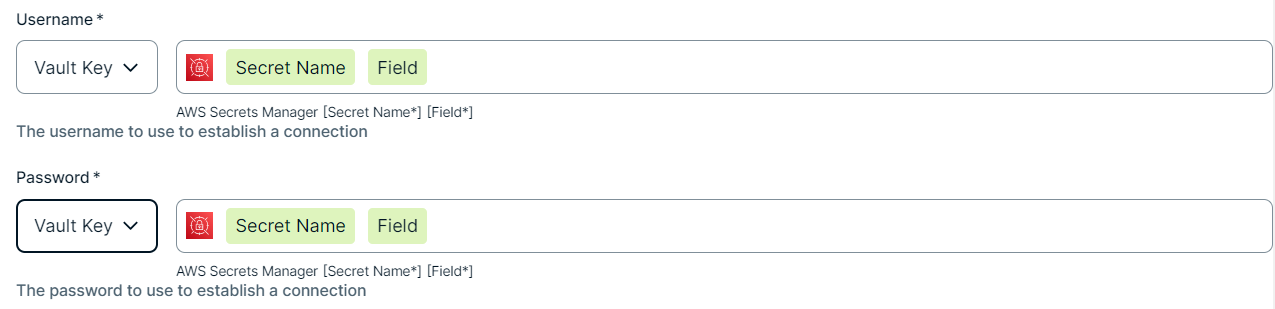
AWS Secrets Manager

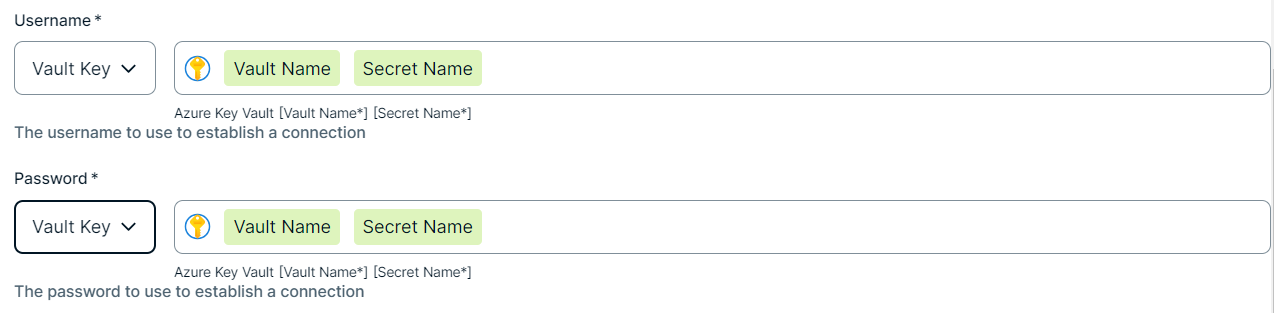
Azure Key Vault

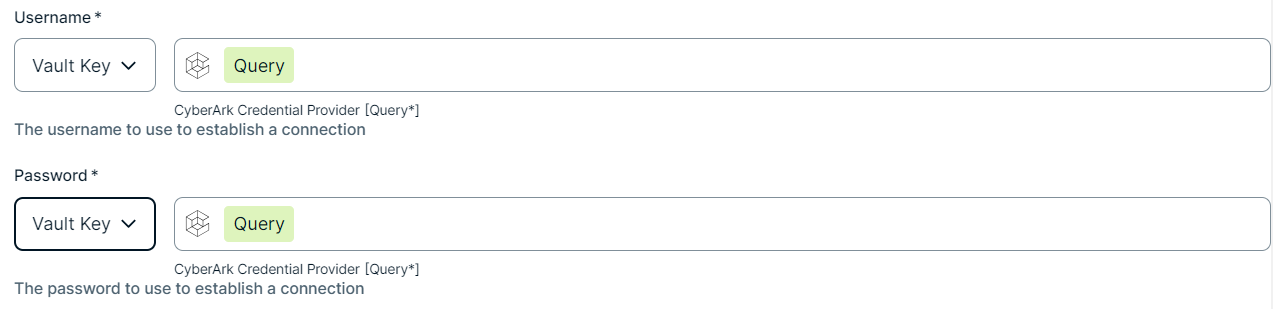
CyberArk Vault

Google Secret Manager

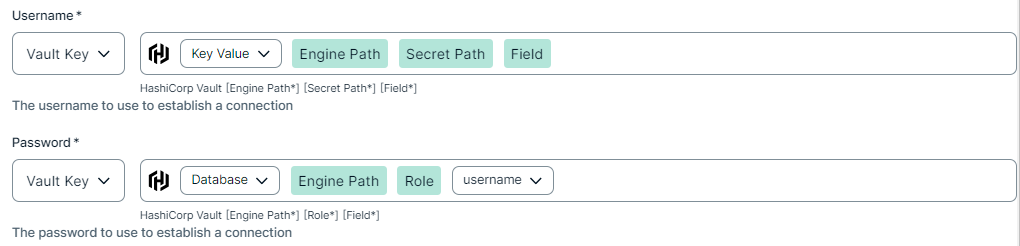
HashiCorp Vault
|
|
|
|
||
|
How to use your vault...
To use your vault, do the following:
To use your vault, do the following:
To use your vault, do the following:
To use your vault, do the following:
To use your vault, do the following:
|
||
Prerequisites
In your Collibra environment
- In Azure:
- To integrate ADLS folders, you need an Azure Service Principal user that is defined in Azure and that has permissions to list the files that need to be integrated into Collibra. The Azure Service Principal user must have the "Reader" and "Storage Blob Data Reader" roles for the storage locations of your data. For information, go to the Azure documentation.
- If you use Microsoft Purview:
- The Azure Service Principal user must have the "Data reader" role to fetch entities/assets from the Microsoft Purview Rest API. For information, go to the Microsoft Purview documentation.
- If your ADLS storage is private, ensure that the Allow Azure services on the trusted services list to access this storage account checkbox in the Networking → Firewalls and virtual networks is selected.
- To integrate ADLS folders, you need an Azure Service Principal user that is defined in Azure and that has permissions to list the files that need to be integrated into Collibra. The Azure Service Principal user must have the "Reader" and "Storage Blob Data Reader" roles for the storage locations of your data. For information, go to the Azure documentation.
-
You
- You have added a vault to your Edge site.Note Vaults are not supported on Collibra Cloud sites.
- If your data source connection requires a file from your vault, the file must be encoded into Base64 and stored as a regular secret in your vault.
- If you have configured a forward proxy for your Edge site and want the integration API calls to bypass this proxy, update the Edge nonProxy property:
- Adding
login.microsoftonline.comallows the API calls that get access tokens to bypass the proxy. If you are using a government cloud host, addlogin.microsoftonline.usinstead. - Adding
dfs.core.windows.netorblob.core.windows.netallows the ADLS API calls to bypass the proxy. - Adding
purview.azure.comallows the Purview APIs to bypass the proxy.
- Adding
- You have a global role that has the Manage connections and capabilities global permission, for example, Edge integration engineer.
In your Azure environment
- To integrate ADLS folders, you need an Azure service principal user that is defined in Azure and has permissions to list the files to be integrated into Collibra. The Azure service principal user must have the following roles for the storage locations of your data:
- Reader
- Storage Blob Data Reader For more information, go to the Azure documentation.
- If you also use Microsoft Purview:
- The Azure service principal user must have the Data reader role to fetch entities/assets from the Microsoft Purview Rest API. For more information, go to the Microsoft Purview documentation.
- If your ADLS storage is private, ensure that the Allow Azure services on the trusted services list to access this storage account checkbox in the Networking → Firewalls and virtual networks is selected.
Steps
- Open a site.
-
On the main toolbar, click
 →
→
 Settings.
The Settings page opens. -
In the tab pane, click Edge.
The Sites tab opens and shows a table with an overview of your sites. - In the table, click the name of the site whose status is Healthy.
The site page opens.
-
On the main toolbar, click
- In the Connections section, click Create connection.
The Create connection page appears. - Select the Azure connection to connect to Azure Data Lake Storage.
- Enter the required information.
Field Description Required Available for vaults? Name The name of the Edge or Collibra Cloud site connection for Azure Data Lake Storage.
 Yes
Yes No
No
Description The description of the connection.
No
No
Azure US Government Cloud Host Option to indicate that the authentication must go through the government-specific Microsoft Entra authentication endpoint instead of the global Azure endpoint.
Select this option if you are using a government cloud host.
For information about cloud hosts, go to the Azure documentation. No
No
Vault The vault where you store your data source values. No
No
Service Principal ID The Application account ID to connect to the Azure.
For information on the Azure Service Principal user and the Application ID, go to the Azure documentation. Yes
Yes
Service Principal Secret The application secret for the Service Principal.
For information on the application secret value, go to the Azure documentation. Yes
Yes
Tenant ID The Tenant ID of your Azure Active Directory.
For information on the Directory (tenant) ID, go to the Azure documentation. Yes
Yes
- Click Create.
The connection is added to the Edge or Collibra Cloud site.
Add the Technical Lineage for dbt (Cloud) capability for Cloud Storage connections.