When you use custom SQL or unions in Tableau, Collibra Data Lineage creates specific assets to represent them in Data Catalog.
Custom SQL
If you use a custom SQL query in Tableau, Collibra Data Lineage creates a new Table asset named "Custom SQL Query".
Collibra Data Lineage adds all columns you selected in your query. It also adds a special column named "Custom SQL Query". This special column is ingested as a Tableau Data Attribute asset and is always a Measure.
Lineage behavior:
- The special Column asset appears in the dataset node but does not show lineage from the upstream database.
- Individual columns within the query do show lineage from the database.
- Collibra Data Lineage adds the text "(Custom SQL Query)" to these column names so you can identify them.
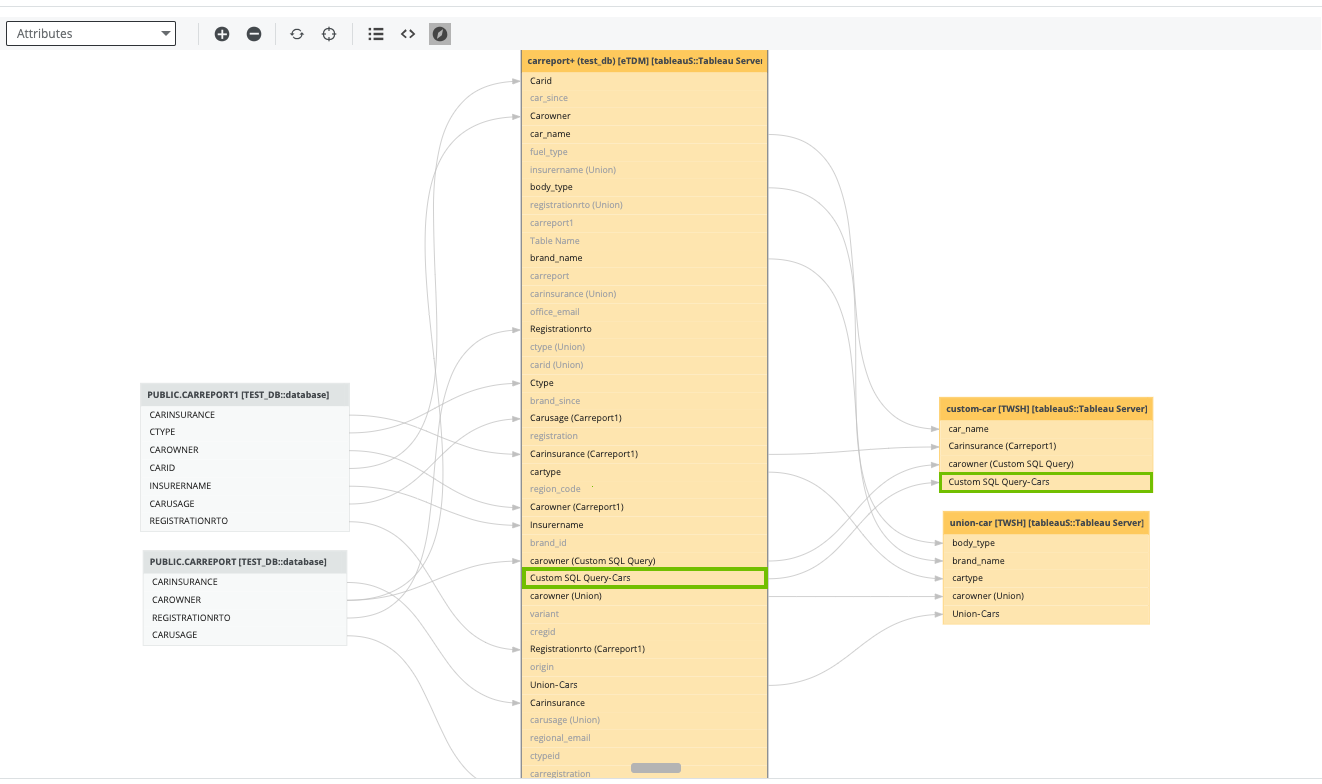
The following example image shows the special column named "Custom SQL Query-Cars".
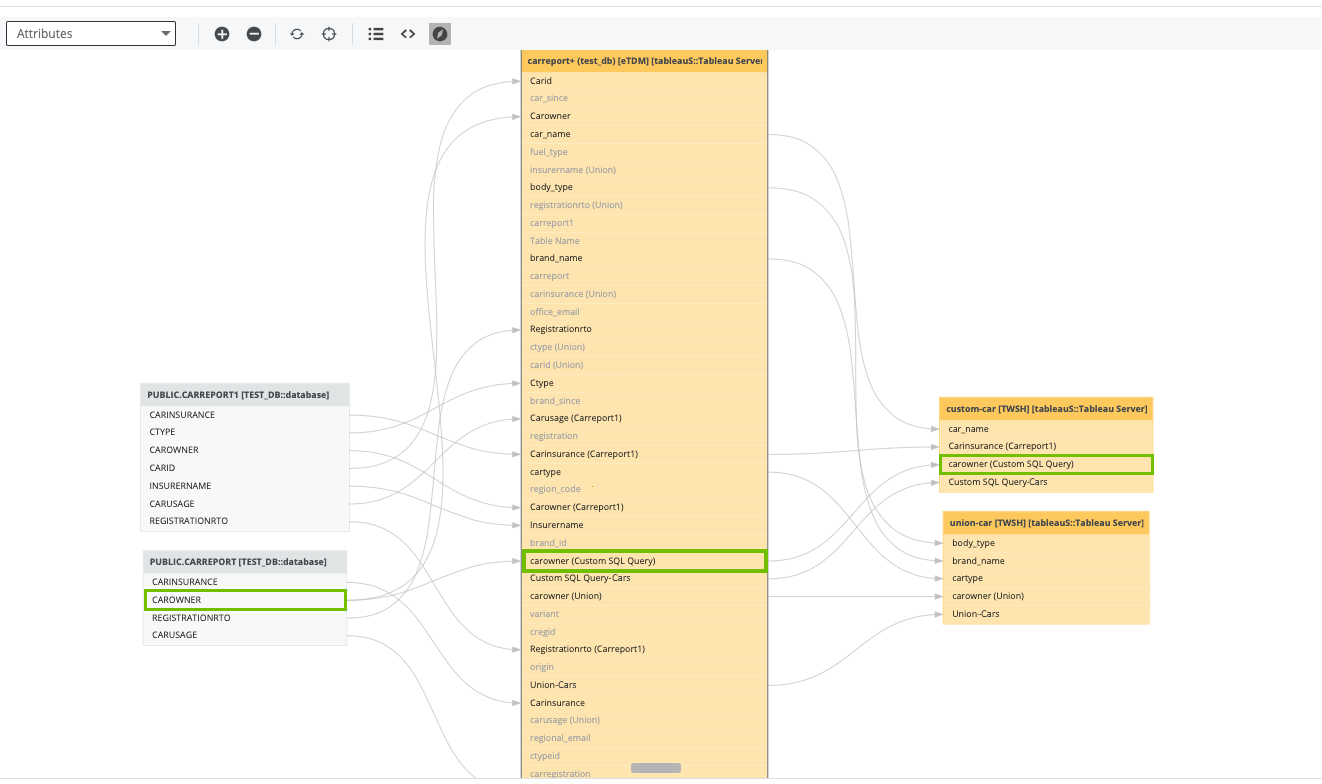
The following example image shows the text "(Custom SQL Query)" appended to a column name.
Creating unions
When you create a union in Tableau, a new Table asset is created in Data Catalog. You can give this union table any name (for example, "Union-Cars").
Collibra Data Lineage creates a column with the same name as the table. This column is a Tableau Data Attribute asset and is always a Measure.
Lineage gaps:
- The union table itself does not show lineage from the upstream database.
- Columns in the table show lineage from the dataset node to the report node only.
- Collibra adds the text "(Union)" to these column asset names.
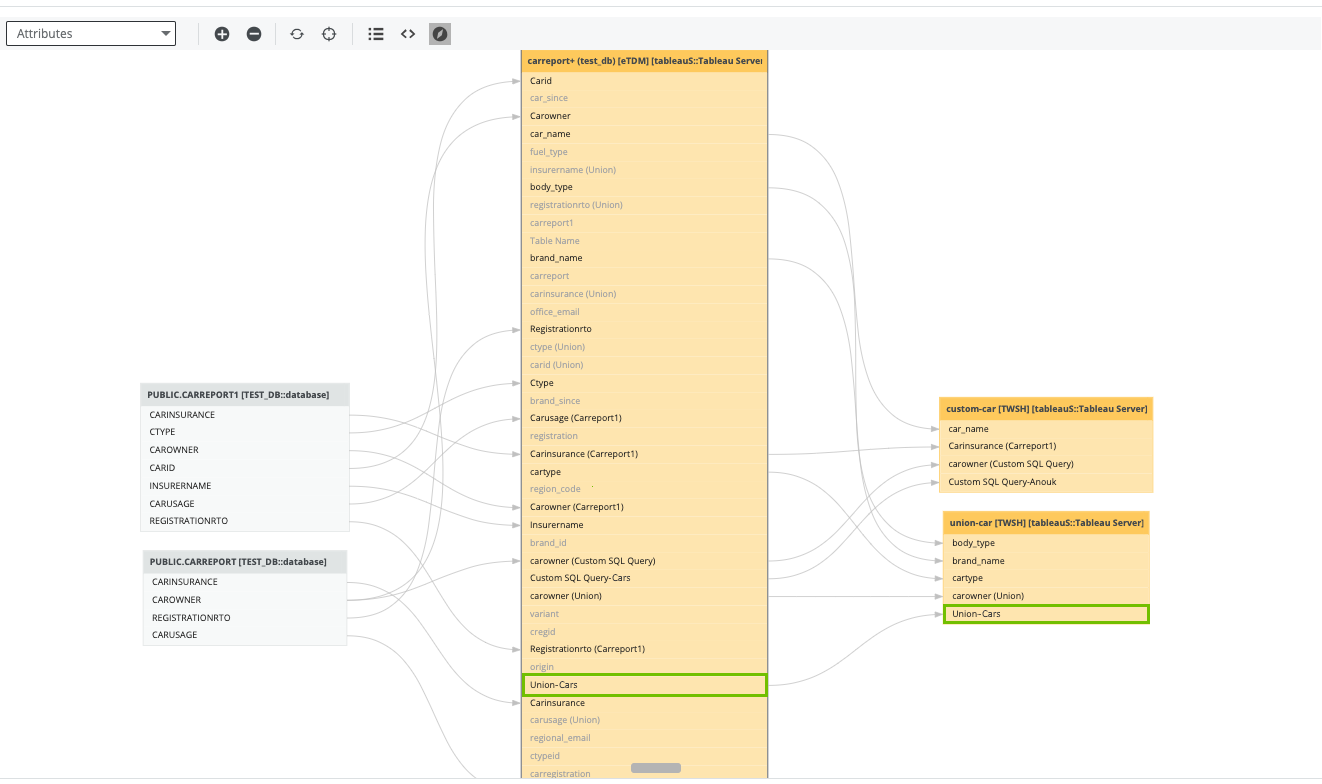
The following example image shows the column that Collibra Data Lineage created, with the same name as the table.
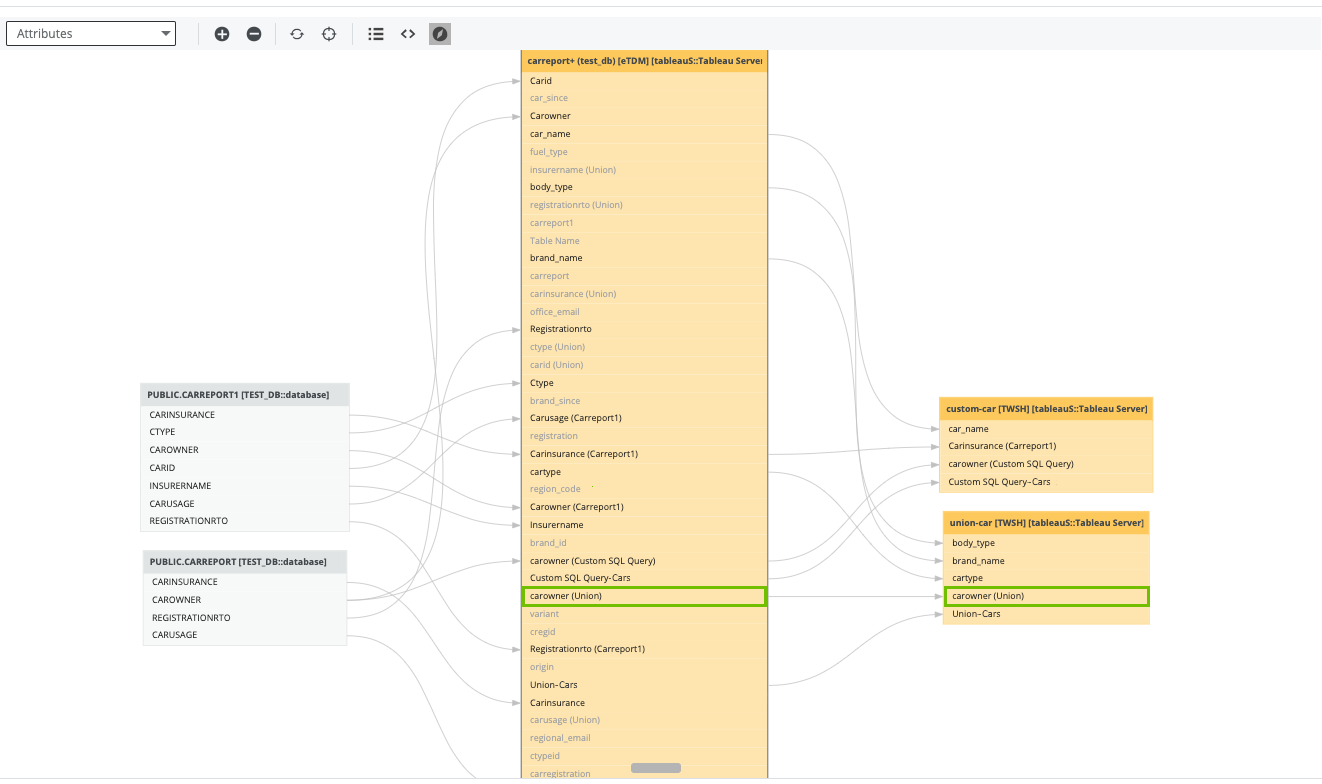
The following example image shows the text "(Union)" appended to a column name.