As a data consumer, the Data Marketplace landing page is your starting point for finding the data you need. The page consists of multiple sections.
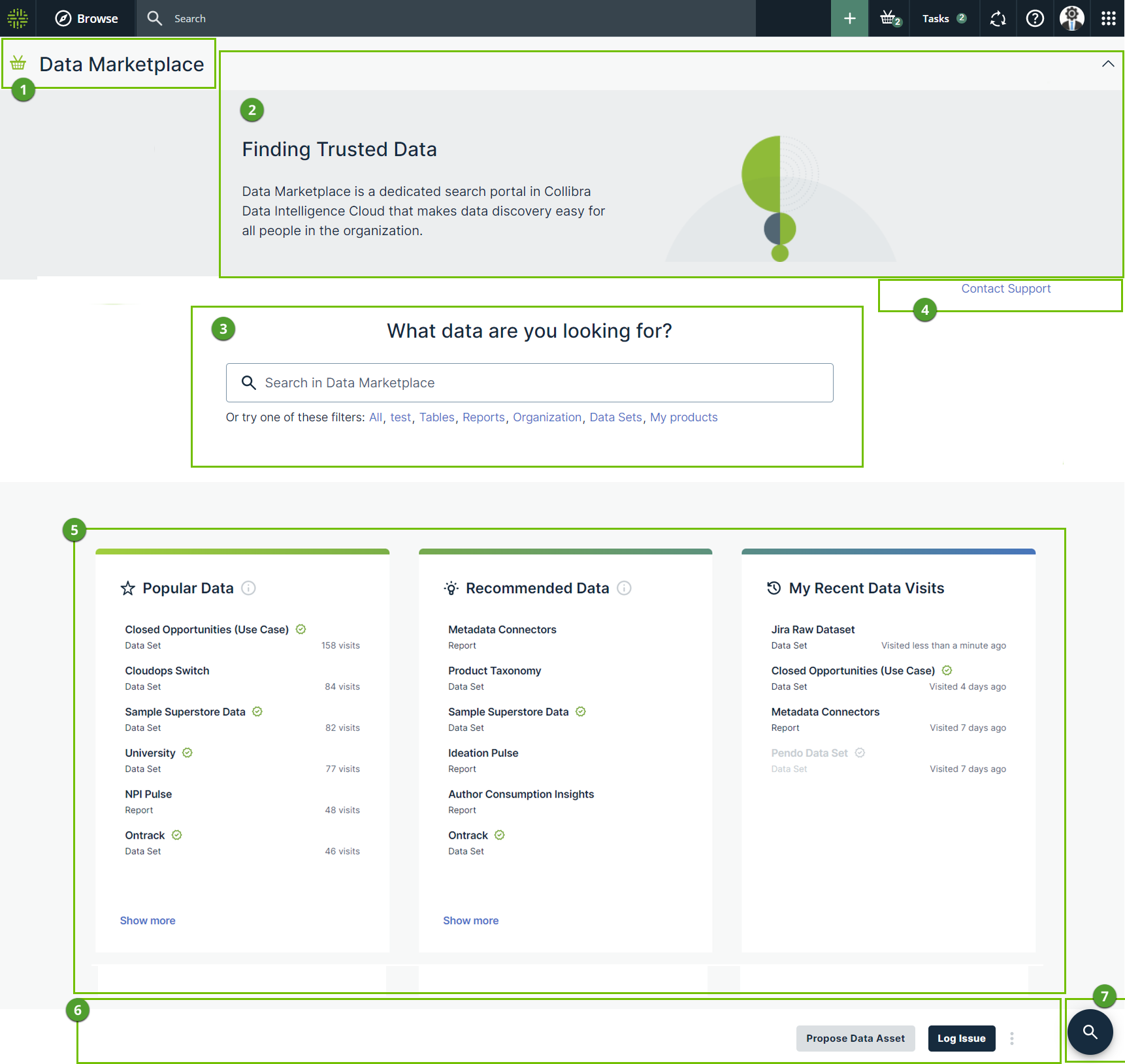
| Section | Description | |
|---|---|---|

|
Title | Data Marketplace title |

|
Introduction section | This section provides an introduction to Data Marketplace. You can close this section, by clicking the arrow in the upper right corner of the section. Your Data Marketplace administrator can change the available text. |

|
Search |
The search field allows you to find any asset within the Data Marketplace scope.
You can also click one of the filters below the search field. Depending on the configuration, you see preconfigured and personal saved filters. The order of the filters changes based on the filters you used during your last visit. |

|
Quick links | This section can provide quick access to useful information in your organization. Your Data Marketplace administrator can define these quick links. |

|
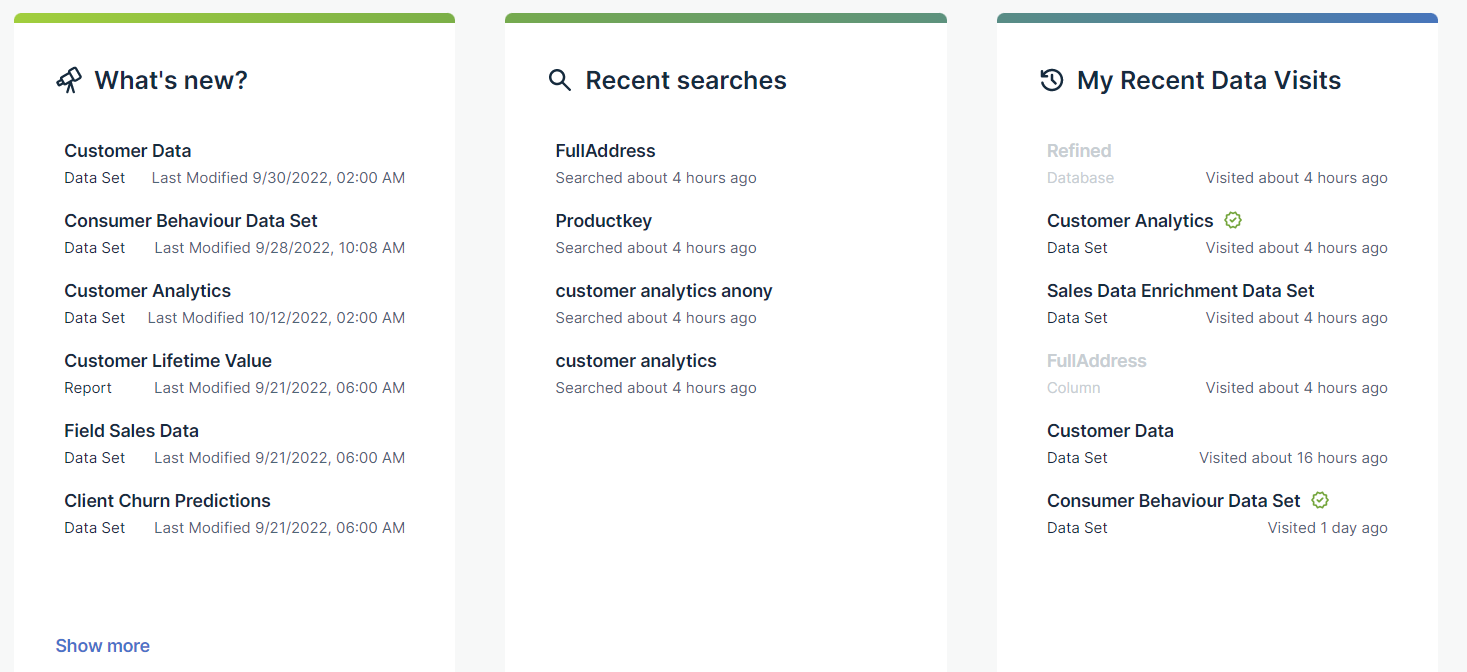
Cards | Cards allow you to navigate quickly to data that might interest you. The available cards depend on whether data discovery is enabled.
|

|
Landing page actions | Your Data Marketplace administrator can make actions available in this section. |

|
Go to search | Click this button to go back to the search field. |
 Get more information.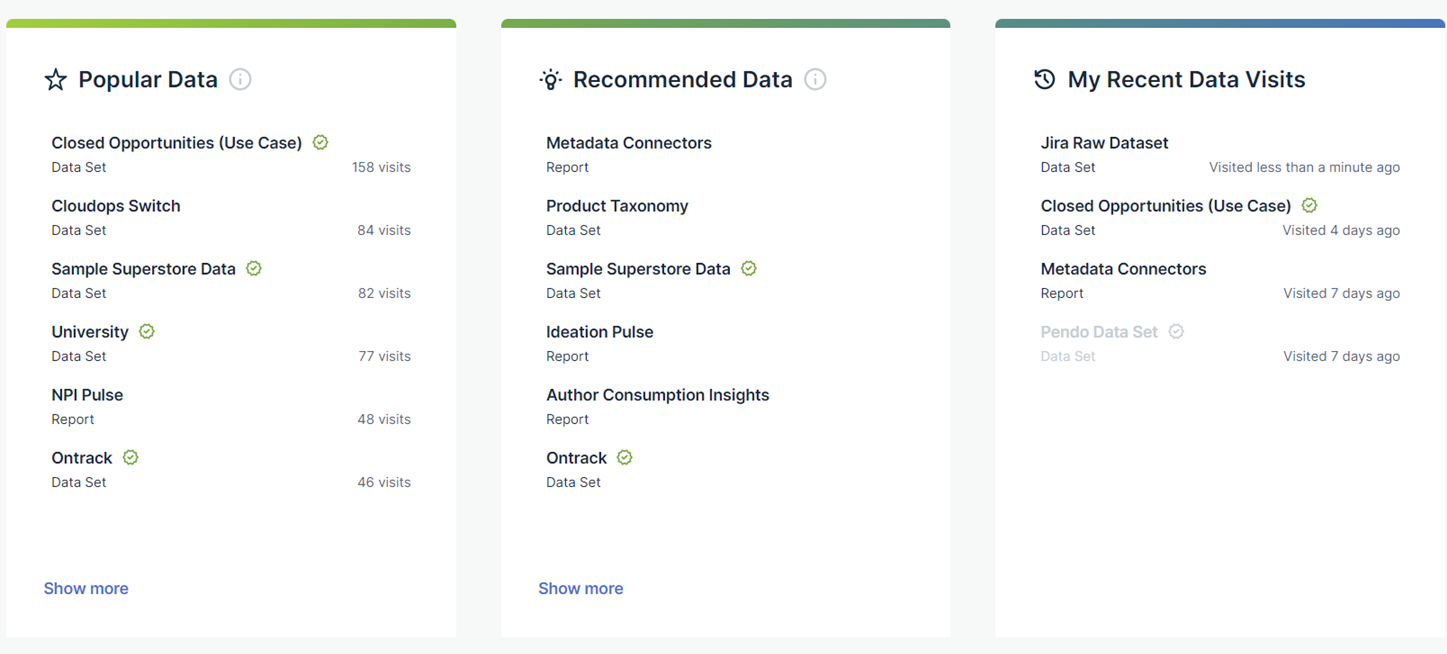
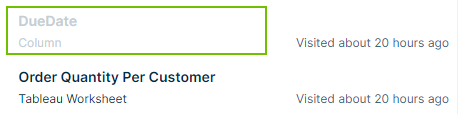
 to remove the visited asset.
 to pin the search action to your list.