Open Collibra Assessments
Requirements and permissions
You have a global role that has the Assessments global permission.
Steps
On the main menu, click  , and then click
Assessments.
, and then click
Assessments.
The Assessments landing page opens. The table that is shown on this page contains public assessments; the assessments that you created; and the assessments that you are permitted to view.
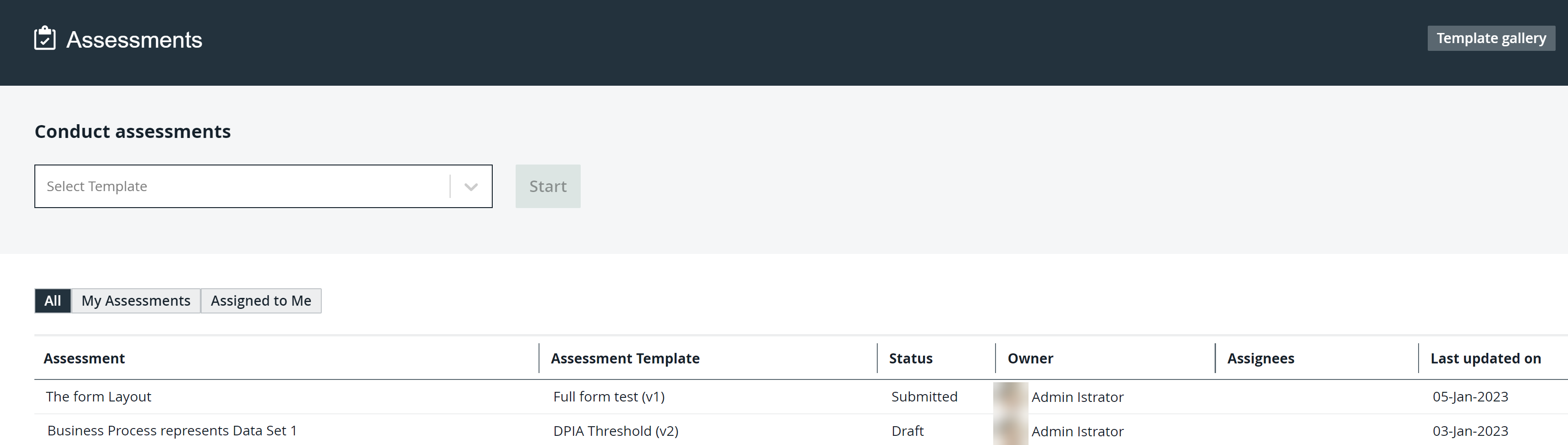
Assessments landing page
The following table describes the columns that are shown in the table on the Assessments landing page.
|
Column |
Description |
|---|---|
| Assessment | The name of the assessment. |
| Assessment Template | The template that was used to conduct the assessment. |
| Status | The status of the assessment. |
| Owner | The name of the user who owns the assessment. |
| Assignees | The names of the users who are assigned to the assessment. |
| Last Updated On | The date when the assessment was last updated. |