The Data Marketplace landing page

As a data consumer, the Data Marketplace landing page is your starting point for finding the data you need. The page consists of multiple sections.
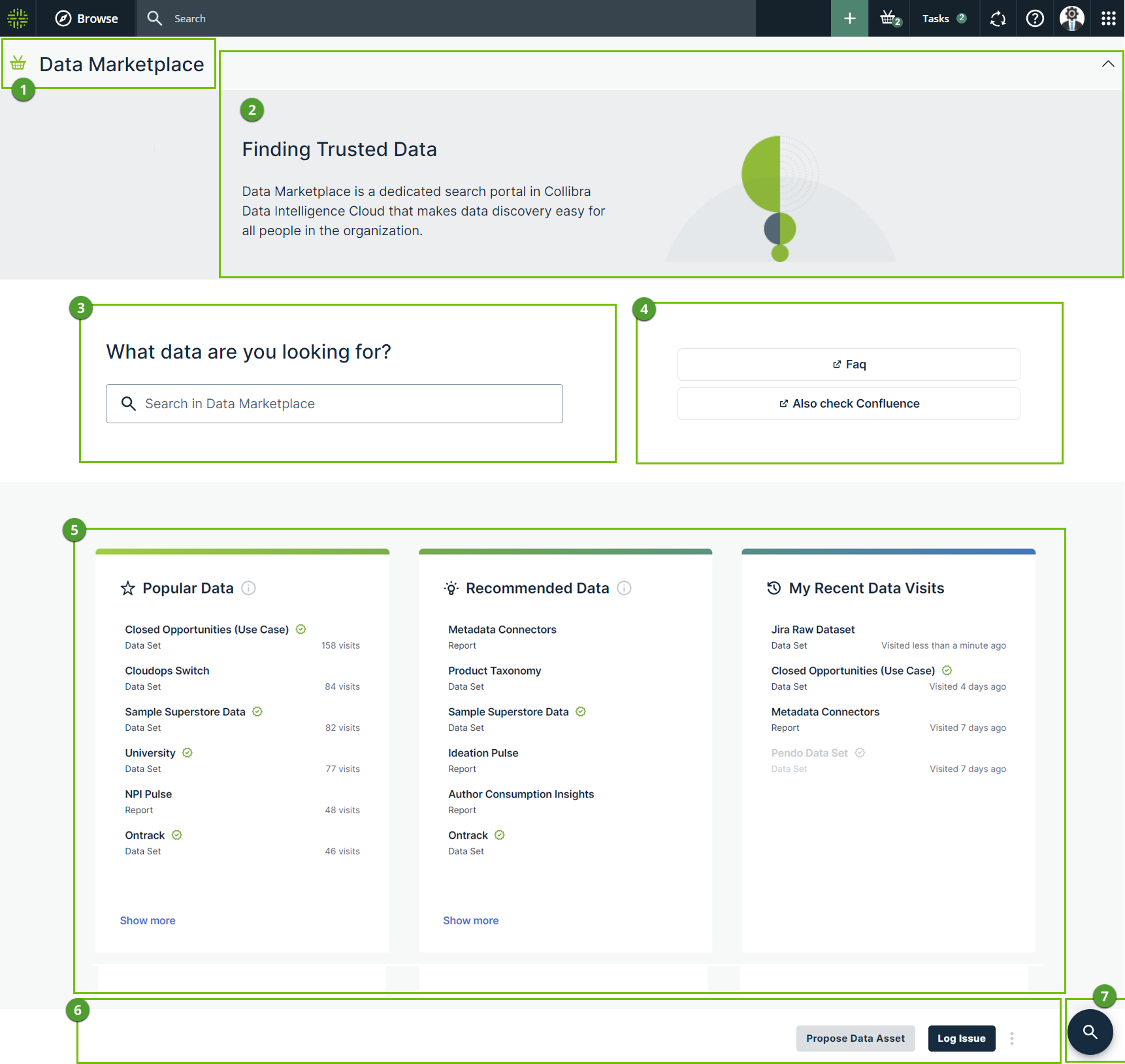
  Section Description
Title Data Marketplace title
Introduction section This section provides an introduction to Data Marketplace. You can close this section, by clicking the arrow in the upper right corner of the section.
Your Data Marketplace administrator can change the available text.
Search

The search field allows you to find any asset within the Data Marketplace scope.

  • If search suggestions are enabled, Data Marketplace provides suggestions while you are typing. Click one of the suggestions to use it or press Enter to ignore the suggestions.
  • If search suggestions are not enabled, the search starts automatically after a few seconds.
Quick links This section can provide quick access to useful information in your organization.
Your Data Marketplace administrator can define these quick links.
Cards Cards allow you to navigate quickly to data that might interest you.
The available cards depend on whether data discovery is enabled.
  • If data discovery is enabled, you have access to Popular Data, Recent Data Visits, and Recommended Data. ClosedGet more information.

    Popular Data

    This card shows the assets that were visited the most in the last 30 days in Data Marketplace, Collibra, Collibra for Desktop, and Collibra for Mobile, that are in the scope of Data Marketplace and to which you have access.

    • Data Marketplace checks the usage data once a day. For more information on these recommendations, go to Asset recommender.
    • Click Show more to view more popular assets.
    • Loading this card can take a few seconds.
    • If you click an asset, the asset preview opens in the Discover page.
    My Recent Data VisitsThis card shows the assets for which you opened the preview in Data Marketplace.
    • Click Show more to view more recently visited assets.
    • Click to remove the visited asset.
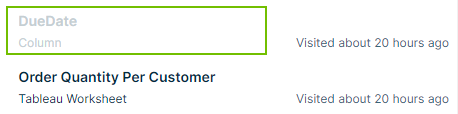
    • An asset is grayed out when the asset is no longer available in Data Marketplace. Usually this is due to a change in the Data Marketplace scope.
    Recommended DataThis card shows data based on the data you search for and visit in Data Marketplace, Collibra, Collibra for Desktop, and Collibra for Mobile and that are in the scope of Data Marketplace.
    • Data Marketplace checks the usage data once a day. For more information on these recommendations, go to Asset recommender.
    • Loading this card can take a few seconds.
    • If you click an asset, the asset preview opens in the Discover page.

    Tip No recommendations can be given to new users because no data is available yet. Recommendations will be provided after one day.

  • If data discovery is not enabled, you have access to Recent searches, Recent data visits, and What's new. ClosedGet more information.

What's new?This card shows all assets that have recently been updated in Data Catalog and that are in scope of Data Marketplace.
Click Show more to open the search results page with all updated assets.
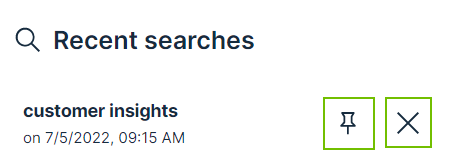
Recent searchesThis card shows the recent searches you performed in Data Marketplace.
  • Click Show more to view more recent search actions.
  • Click to pin the search action to your list.
  • Click to remove the recent search action.

My Recent Data VisitsThis card shows the assets for which you opened the preview in Data Marketplace.
  • Click Show more to view more recently visited assets.
  • Click to remove the visited asset.
  • An asset is grayed out when the asset is no longer available in Data Marketplace. Usually this is due to a change in the Data Marketplace scope.
Landing page actions Your Data Marketplace administrator can make buttons available in this section.
Go to search Click this button to go to the search field.