Data Catalog Search
The Data Catalog Home page has a Data Catalog-specific search field that you can use to find assets in Data Catalog. When you launch a search from Data Catalog, the search page is the regular Collibra search page, but with the Catalog search filter applied.
Note You need the Data Catalog global role or Data Catalog Author role to view the Data Catalog search page and use the Data Catalog Search.
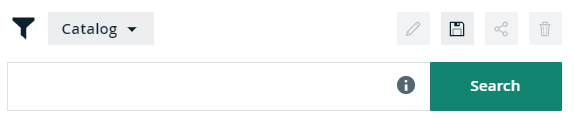
In the search input field, you can type any text and press Enter or click Search to launch the search.
The search finds resources that contain a word that begins with your search text. For example, if you type ca, the search results could contain 'California' and 'Lewis Carroll', but not 'Meercat'.
You can also use wildcards and symbols to search, see Search wildcards.