Switch grids
If you are viewing a grid that belongs to a grid group, you can switch between grids in that grid group. All of the grids in a given grid group appear in the Related Grids drop-down list, in the grid layout settings.
Prerequisites
You have selected an asset group in the grid layout settings.
Steps
- In Asset Grid, open a grid.
- Above the grid, click Related Grids.
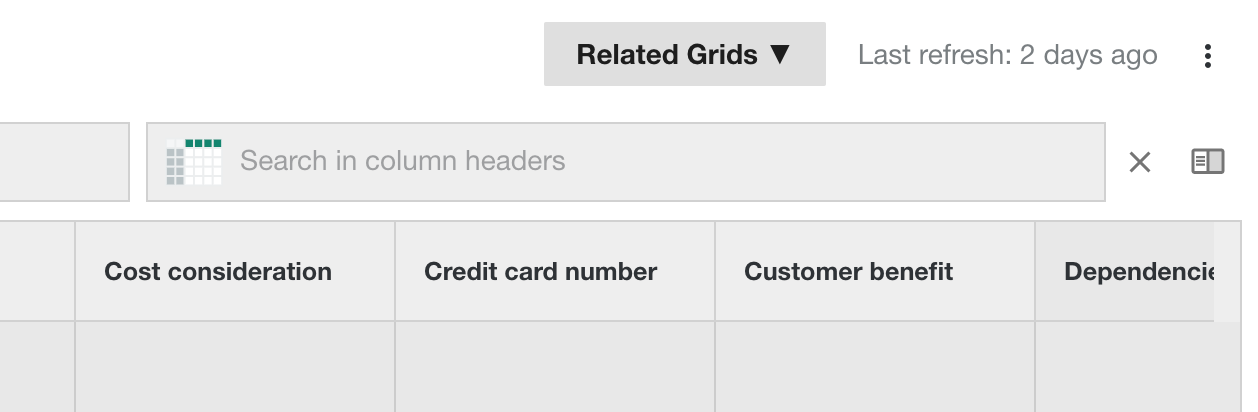
- From the list, click the grid that you want to see.