Action toolbar
The action toolbar contains a selection counter and actions that you can perform on assets you select in the table.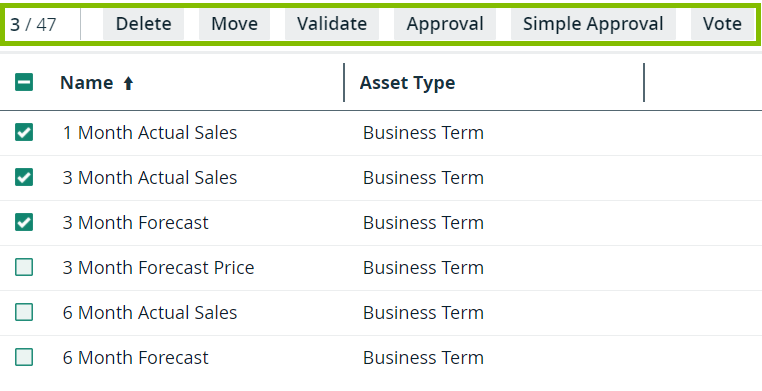
You can:
- Delete multiple assets.
- Move multiple assets to another domain.
- Validate assets.
This is only visible if a validation rule is assigned to the asset type. - Start an asset workflow from an asset table.
Only workflows that apply to all the selected assets are available.