Sample data
Sample data is a set of representative, random data collected from a registered data source. The sample data is used for data classification.
Sample data in Jobserver
You can create sample data by:
- registering a data source and choosing to store sample data.
- registering a data source and adding the push down sampling connection property.
- importing sample data via the Catalog API.
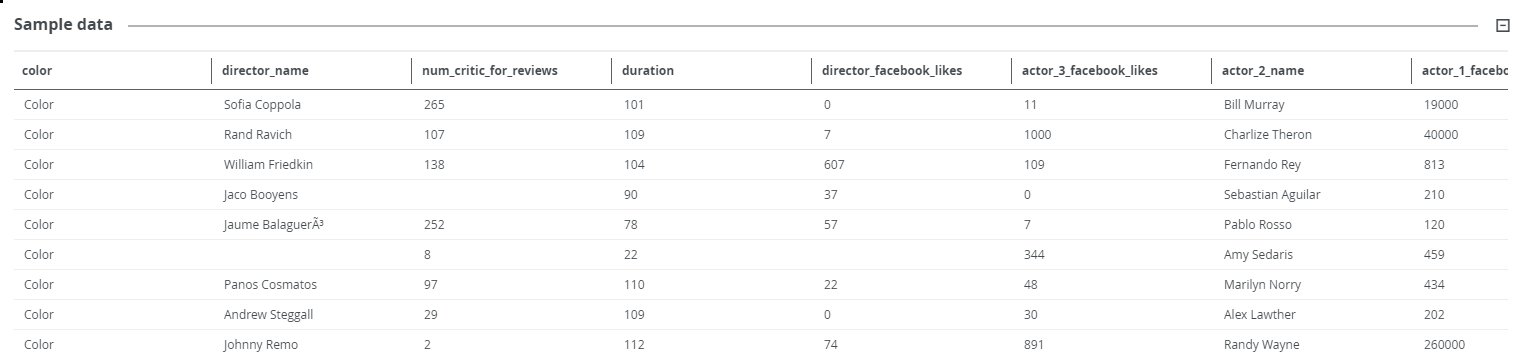
You can find the sample data by opening a table of the registered data source and clicking Sample data in the tab pane.
To delete sample data, refresh the related schema without storing the sample data. This action will remove all previously stored sample data for all tables in the schema. See Refresh the schema of a registered data source.
Sample data in Edge
When working via Edge, sample data is not visible.
Edge, by design, doesn’t send any samples to Collibra. Edge capabilities such as profiling and classification use data in memory, after which the data is discarded. For more information on the use of data for profiling and classification, see Configure the profiling options via Edge.