View and edit workflows
You can view both the XML schema and a visual representation of the workflow definition in Collibra Data Intelligence Cloud.
You must have the Sysadmin global role or a global role that has at least the Workflow Administration global permission to access this page:
The steps in this procedure are different for the classic and refreshed navigation.
-
In the main menu, click
 , then
  Settings.
The Collibra settings page appears. -
In the main menu, click Settings.The System page appears.
- Click Workflows.
The workflows settings appear on the Definitions tab page. - Select a workflow.
- In the tab pane, click Flow.
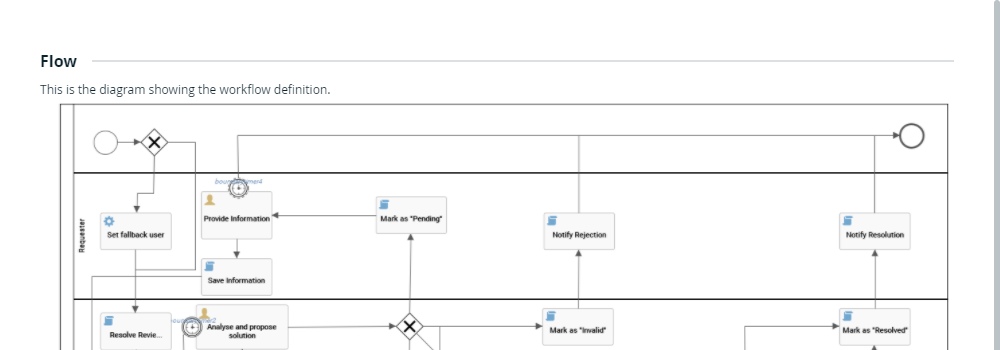
Tip To view large diagrams, drag the image or click  to enter full screen.
The lower part of the page contains the raw workflow definition:
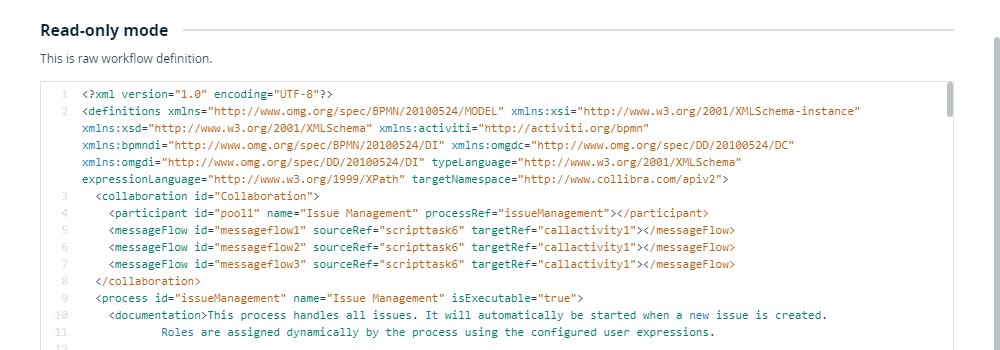
To edit workflows, follow the procedures described in the Designing workflows section. For minor updates, you can edit the XML schema directly :
- Click
 to edit the XML.
 - Click the Save button in the lower-right part of the page to save your changes and exit edit mode.
Note The changes you make are not reflected in currently running instances of the workflow.