Search field

The search finds resources that contain a word that begins with your search text. For example, if you type ca, the search results could contain "California", "Lewis Carroll" or "Meercat".
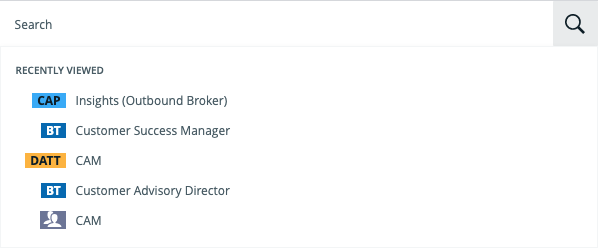
Recently viewed
When you click in the Search field, the five most recently viewed resources are shown in the quick search panel.
If refreshed navigation is enabled for your Collibra environment, the search results are automatically filtered by the current domain or community if you search with a domain or community page open.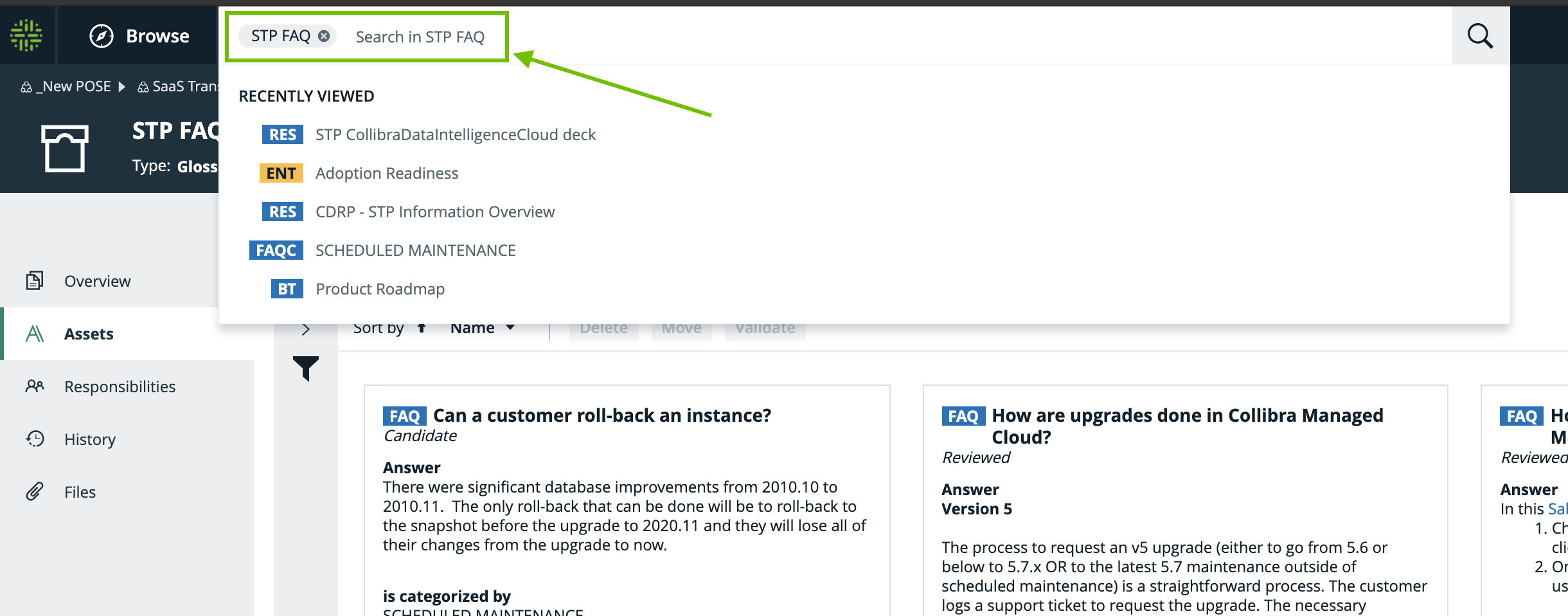
Top results
When you start typing in the Search field, the top 10 results are shown in the quick search panel.
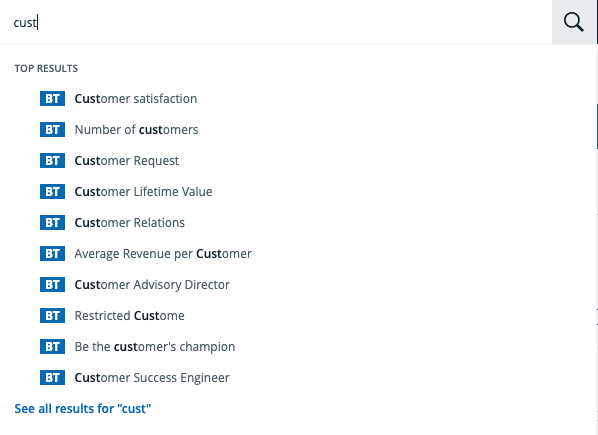
- In compiling the top results, the search engine searches for your text in the Name field only. As such, these results might not appear as the top results on the Search page, when you launch the search.
- The order of the top results takes boosting into account.
Actions
After typing something in the Search field, you can do any of the following:
- Press Enter to start the search.
The Search page, with results matching your search text is shown. - Click on an asset name, to go to the asset page.