Open a profile page
As a regular user, you can open your own profile page. Administrators can open everybody's profile page.
Prerequisites
If you want to open the profile page of another user, you have a global role with the User Administration or the System Administration global permission, for example Sysadmin.
Open your own profile page
Tip
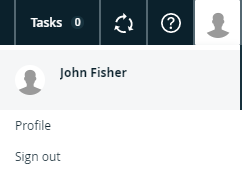
The steps in this procedure are different for the classic and refreshed navigation.
- Click your avatar, then Profile.
Your profile page appears.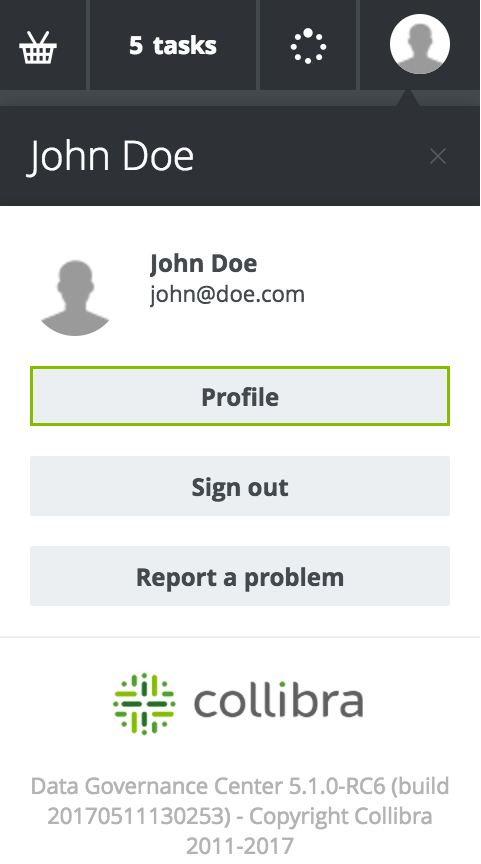
Open another user's profile page
-
In the main menu, click
 , then
  Settings.
The Collibra settings page appears. - Click Users and groups.
The users and groups settings appear on the Users tab page. - Click the username of the user whose profile you want to open.