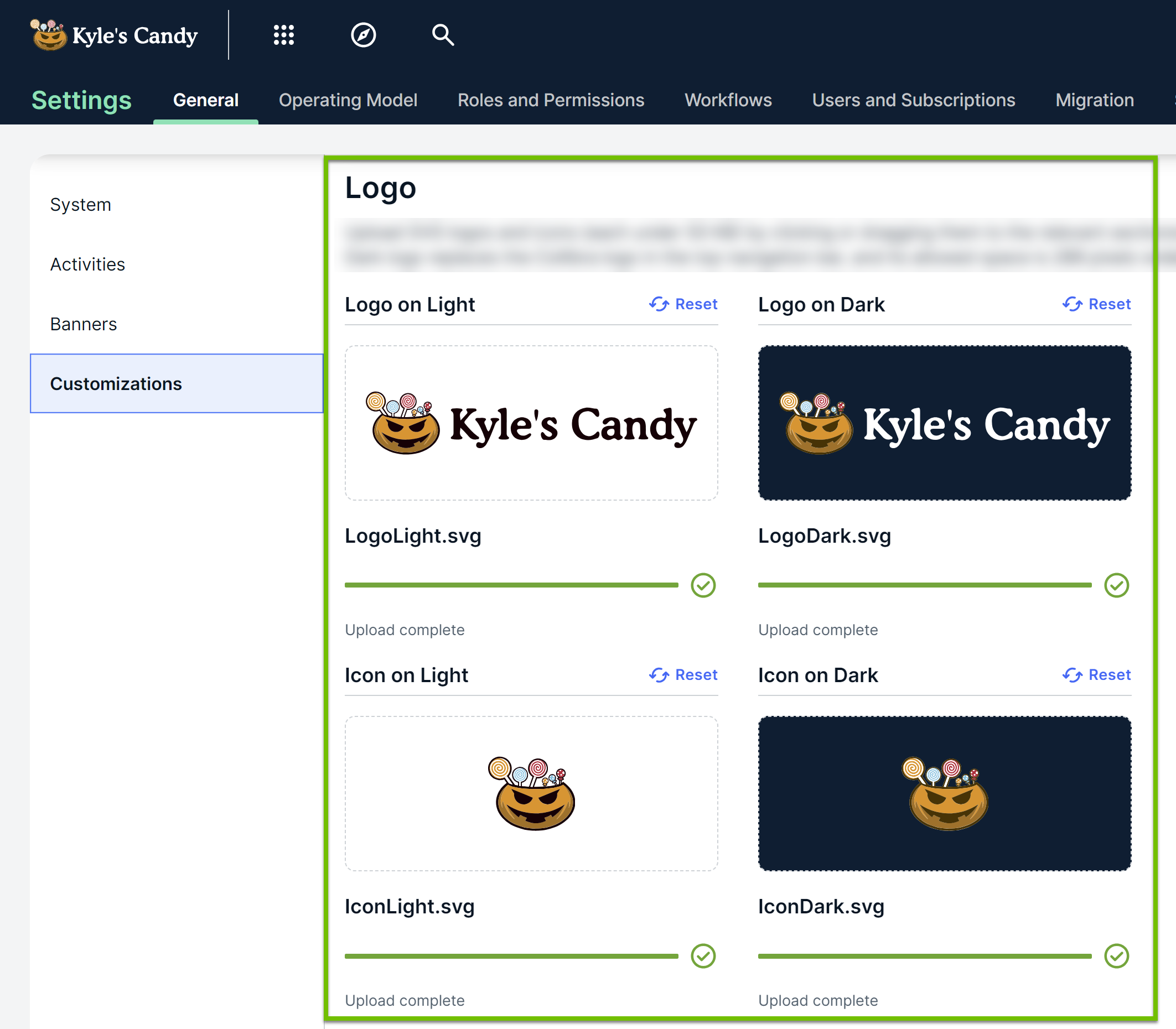
You can replace the default logo and icon in your environment with your own brand imagery via the Logo section on the Custom Theme page.
- The changes you make in the Logo section are instantly applied to your environment, and they are visible to everyone. In other words, you don't need to click Save Customizations. Therefore, ensure that the logos and icons you upload as images don't negatively impact user accessibility. For color contrast guidelines, go to W3C website or the WCAG color contrast checker.
- The logos and icons you upload in the Logo section don't affect the favicon or the loading page icon.
- The Logo section accepts only SVG files with a file size not more than 50 kilobytes.
- If, after uploading an image in a subsection, you want to undo your change, click Reset in the subsection. You don't need to click Save Customizations. The image reverts to the default logo or icon in the environment.
The following table describes the subsections in the Logo section.
|
Subsection |
Description |
|---|---|
| Logo on Light |
Upload the logo intended for a light background by clicking the current logo, and then selecting the required logo. |
| Logo on Dark |
Upload the logo intended for a dark background by clicking the current logo, and then selecting the required logo. Note This logo replaces the Collibra logo in the top navigation bar. The space in which this logo fits is 288 pixels wide and 40 pixels high. |
| Icon on Light |
Upload the icon intended for a light background by clicking the current icon, and then selecting the required icon. |
| Icon on Dark |
Upload the icon intended for a dark background by clicking the current icon, and then selecting the required icon. |