You can request responsibilities for domains and assets if the Request Responsibility feature is enabled in your environment. If this feature is enabled, the Request Responsibility button is shown on the Responsibilities tab of domain and asset pages.
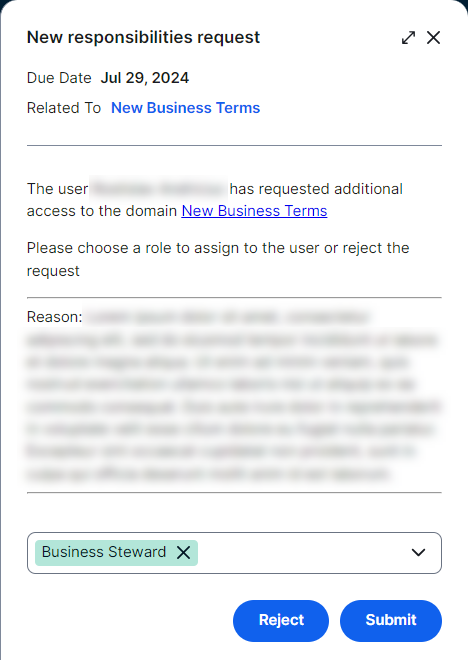
When you request responsibilities for a resource, a task is automatically created for approvers. Approvers are those who have a specific role for the resource, such as Community Managers. An approver can assign one or more roles to you based on your request or reject the request. In either case, you receive an email notification when the task is complete.
Tip
- You can request responsibilities only if you don’t have permission to add responsibilities. If you have the following permissions, the Add button is shown on the Responsibilities tab, instead of the Request Responsibility button, to allow you to add or edit responsibilities.
- Resources > Manage all resources global permission
- Asset or Domain > Responsibilities > Add or Update resource permission
- Unlike workflows, requesting or adding responsibilities doesn't require you to have a role with workflow permissions.