You can edit a data protection standard regardless of its synchronization (sync) status.
When editing a standard whose sync status is Draft, if you don't want to start the sync, you can simply save your changes to the draft by clicking Save Draft instead of Publish.
If you publish a standard whose sync status is Pending, Active, or Failed, the sync restarts.
Prerequisites
- You have a global role that has the Protect > Edit or Protect > Administration global permission.Note If you have the the Protect > Edit global permission, you can edit only the
- You have the Catalog global role. This role is required to view data classifications for selection in a
- You have the permissions to view the assets that are associated with the
Steps
- Open Protect.
- In the table, in the row containing the

The -
Show more information
Field Description Name Enter a name to identify the Optional: Description Enter a description for the Select the Data Category or Data Classification Click Data Category or Data Classification, and then select the data category or data classification that you want to protect.
Tip If the association between the data classification and a column is not yet accepted, the standard ignores the column.Select the masking level that you want to apply to the selected category or classification for protection.
The Summary section shows a summary of the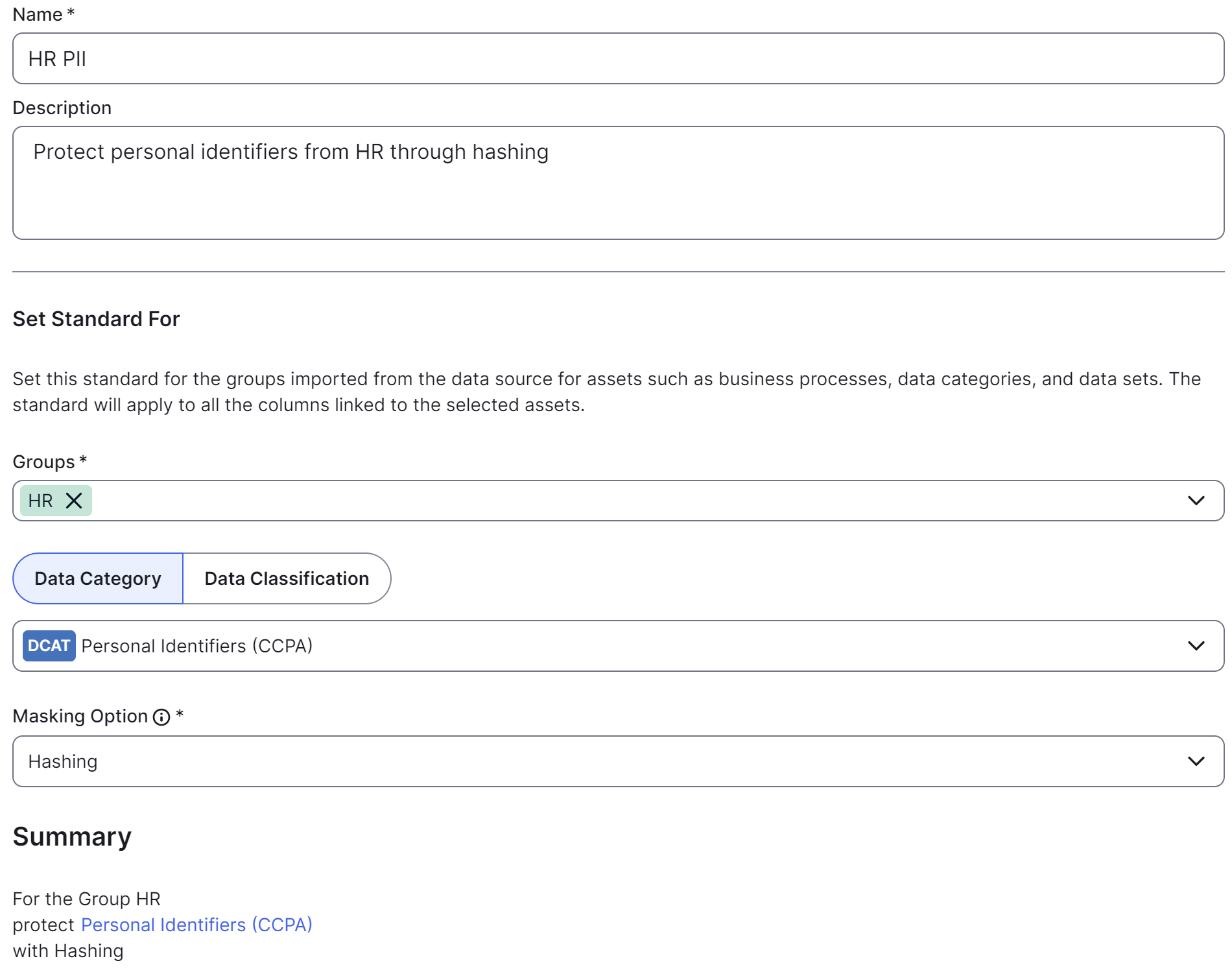
- Click Save Draft (shown only in a draft