Review an Edge or Collibra Cloud site job details
When you run a site capability job, you may need to review key details for reporting or troubleshooting with support. The following information helps you identify the site jobs:
- Site ID: The identification number of the site that ran the job.
- Job ID: The identification number of the job.
How do I find the Edge or Collibra Cloud site ID and Job ID?
To retrieve the Site ID:
- Go to Settings.
- In the Edge section, click Sites.
- Click the name of the site.
- The Site ID is available in the ID field.
Where do I find the Edge or Collibra Cloud site Job ID?
There are 3 locations where you can find the Job ID:
- The Jobs dashboard on Edge.
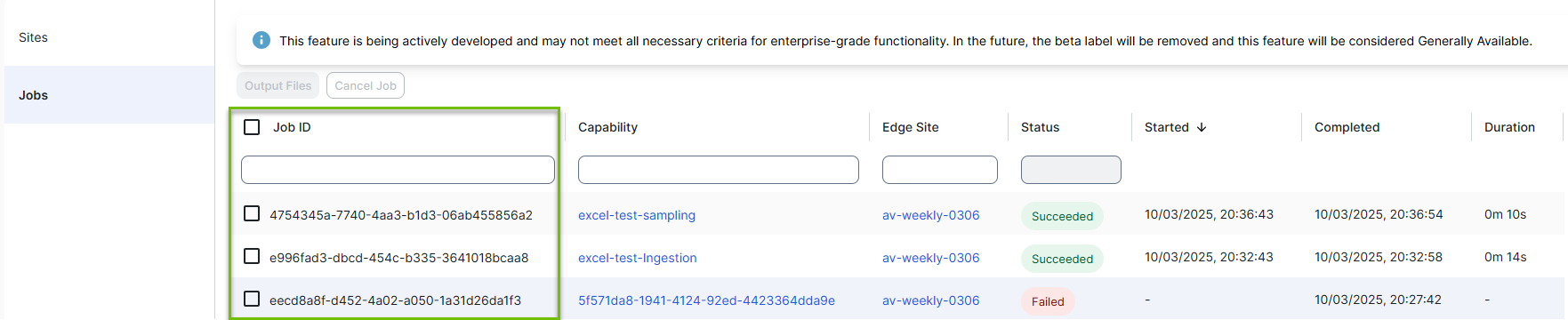
- The Job tab of the site where the capability was run.
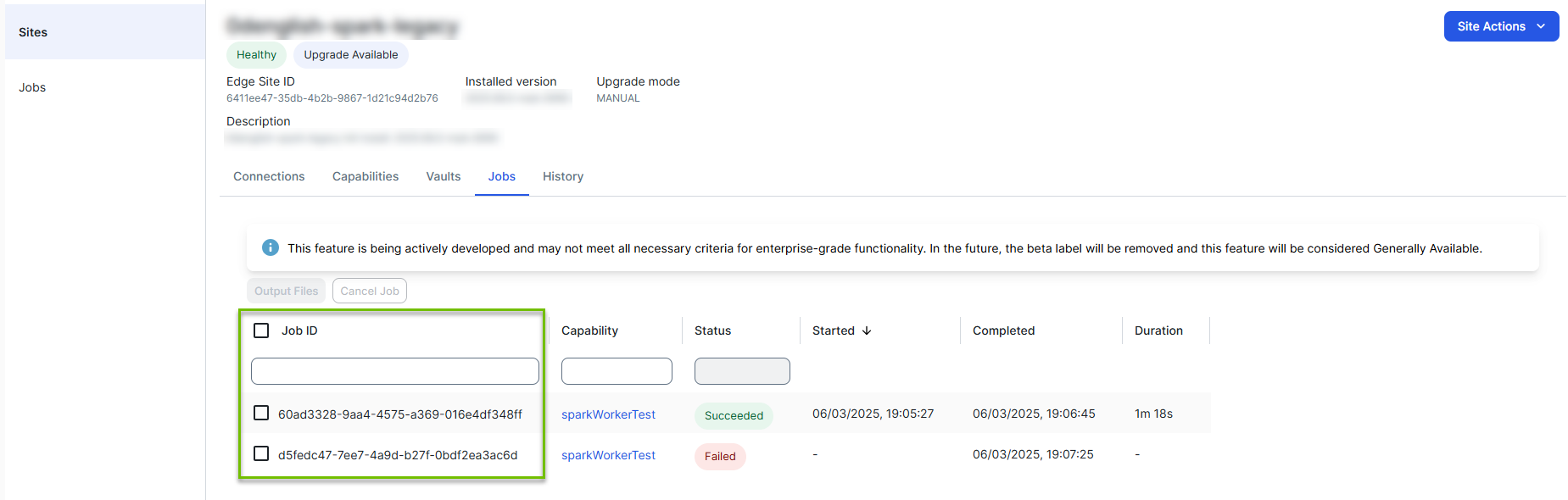
- The Synchronization Results page in your Collibra Platform.