Important
In Collibra 2024.02, we've launched a new user interface (UI) in beta for Collibra Data Intelligence Cloud! You can learn more about this latest UI in the UI overview.
Use the following options to see the documentation in the latest UI or in the previous, classic UI:
As a regular user, you can open your own profile page. Administrators can open everybody's profile page.
Prerequisites
If you want to open the profile page of another user, you have a global role with the User Administration or the System Administration global permission, for example Sysadmin.
Open your own profile page
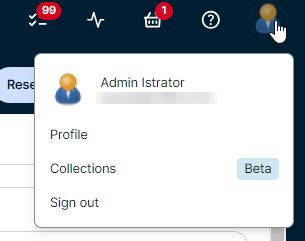
- Click your avatar, then Profile.
Your profile page appears.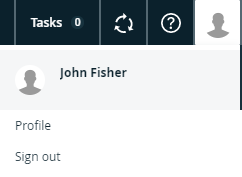
Open another user's profile page
-
On the main toolbar, click
 , and then click
 Settings.
The Collibra settings page opens. - Click Users and groups.
The Users tab showing the user and group settings appears. - Click the username of the user whose profile you want to open.