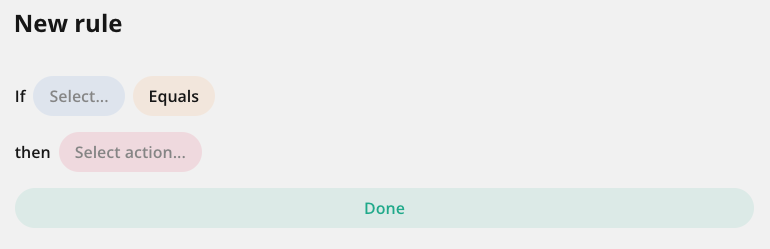
The following table describes the fields shown on the Template Logic tab.
|
Field |
Description |
|---|---|
|
Select... |
Field that determines whether or not the action (visible, editable, required) will happen. |
|
Equals / All of |
Logical operator. All or some of the following, based on the type of the selected field:
|
|
Value |
Answer in the field that determines whether or not the action will happen. |
|
Add Condition |
Add additional conditions. This is shown only after you configure the first condition. |
|
Select action... |
Action that happens if all conditions are met. |