After you install an Edge site or are granted a Collibra Cloud site, you can create a connection to SAP AI Core.
Do you use a vault?
|
You can use a vault to add your data source information to your Edge site connection. Check the connection property table below to see which information is available for your vault. Vaults are not available for Collibra Cloud sites. |

No vault

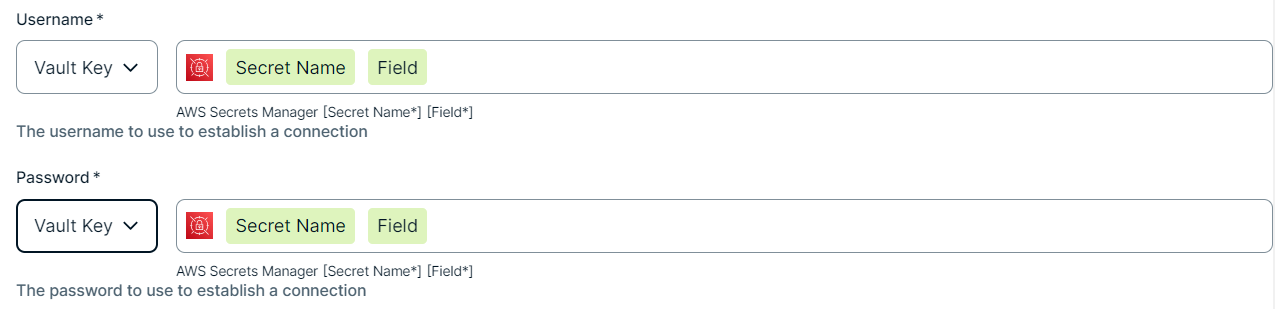
AWS Secrets Manager

Azure Key Vault

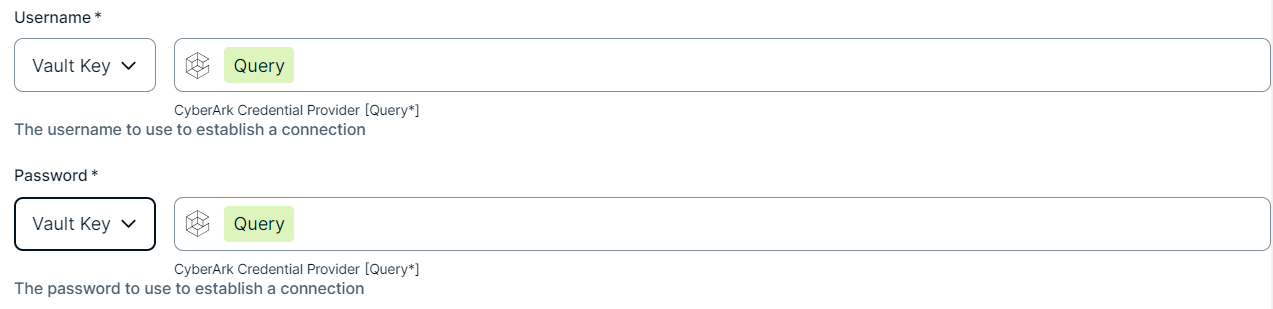
CyberArk Vault

Google Secret Manager

HashiCorp Vault
|
|
|
|
||
|
How to use your vault...
To use your vault, do the following:
To use your vault, do the following:
To use your vault, do the following:
To use your vault, do the following:
To use your vault, do the following:
|
||



Prerequisites
In your Collibra environment
-
You Note
If you have defined an outbound (forward) proxy on your Edge site, the integration will take that configuration into account when connecting to the AI platform. The following proxies are supported, using either a HTTP or HTTPS proxy URL:
- Pass through (No authentication)
- Pass through (Basic authentication)
- No proxy for noProxy hosts defined by Edge
This integration is not supported on Edge sites installed using a Man-in-the-middle (MITM) proxy.
- You have added a vault to your Edge site.Note Vaults are not supported on Collibra Cloud sites.
- If your data source connection requires a file from your vault, the file must be encoded into Base64 and stored as a regular secret in your vault.
- You have a global role that has the Manage connections and capabilities global permission, for example, Edge integration engineer.
In your SAP AI Core environment
You have the following SAP AI Core permissions:
- Your SAP BTP administrator has access to a global account on SAP Business Technology Platform. For more information, go to the SAP documentation Getting a Global Account.
- Your SAP BTP administrator has set the entitlement to a subaccount.
For more details, go to the SAP AI Core Initial Setup in the SAP AI Core documentation.
Steps
- Open a site.
-
On the main toolbar, click
 →
→
 Settings.
The Settings page opens. -
In the tab pane, click Edge.
The Sites tab opens and shows a table with an overview of your sites. - In the table, click the name of the site whose status is Healthy.
The site page opens.
-
On the main toolbar, click
- In the Connections section, click Create connection.
The Create connection page appears. - Select the SAP AI Core connection to connect to SAP AI Core.
- Enter the required information.
Field Description Required Available for vaults? Name The name of the Edge or Collibra Cloud site SAP AI Core connection.
 Yes
Yes No
No
Description The description of the connection.
No
No
Vault The vault where you store your data source values. No
No
SAP AI Core URL The URL to your SAP AI Core API.
You can find this in your SAP AI Core API service key, labeled as
AI_API_URL. Add/v2on the end of the URL when you create your Edge or Collibra Cloud site connection. For example:AI_API_URL/v2 Yes Yes Token URL The token URL of your OAuth client.
You can find this in your SAP AI Core API service key, labeled as
url. Add/oauth/tokenon the end of the URL when you create your Edge or Collibra Cloud site connection. For example:url/oauth/token Yes Yes Client ID The username you use to access the SAP AI Core API.
Yes Yes Client secret key The secret key you use to access the SAP AI Core API.
Yes Yes - Click Create.
The connection is added to the Edge or Collibra Cloud site.
The fields become read-only.
You can now add the SAP AI Core capability to an Edge or Collibra Cloud site.