About the diagram preview pane
The preview pane offers a quick overview of the node when you select it in a diagram or when you click  Toggle preview in the diagram toolbar.
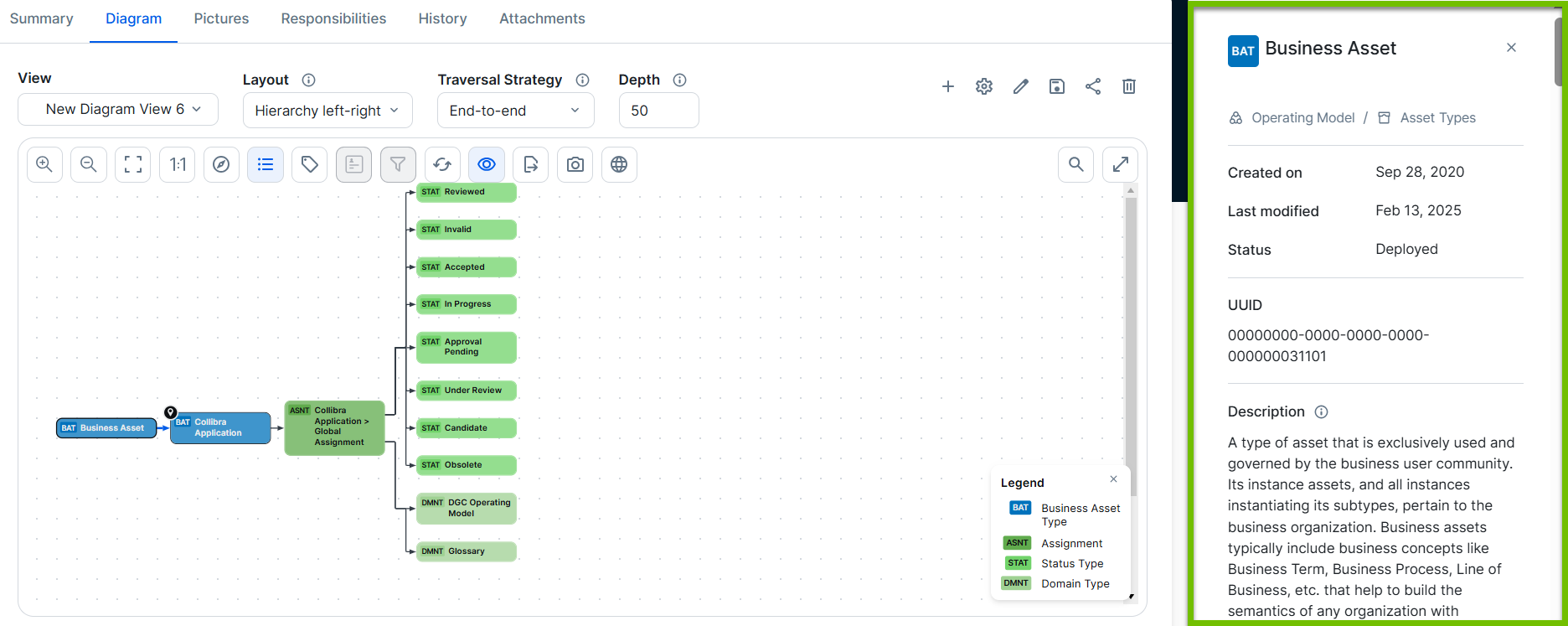
The content of the preview pane depends on the type of node that you select in the diagram:
- Assets:
- Breadcrumbs.
- Name of the asset.
- Asset type code or icon, as per the Edit an asset type.
Tip You can hover over the code or icon to view the asset type.
- Status.
- Created on.
- Last modified.
- All assigned characteristics.
- People responsible for the asset.
Tip Use the Show names switch to view the people's full names alongside their avatars. Collibra remembers your last selection and preserves it across sessions.
- Tags.
- Complex relations:
- All assigned characteristics.
- Last modified by (user), with date and time.
- Created by (user).
The diagram uses the general asset preview, which shows the contents of the first section of an asset layout and key roles. To show a preview for relations, you must include it in the Overview section of your tailored asset page using the The asset layout editor.