Use Slack with CPSH
Once the Slack integration is set up, you can start using Slack with CPSH to:
- Receive CPSH notifications in Slack.
- Reply to CPSH comments in Slack.
- Search for CPSH data in Slack.
- Share CPSH assets in Slack.
These features are available in the CPSH app in Slack in the Apps section.
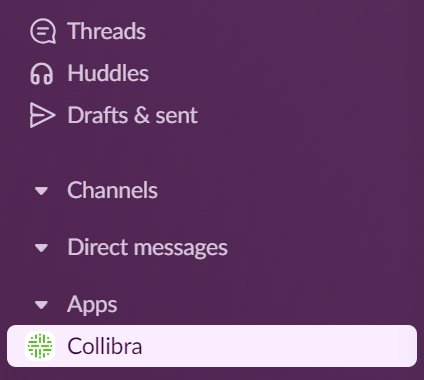
Note For more information about using Slack with CPSH data, enter /collibra help in the Slack message bar.
Receive notifications
You receive notifications in Slack for specific alerts and actions in the Collibra Platform. The text in a Slack notification is the same as that in a CPSH email.
Note Slack removes any unsupported formatting from a comment, but it remains visible in CPSH.
Reply to comments
You can reply to resource and assessment comments via Slack.
- You can’t reply to a deleted message.
- If a comment is resolved, you need to reopen it in CPSH before replying.
- In the CPSH app in Slack, click Reply next to the comment.
A dialog box appears. - Enter your comment, and then click Submit.
A green checkmark is shown in Slack to indicate that you replied. Your reply is shown on the resource or assessment page in CPSH.
Search for CPSH data
You can search for CPSH data in Slack using the /collibra search prompt in a direct message or channel. The search results are identical to those from the search page in Collibra Platform Self-Hosted. You can search for only asset categories. You can't search for users, user groups, domains, or communities.
- In the Slack message bar, enter
/collibra searchand a search parameter, for example,/collibra search report.
A dialog box shows the results. - If needed, filter the results by asset type or tag.
- To share the results, click Share. Otherwise, click Close.
Share assets
When you share an asset, a link to the asset is shown in the Slack notification. You can share only assets. You can't share users, user groups, domains, or communities.
- In the Slack message bar, enter
/collibra searchand a search parameter, for example,/collibra search report.
A dialog box shows the results. - If needed, filter the results by asset type or tag.
- Click Share.
A notification is sent to the CPSH app in the Slack workspace indicating which asset was shared and by whom.