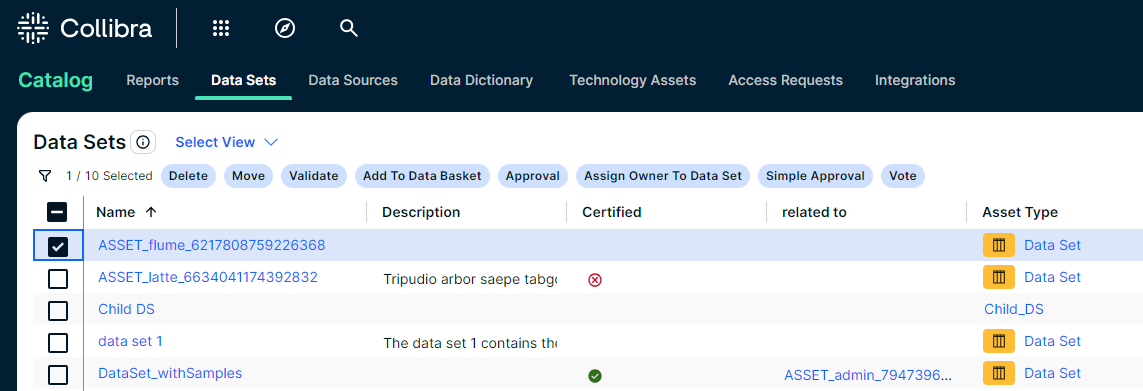
The Data Sets overview page contains the data sets that are available in Collibra Platform Self-Hosted. You can view the data sets in tile display mode or table display mode.
Tile display mode
- Click a data set title to open its details.
- Select the checkbox in the tile to select the data set.
The list of actions that you can perform is displayed.
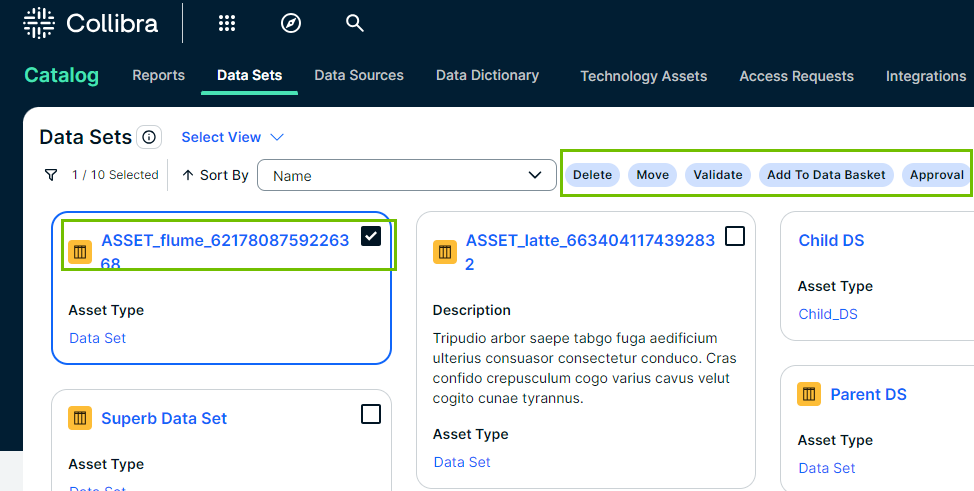
Table display mode
- Click a name of the data set to open its details.
- Select one or more data sets.
The list of actions that you can perform is displayed.