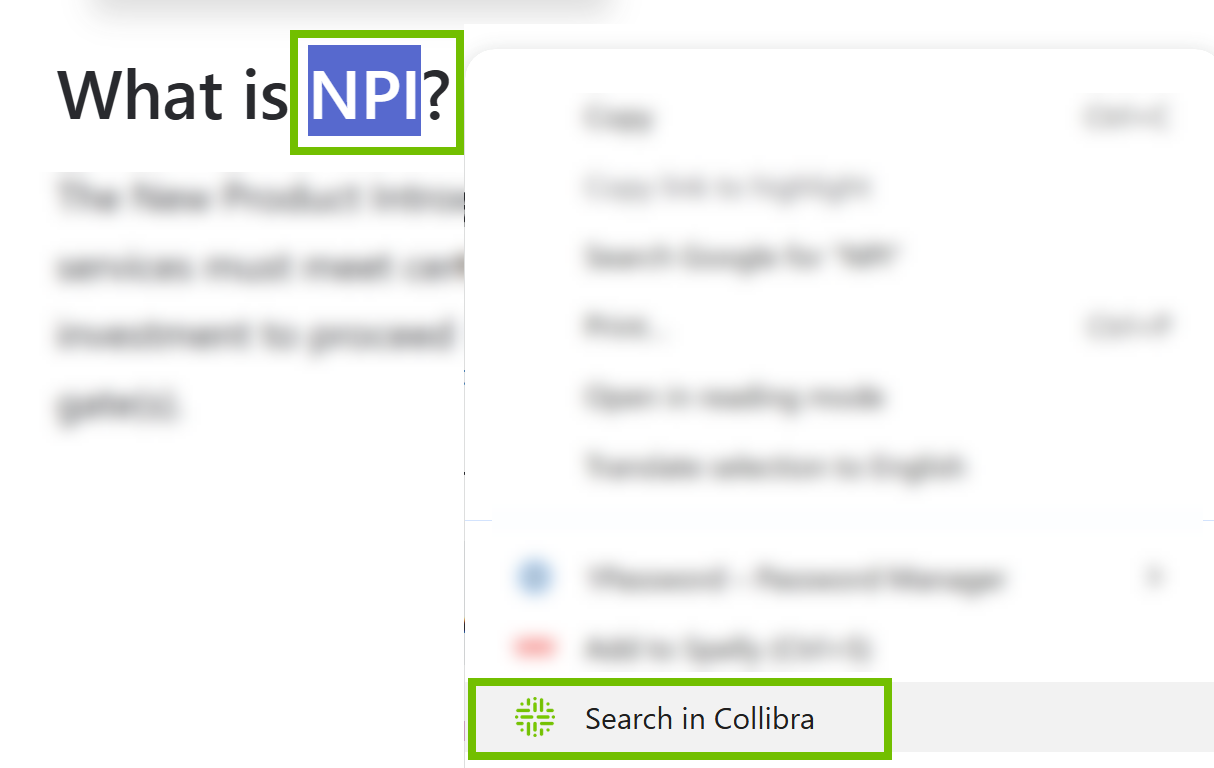
After Collibra Browser Extension is configured, you can perform a search from any page against your Collibra Platform Self-Hosted by simply selecting the text, right-clicking it, and then selecting Search in Collibra.
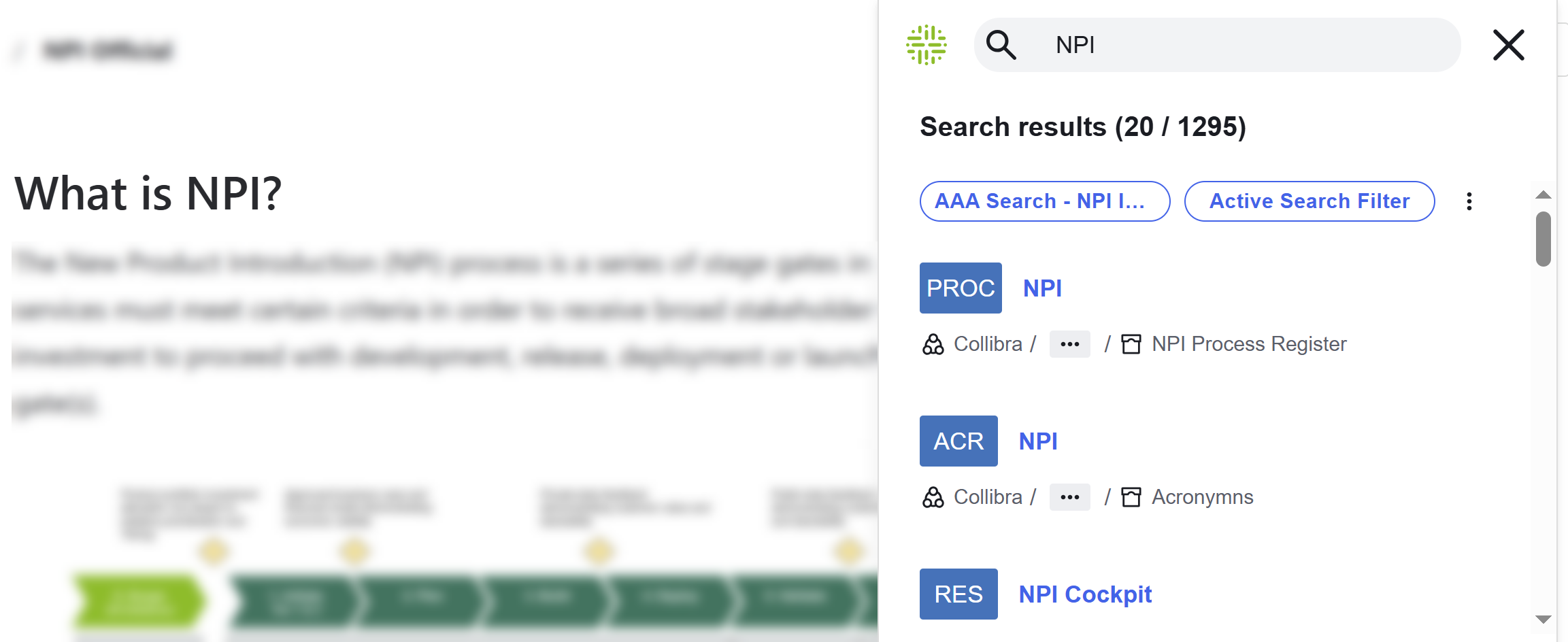
Search results from your Collibra Platform Self-Hosted appear on your page. The Search results window shows the saved filters from CPSH as filter buttons. If a saved filter includes custom filter facets, such as those based on relations and attribute types, the custom filter facets are excluded from the filter when used in the Browser Extension.