Add connection values from CyberArk Vault
You can use your CyberArk vault to add your data source information to your Edge site connection.
Prerequisites
Steps
To use your vault, do the following:
- In the Value Type field, select Vault Key.
- Enter the query value to identify the secret in your vault.
Example
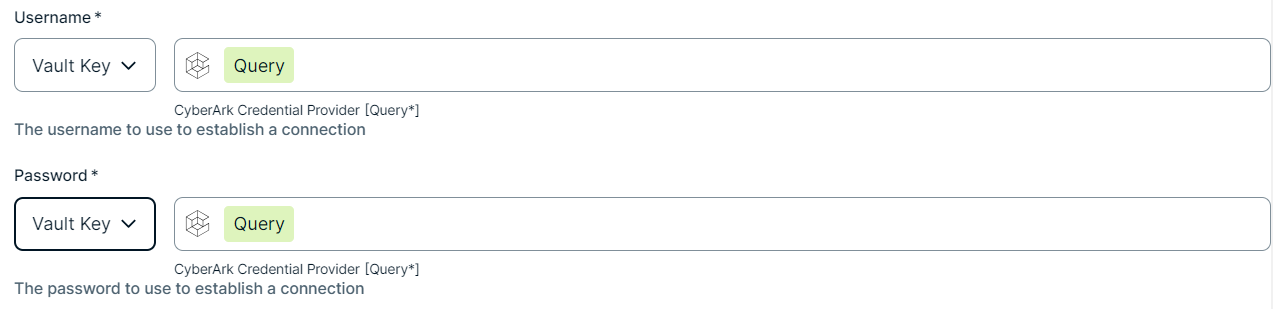 Note The Query must be a string containing the properties required to identify the secret. Each property must be separated by a semicolon (;). For example: Safe=<SafeName>;Folder=<FolderName>;Object=<ObjectName>
If a property is a folder with sub-folders, use a backslash (\) to define the folder path. For example: Folder=Root\Top Secrets\More Secrets
For more information about query formats and supported properties, go to the CyberArk Credential Provider documentation.