SAP S/4HANA objects are mapped to Collibra assets during synchronization. Once synchronization is completed, you can explore asset attributes or metadata synchronized per asset type.
After the synchronization, Database, Schema, Table, Database View, and Column assets become available in Collibra.
If a temporary communication issue results in a partial synchronization, the status of the assets that were not synchronized becomes Missing from source. If the assets are identified in the source system during the next fully successful synchronization, the status behavior depends on the nature of the failure:
- If synchronization of the asset was interrupted during processing, the previous status is restored.
- If synchronization of the asset did not start, the status is reset to the first default status configured in the asset's lifecycle.
Asset naming convention
The assets created when integrating SAP S/4HANA receive a unique full name (fully qualifying name) based on the following naming convention:
| Asset type | Naming convention | Example |
|---|---|---|
| System | systemName | my-sap-s4hana-system |
| Database | systemFullName>databaseName | my-sap-s4hana-system>S4HANA |
| Schema | databaseFullName>schemaName | my-sap-s4hana-system>S4HANA>S4HANA |
| Table | schemaFullName>tableName | my-sap-s4hana-system>S4HANA>S4HANA>A001 |
| Database View | schemaFullName>viewName | my-sap-s4hana-system>S4HANA>S4HANA>COPENDISPUTECASE |
| Column | tableFullName>columnName(column) | my-sap-s4hana-system>S4HANA>S4HANA>A001>MANDT(column) |
Synchronized metadata per SAP S/4HANA asset type
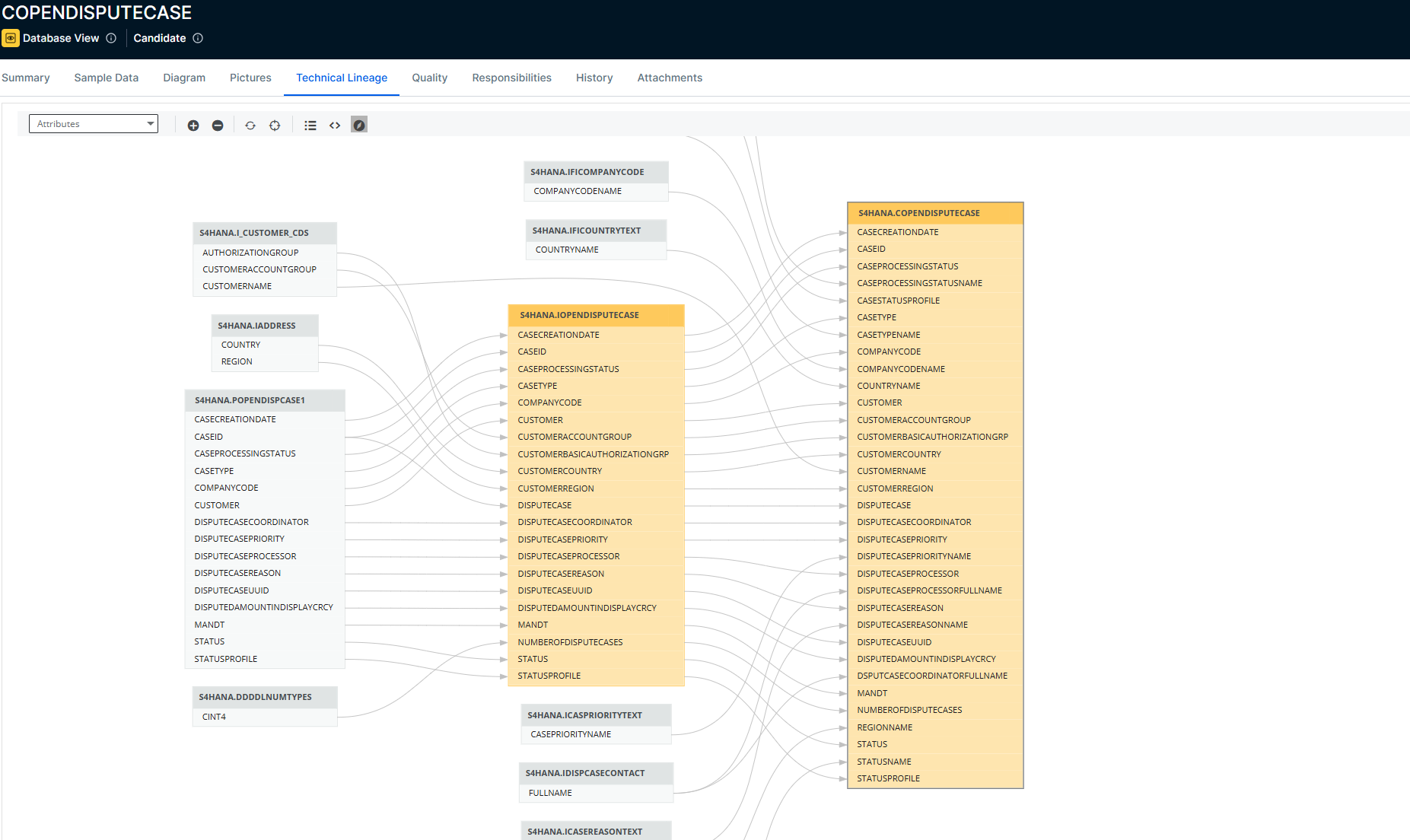
The table below lists the metadata for each integrated SAP S/4HANA asset type. The following image shows technical lineage from SAP S/4HANA. You can enable technical lineage in the SAP S/4HANA integration settings.
|
Asset type |
Synchronized metadata |
Public ID |
|---|---|---|
| Database |
Technology Asset groups / is grouped by Technology Asset |
TechnologyAssetHasSchema |
| Schema | Technology Asset has / belongs to Schema | TechnologyAssetHasSchema |
| Table |
Description from source system |
DescriptionFromSourceSystem |
| Table Type | TableType | |
| Schema contains / is part of Table | SchemaContainsTable | |
| Database View |
Description from source system |
DescriptionFromSourceSystem |
| Table Type | TableType | |
| Schema contains / is part of Table | SchemaContainsTable | |
| Column |
Description from source system |
DescriptionFromSourceSystem |
| Size | Size | |
| Column Position | ColumnPosition | |
| Is Nullable | IsNullable | |
| Is Primary Key | IsPrimaryKey | |
| Primary Key Name (if the column is the primary key) | PrimaryKeyName | |
| Original Name | OriginalName | |
| Default Value | DefaultValue | |
| Is Generated | IsGenerated | |
| Is Auto Incremented | IsAutoIncremented | |
| Char Octet Length | CharOctetLength | |
| Number Of Fractional Digits | NumberOfFractionalDigits | |
|
Technical Data Type Tip
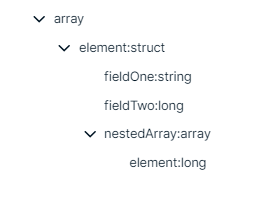
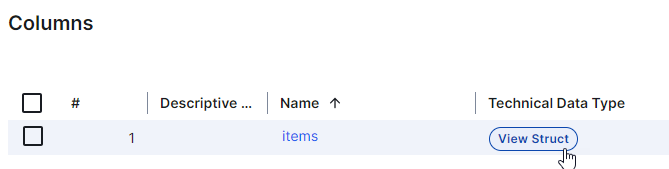
You see the technical data type in the Technical Data Type field in the At a glance sidebar of the Column asset. If the At a glance sidebar is hidden, click |
TechnicalDataType | |
| Column is part of / contains Table | ColumnIsPartOfTable |
 . For columns that have a structured technical data type, Array or Struct, click the hyperlink to see the structure of the data in a dialog box. In other locations, for example, in Table assets, click the