Manually start the asset lifecycle
Note
- The Lifecycle management feature is currently only available for select asset types. If the feature is available for an asset type, the Activate Lifecycle tracker option is shown in the Lifecycle tab of the asset type's global assignment.
- When you register a new AI agent or deployed AI model via the Register AI Agent or Register AI Model button, the lifecycle starts automatically. However, for any AI Agent or Deployed AI Model assets that were created via other means, such as the Create button, import, or integration, you have to manually start the lifecycle.
- The lifecycle of AI Use Case assets starts automatically when an asset is created. The exception is if you configure the Register AI use case button to start a custom workflow, as described in Set up AI Governance. In this case, you will need to manually start the asset lifecycle for any newly created AI Use Case assets. There is currently no way around this.
When an asset lifecycle starts, the Lifecycle tracker appears on the asset page, along with the default (or configured) assessments and sign-off activities.
Requirements and permissions
- You have a global role with the Product Rights > Assessments global permission. The out-of-the-box AI Business User and Data Scientist global roles have this permission.
- You have a resource role with the following resource permissions, for the asset (or for the community or domain in which the asset exists), for example Business Steward:
- Asset > Update Status
- Asset > Responsibilities > Add
Steps
- Open the relevant asset page.
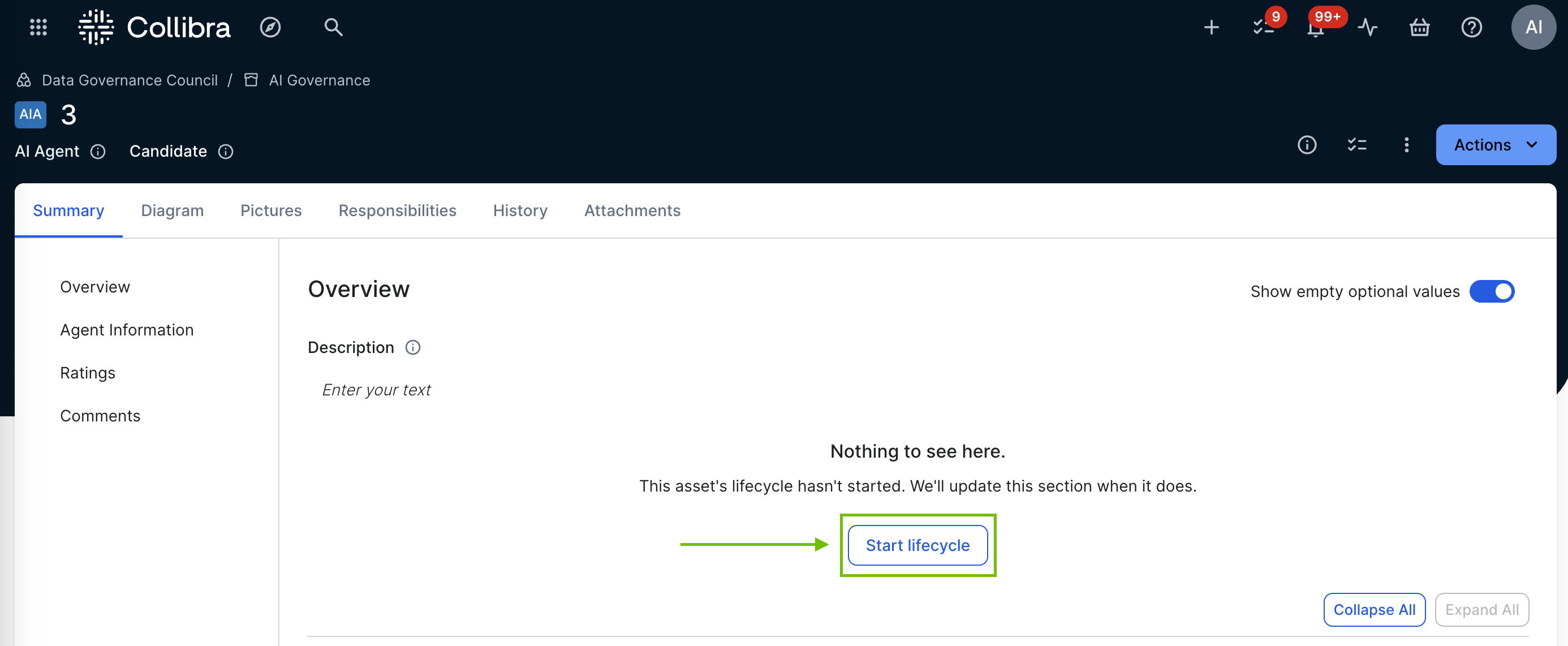
- Click Start lifecycle.
The Start lifecycle for <name> dialog box appears. - Enter the required information.
Option Description Owner A user or user group to act as Owner for the asset.
Owners are responsible for assigning tasks, managing activities, and guiding the asset through its lifecycle.
- Click Start.
The Lifecycle tracker is populated with the relevant assessment types and sign-off activities.
The specified Owners are sent an email notifying them that the lifecycle has started.