In Collibra 2024.02, we've launched a new user interface (UI) in beta for Collibra Data Intelligence Platform! You can learn more about this latest UI in the UI overview.
Use the following options to see the documentation in the latest UI or in the previous, classic UI:
The Governance option is available in the PROPERTIES section on the Template Designer tab.
The Governance option is available in the Assessment Settings section on the Template Designer tab.
The Governance option of an assessment template determines whether or not an assessment conducted from the template will create an asset in your Collibra environment and trigger the Assessments Approval workflow.
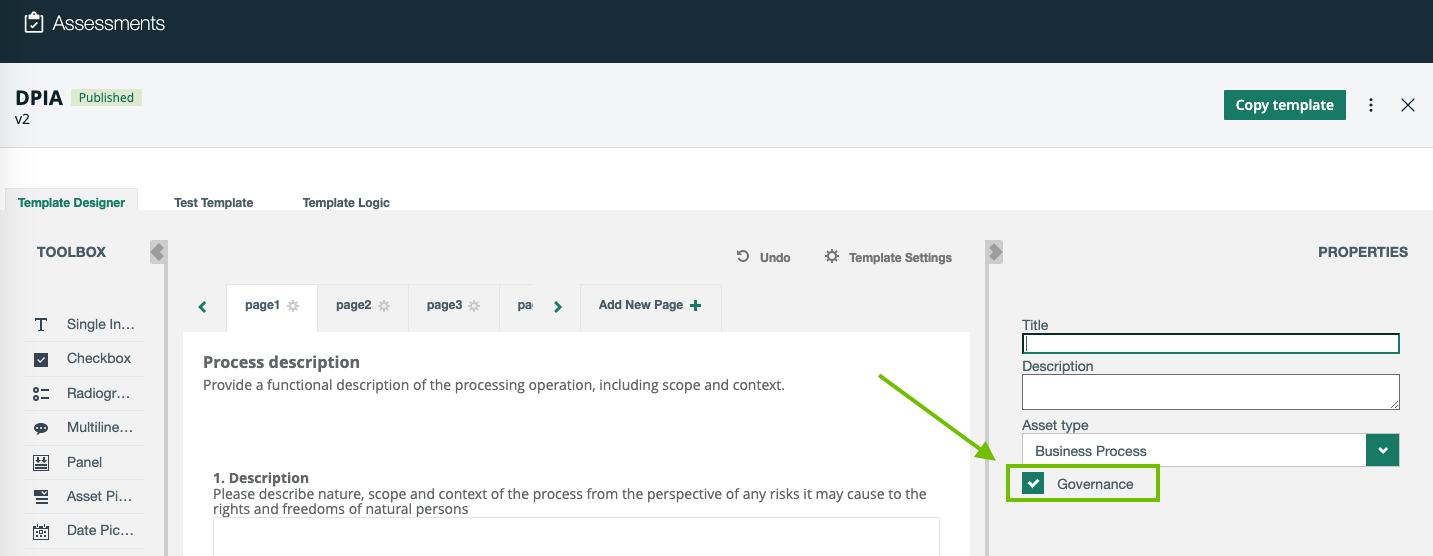
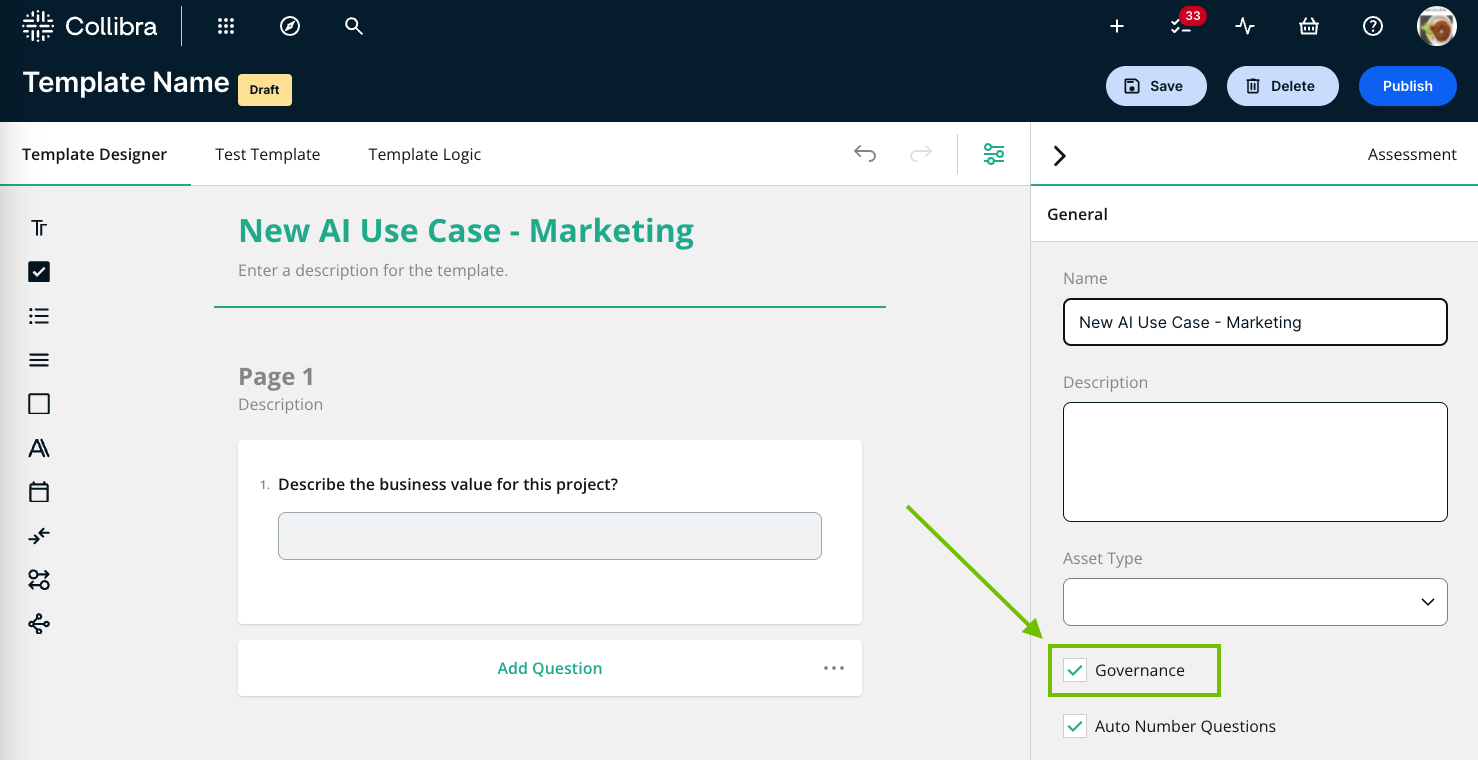
The Governance option enables the automatic creation of an asset in Collibra to represent an assessment in Collibra Assessments when the assessment is submitted. The assessment asset created in Collibra can be linked to other assets, for example, Business Process or Data Category.
What happens if the Governance option is selected or cleared?
The following table describes the outcome of selecting and clearing the Governance option on an assessment template.
| Status | Description |
|---|---|
| Selected |
When you conduct an assessment that uses the template, the Submit button is available. When you click Submit:
|
| Cleared |
When you conduct an assessment that uses the template, the Complete button is available. When you click Complete:
|