Access a community, domain, asset view, or dashboard
You can access a community, domain, asset view, or dashboard via the Browse pane.
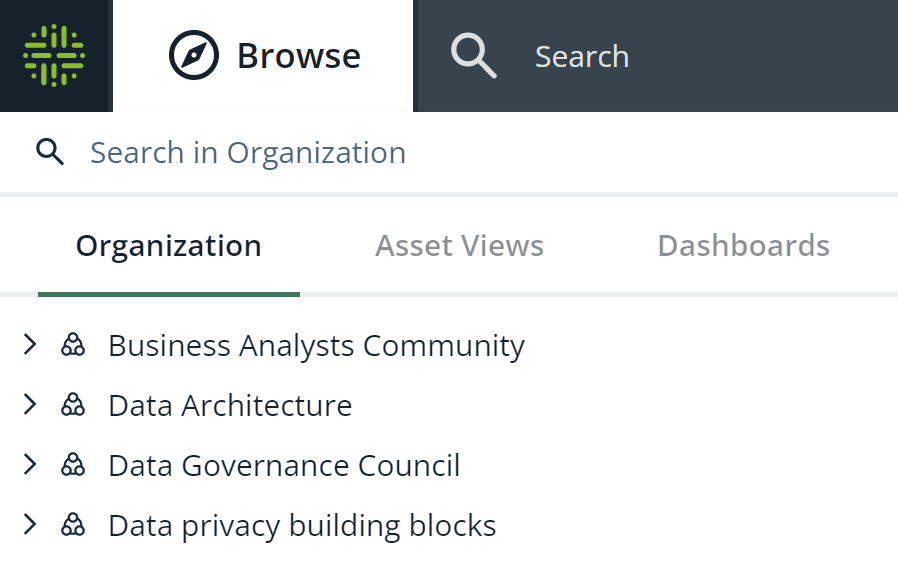
The Browse pane provides an overview of the following:
- All communities and domains on the Organization tab.
By default, the Organization tab shows only the top-level communities. To view the subcommunities and domains in a community, click
 next to the community name. When you click a community or domain, the corresponding community or domain page appears. This page contains the community or domain details and allows you to make changes.
 - All pinned asset views on the Asset Views tab.
- All dashboards on the Dashboards tab.
Tip You can search for a community, domain, asset view, or dashboard by using the search field.