Create a hyperlink to an asset
You can manually create hyperlinks to assets.
Tip Collibra Data Intelligence Cloud can also create hyperlinks automatically.
Steps
- Open an asset page.
- Double-click a text attribute, for example the definition, to edit the text.
- Select the text to transform into a hyperlink.
- On the Edit toolbar, click
 (Insert/edit link) → Link to asset.
 - In the Assets field, start typing the name of the asset to which you want to link.
The assets are filtered as you type.Tip To help you identify the correct asset, the domain of each asset is shown below the asset name.
- Click the asset to which you want to link.
Note You can link to multiple assets, in which case, all links are shown when you click the link. You can then select which one to follow.
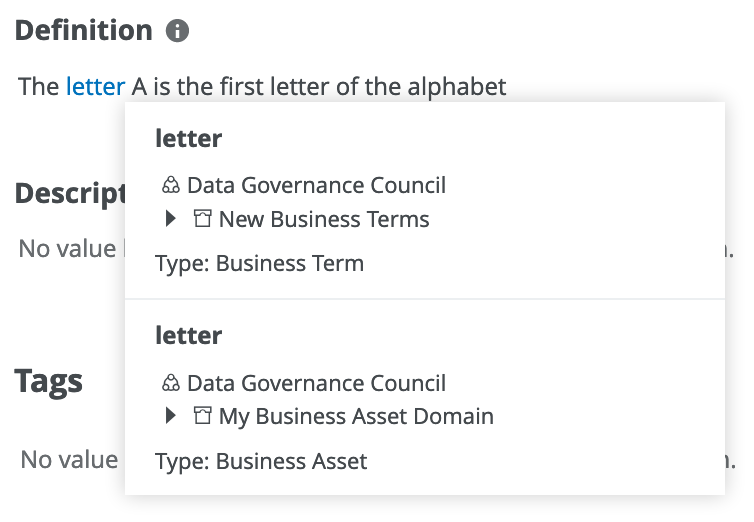
- Click Save, to save the hyperlink.
- Click Save, to save the content of the text field.