Download job output files
You can download the output file of a JDBC job, which contains logs you can provide to support if a job has failed. Only completed jobs are available for download.
Prerequisites
- You have Edge View Log permission.
- You have jobs which have been completed.
Steps
- Open an Edge site.
-
On the main menu, click
 , and then click
 Settings.
The Collibra settings page opens. -
In the tab pane, click Edge.
The Sites tab opens and shows a table with an overview of the Edge sites. - In the table, click the name of the Edge site whose status is Healthy.
The Edge site page opens.
-
On the main menu, click
- Click Jobs.
- Select the checkboxes next to the jobs you want to download the output file for.
- Click View Output Files.
The View Output Files window appears.Tip If you select the checkbox next to a job which has been canceled or has not been completed, the View Output Files window is empty. - Click
 to download the job output file.

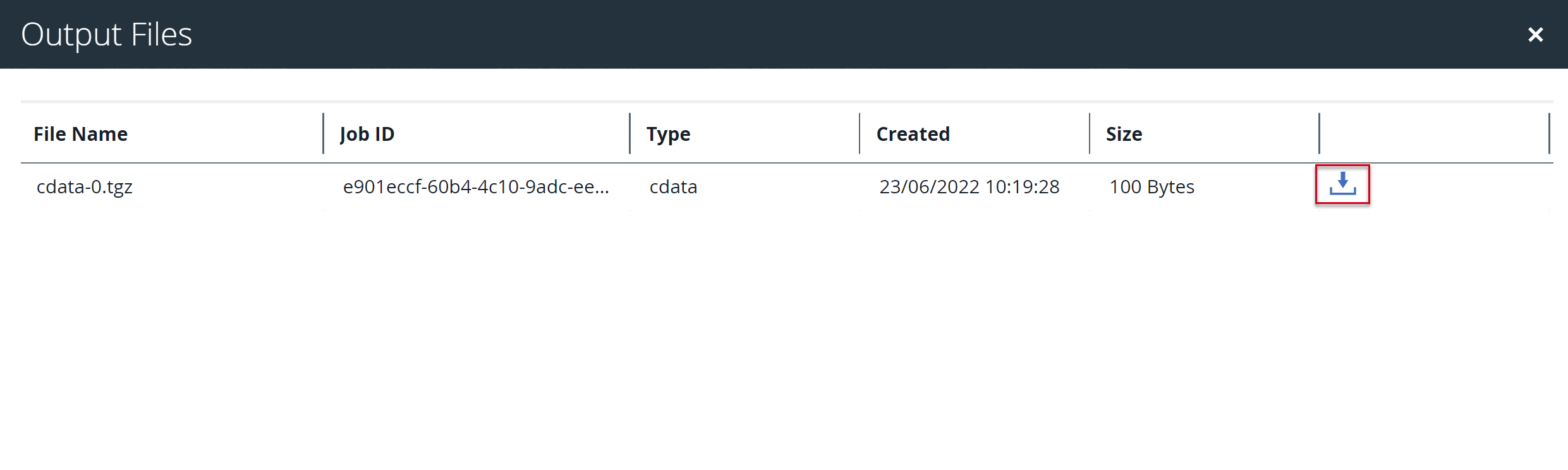
Your downloaded job output file is now available to review from your local drive.