You can propose a new asset via the Privacy Dashboard.
Steps
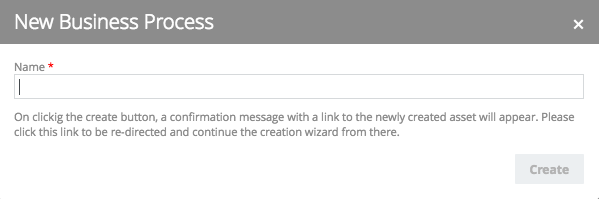
- On the Privacy Dashboard, click the relevant workflow button, for example New Business Process.
- Enter a name for the new asset.
An asset with the status New is created in the default domain. - Go to the asset page of the newly created asset.
- Click Continue, to continue to launch the next form in the workflow wizard.


In this example, the New Business Process workflow wizard appears.