As a regular user, you can open your own profile page. Administrators can open everybody's profile page.
Prerequisites
If you want to open the profile page of another user, you have a global role with the User Administration or the System Administration global permission, for example Sysadmin.
Open your own profile page
- Click your avatar, then Profile.
Your profile page appears.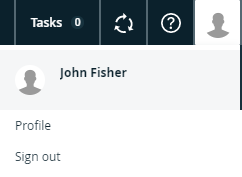
Open another user's profile page
-
On the main menu, click
 , and then click
 Settings.
The Collibra settings page opens. - Click Users and groups.
The Users tab showing the user and group settings appears. - Click the username of the user whose profile you want to open.