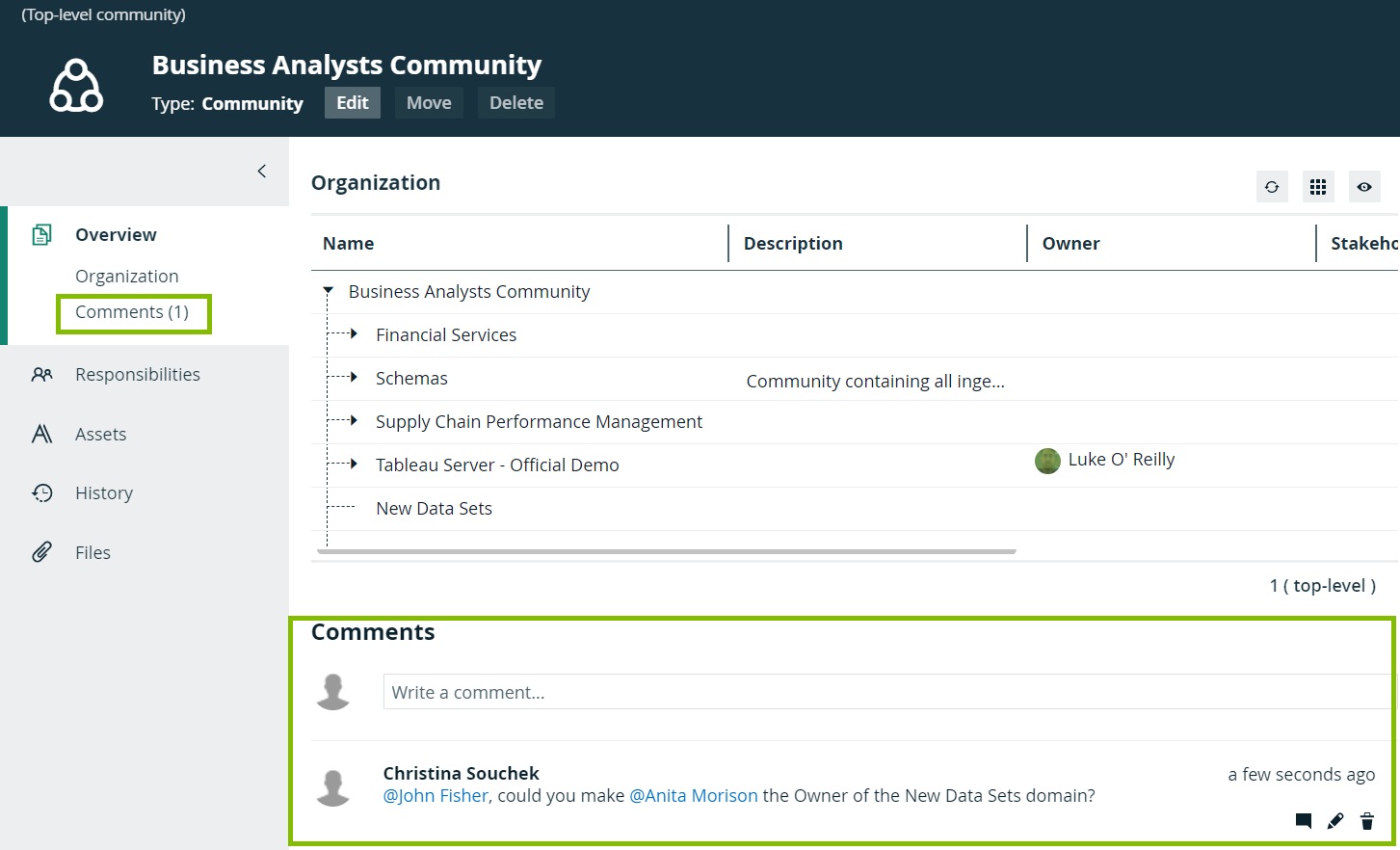
You can discuss a community, domain, or asset via comments. For example, if you want to discuss the attributes of an asset or propose related assets, you can do so via comments.
Comments are shown on the Overview or Details tab of a community, asset, or domain page. Depending on your permissions, you can add a comment, reply to a comment ( ), edit your comment (
 ), and delete your comment (
 ).
).
- Note
- To add a comment, you must have the following resource permission: Comment > Add
- To edit your comment, you must have the following resource permission: Comment > Update
- To delete your comment, you must have the following resource permission: Comment > Remove
- Adding, editing, or deleting a comment does not change the last modified date of the community, domain, or asset.