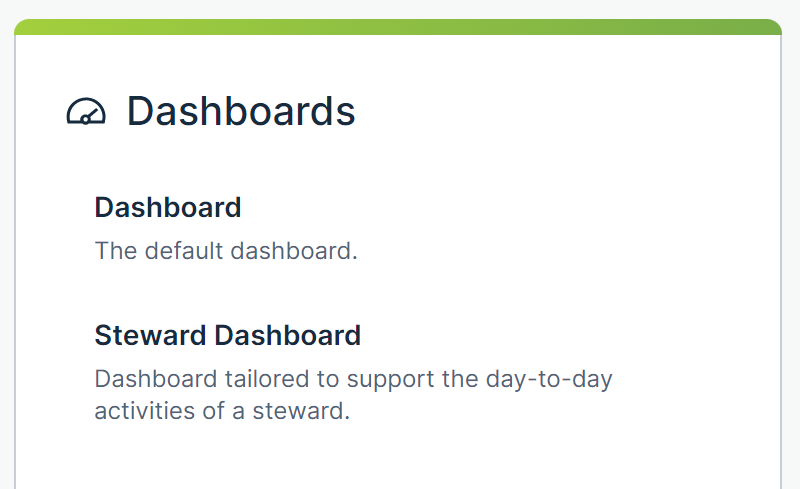
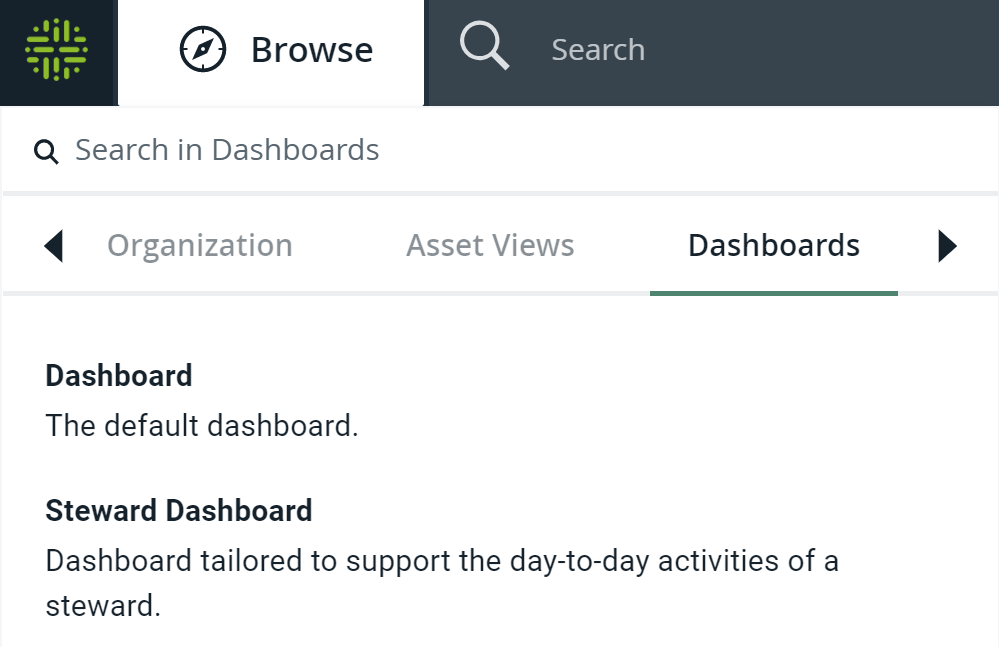
The way in which you can access a dashboard depends on if the Homepage is enabled or disabled.
With the Homepage disabled
If the Homepage is disabled, you can access a dashboard on the page that is shown either when you sign in to Collibra or when you click  . This page contains the following:
-
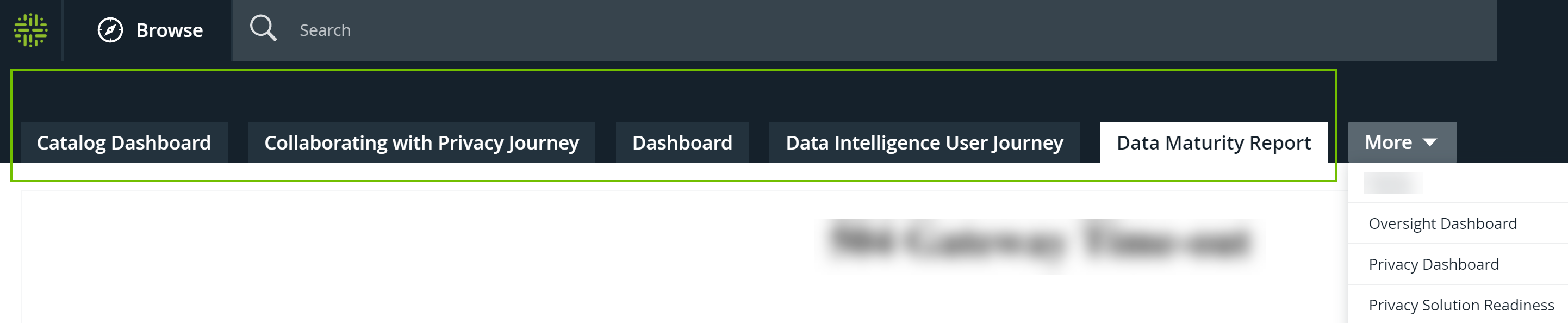
The dashboard tab bar, which shows up to five pinned dashboards in alphabetical order.
-
The More menu, which shows all the remaining dashboards.
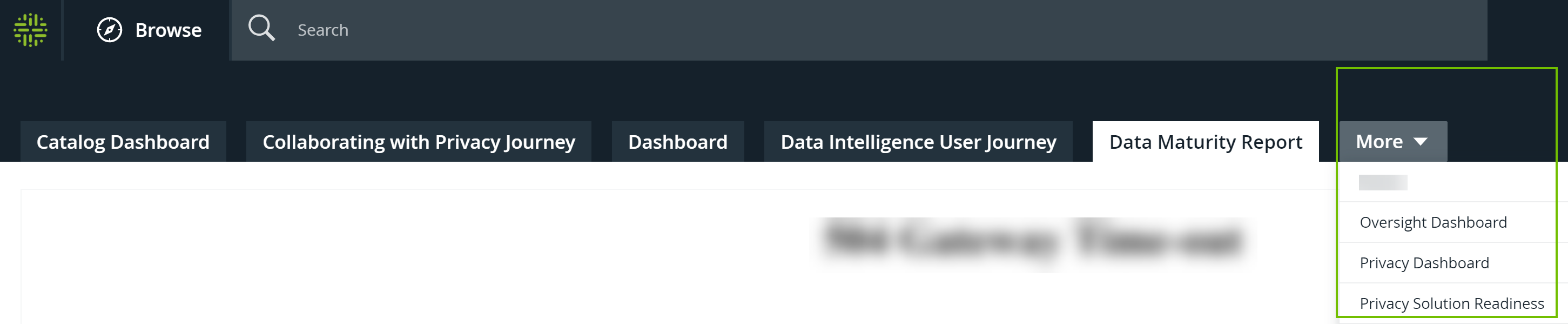
Note The default dashboard is opened by default.
With the Homepage enabled
If the Homepage is enabled, you can access a dashboard via the following: